0978-0KF
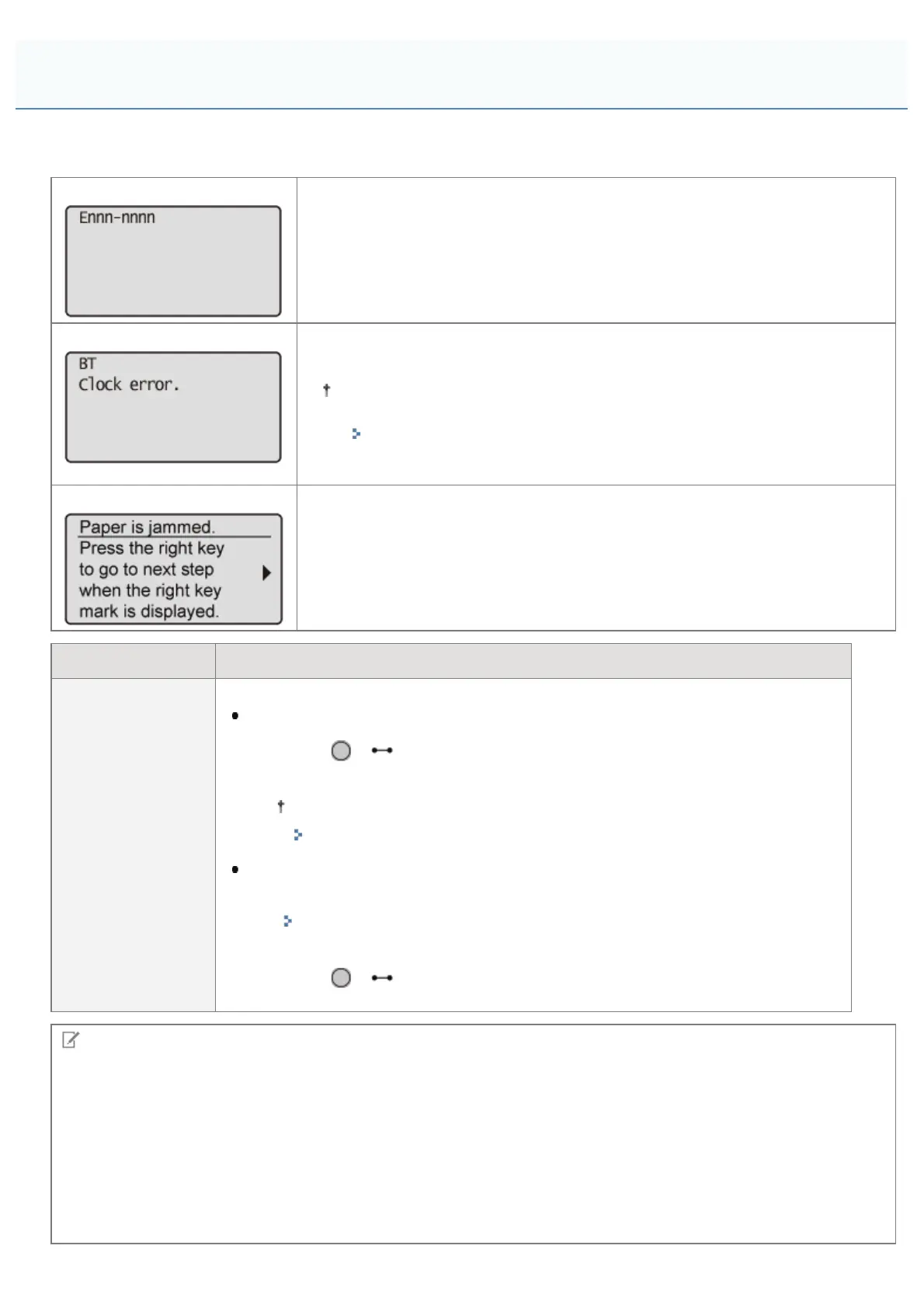
If an error is occurring for some reason during printing, a message appears in the display of the control panel. Perform
solutions according to the displayed message.
Service call message
It is an error state in which the printer cannot print.
Warning message
It is a warning state in which the printer can print, but some solution is required.
Depending on the message type, the message does not appear if [Show
Warnings] is set to [Off].
"[Setup] Menu ([Control Menu] Options)"
Error message
It is an error state in which the printer cannot print.
Mark Description
<Auto Error Skip>
For a message with this mark, perform the following procedure according to the situation.
When you want to skip an error (error skip) and continue to print
1. Press [ ] ( : Online) to skip the error. (Printing is continued.)
2. If print data is missing or is not printed properly, print again.
If [Auto Continue] is set to [On], you can skip the error automatically.
"[Setup] Menu ([Control Menu] Options)"
If you want to cancel a job
1. Perform a soft reset.
"Canceling the Process Currently Being Performed (Soft Reset)"
2. Solve the problem according to the displayed message (this item).
3. Press [ ] ( : Online) and print again.
NOTE
If multiple warning states are occurring at the same time
Warning messages are displayed alternately.
If an error state and warning state are occurring at the same time
A warning message is not displayed.
If a toner-related message appears
On how to act if a toner-related message such as <Toner cartridge will soon reach end of lifetime.> or <1G Change toner
cartridge recommended.> appears, see "Toner Cartridge Replacement."
A Message Appears in the Control Panel
㻤㻥㻜㻌㻛㻌㻥㻣㻜



 To Next Page