0978-053
You can enlarge a one-page image and print it over multiple pages. You can then glue the printed pages together to create
a poster.
NOTE
[Poster Printing] can be selected under the following conditions:
[1-sided Printing] is selected from [Print Style] in the [Finishing] tab. For details, see "1-sided Printing and 2-sided
Printing."
[Auto] or [Enabled] is selected from [Spooling at Host] in the [Device Settings] tab. For instructions on how to
display the [Device Settings] tab, see "Setting the Printer Options."
1.
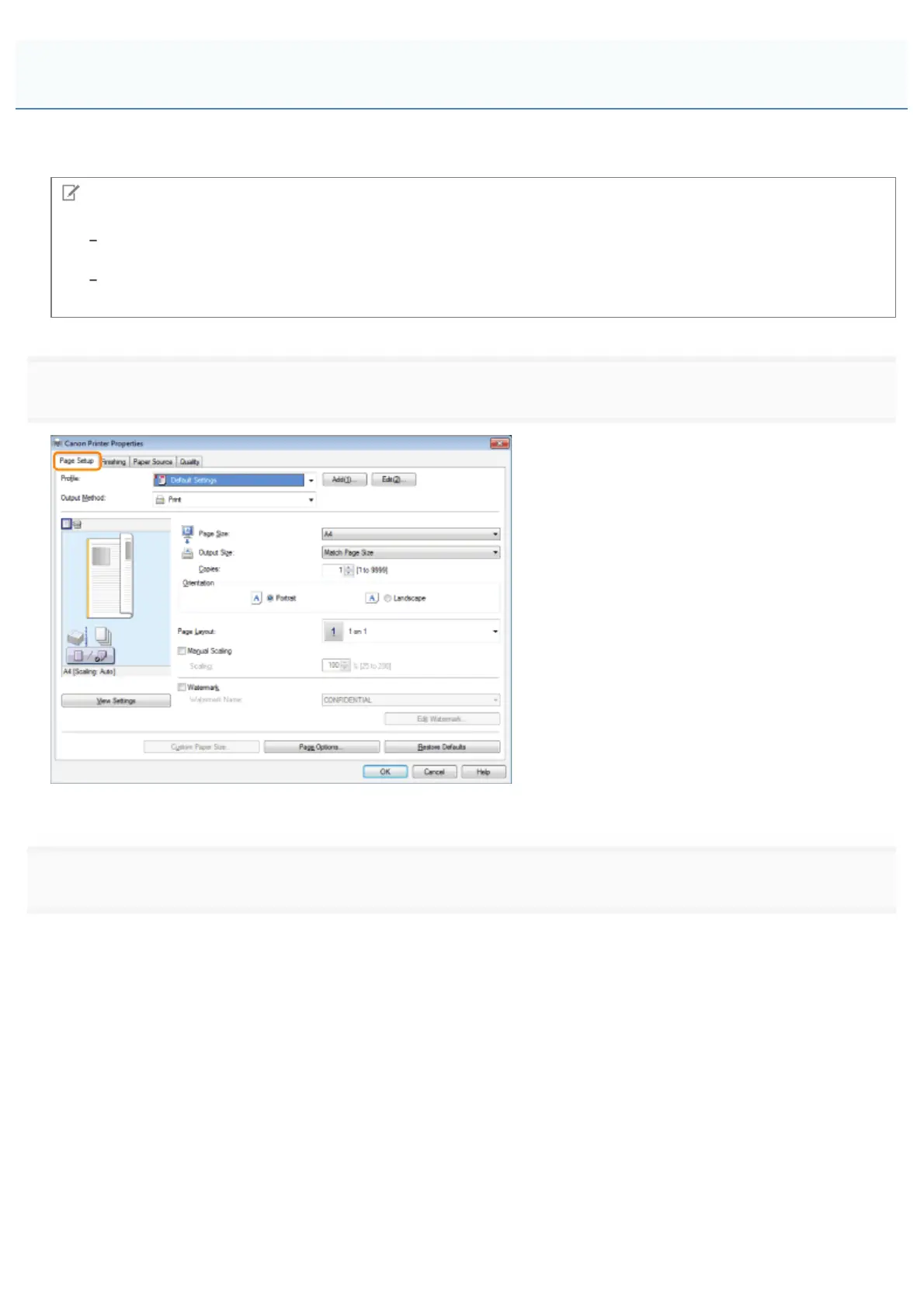
Click [Page Setup].
For instructions on how to display the printer driver screen, see "Printing" or "Configuring the Default Print Settings."
2.
Select [Poster [1 × 2]]/[Poster [N x N]] (N = 2, 3, or 4) from [Page Layout].
Poster Printing
㻞㻞㻡㻌㻛㻌㻥㻣㻜



 To Next Page