0978-0FW
1
Start SMS (Service Management Service).
"Launching SMS (Log in)"
2
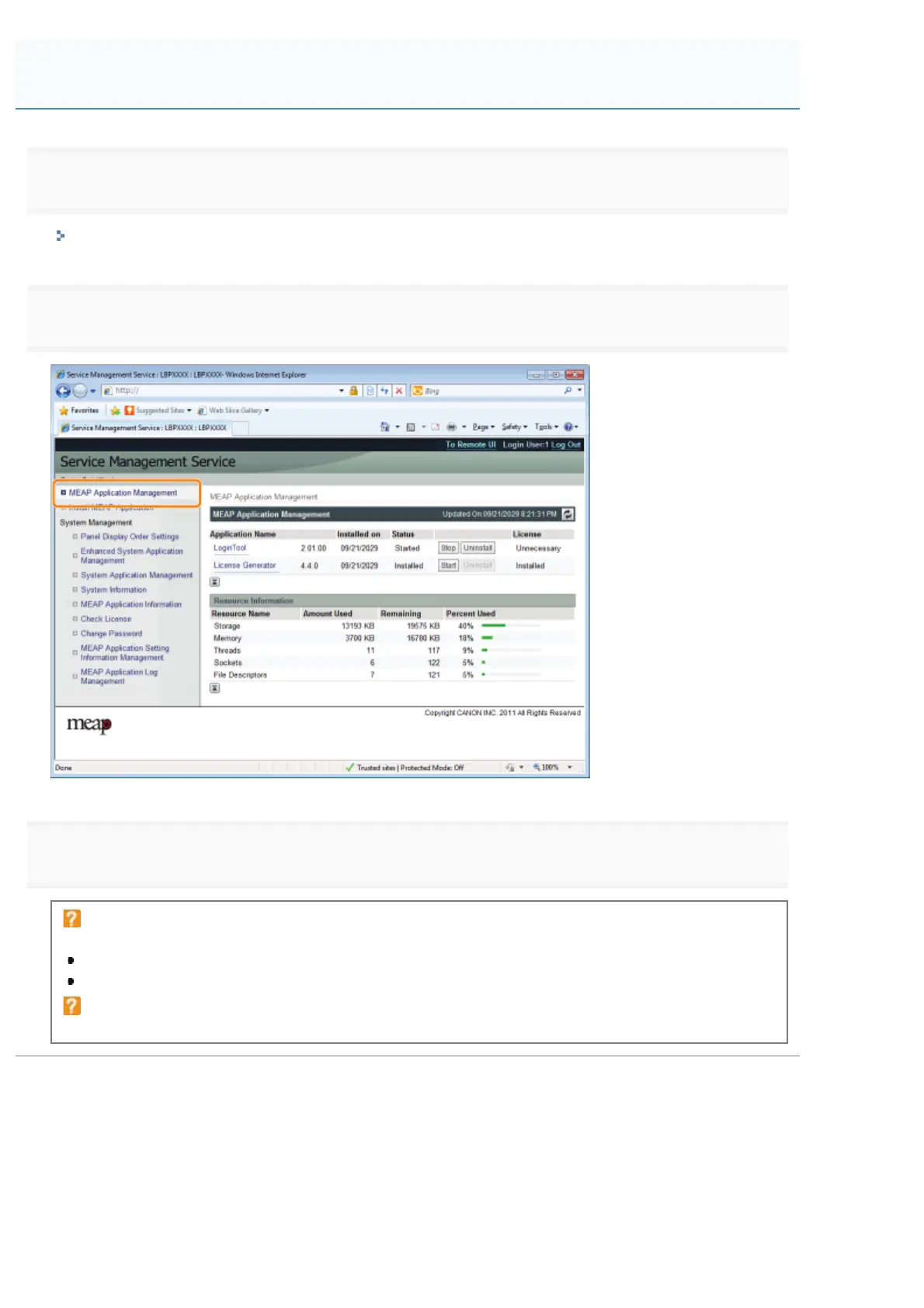
Click [MEAP Application Management].
3
Click [Start] for the application to start.
If the application does not start
Check the following.
The required license file has been installed
There is sufficient [Memory], [Threads], [Sockets] and [File Descriptors] under [Resource Information]
When the restart prompt message is displayed
Follow the on-screen instructions to restart the printer.
Starting MEAP Applications
㻣㻢㻠㻌㻛㻌㻥㻣㻜



 To Next Page