0978-04F
Before printing, you need to set up the printer configuration in order to use the functions of printer options (such as paper
feed options, paper output options, etc.) attached to and installed in the machine.
The printer configuration can be set up automatically while installing the driver. If the machine cannot be configured during
the installation, follow the procedure below.
IMPORTANT
To configure the printer option settings, you must log on to your computer as a member of the Administrators.
1.
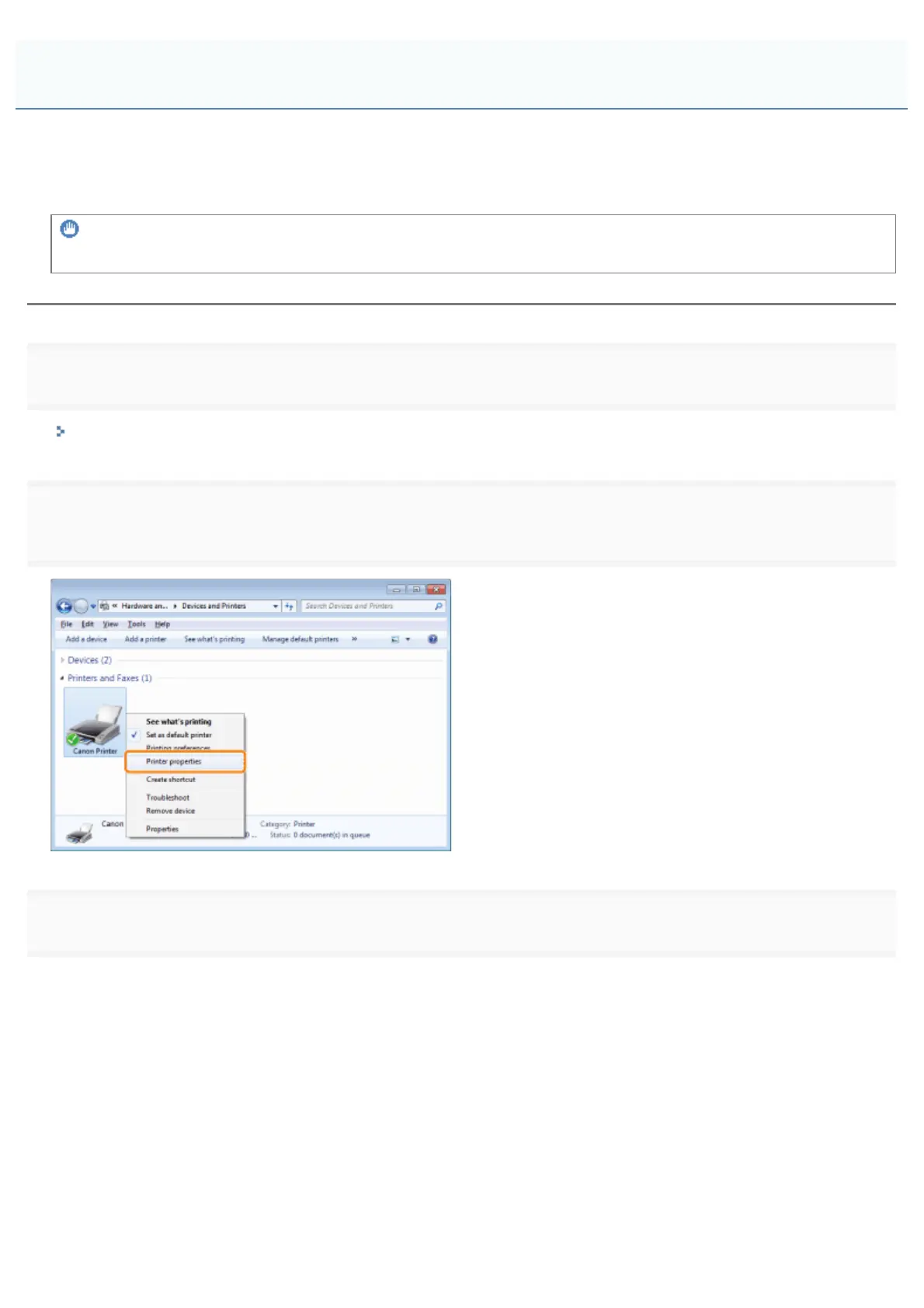
Open the printer folder.
"Basic Operations/Various Information for Windows"
2.
properties]).
3.
Setting the Printer Options
㻞㻜㻡㻌㻛㻌㻥㻣㻜



 To Next Page