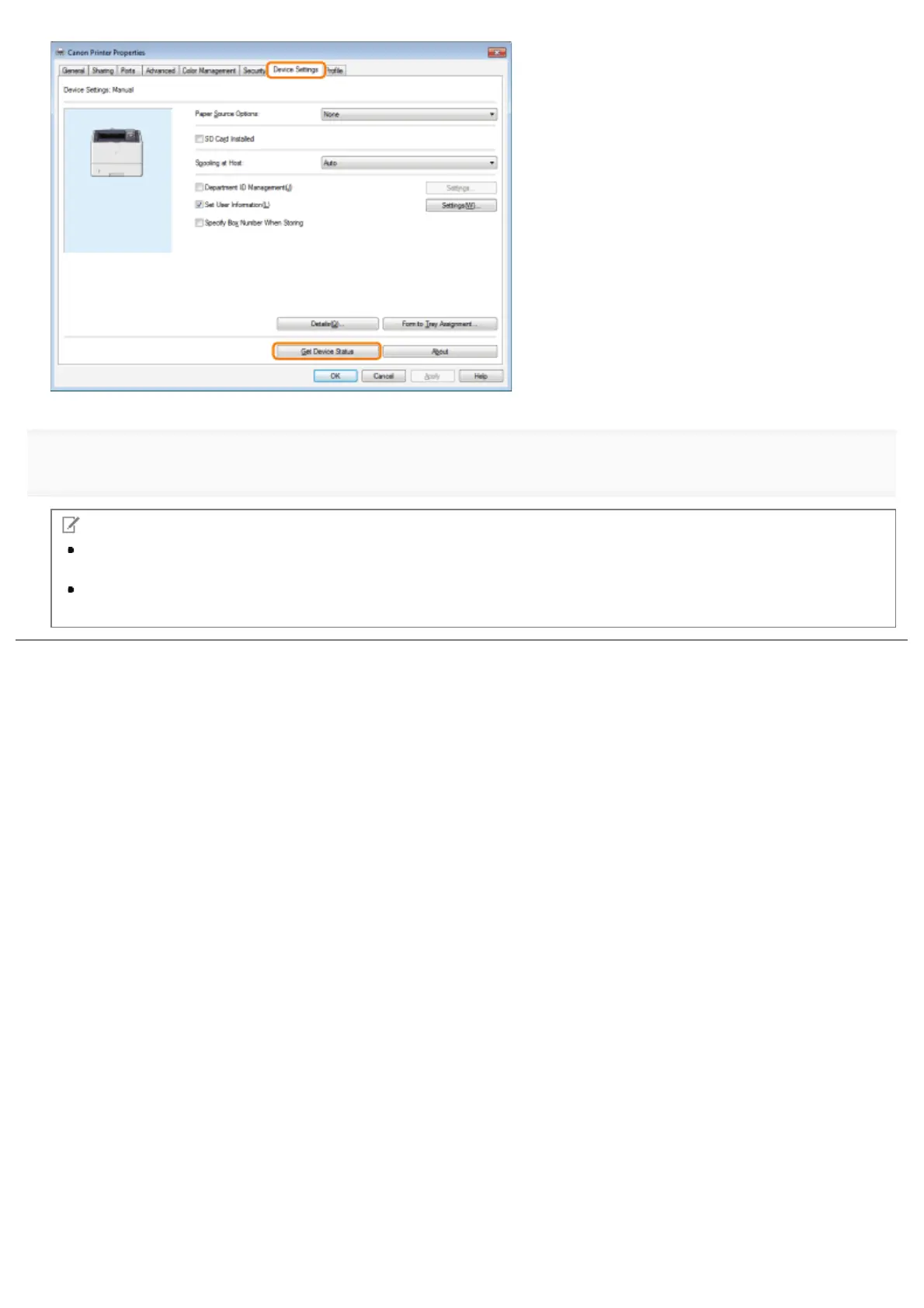
4.
NOTE
If the information request returns an error message, you need to configure the settings (such as paper feed options,
paper output options, etc.) manually.
If the printer and computer are connected via USB or a WSD (Web Services on Devices) port, the [Get Device
Status] function is unavailable. You need to configure the settings manually.
㻞㻜㻢㻌㻛㻌㻥㻣㻜



 To Next Page