0978-060
You can enlarge or reduce the size of the document to be printed.
There are two methods for scaling a document: select the paper size to be printed to scale it automatically, or specify the
scaling value manually.
1.
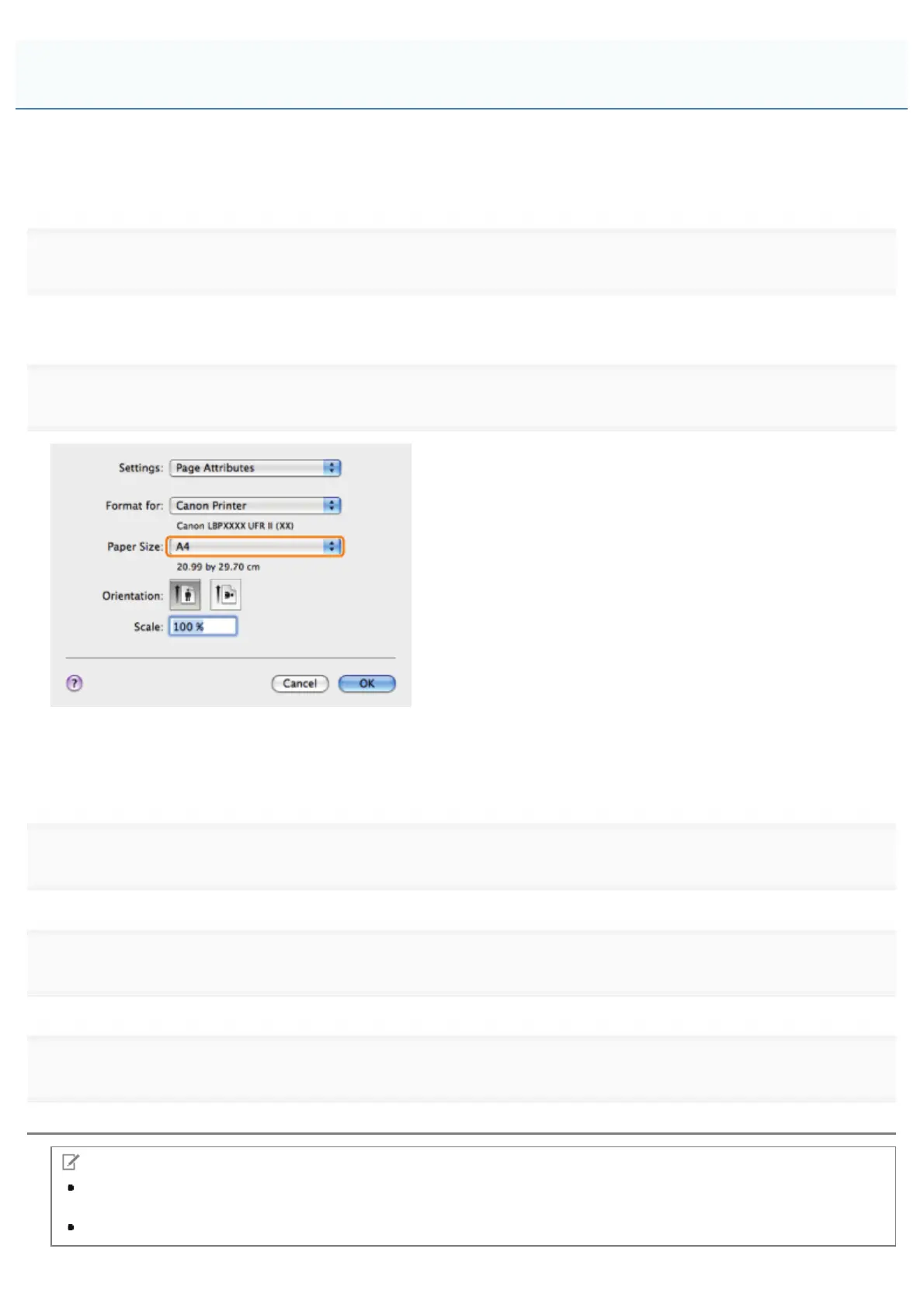
Select [Page Attributes] from [Settings] in the [Page Setup] dialog box.
For details on how to display the [Page Setup] dialog box, see "Configuring the Default Page Settings."
2.
Where the paper size specified in the application and that specified in this preferences pane differ, scaling is set
automatically.
If you want to increase or decrease the magnification manually, specify the zoom ratio for [Scale].
3.
Click [OK].
4.
Select [Print] from the [File] menu.
5.
NOTE
Depending on the printer model you are using, you may not be able to magnify the document to the optimum ratio
for the selected page size.
The screen may vary according to the operating system, as well as the type and version of the printer driver.
Scaling Documents
㻞㻡㻤㻌㻛㻌㻥㻣㻜



 To Next Page