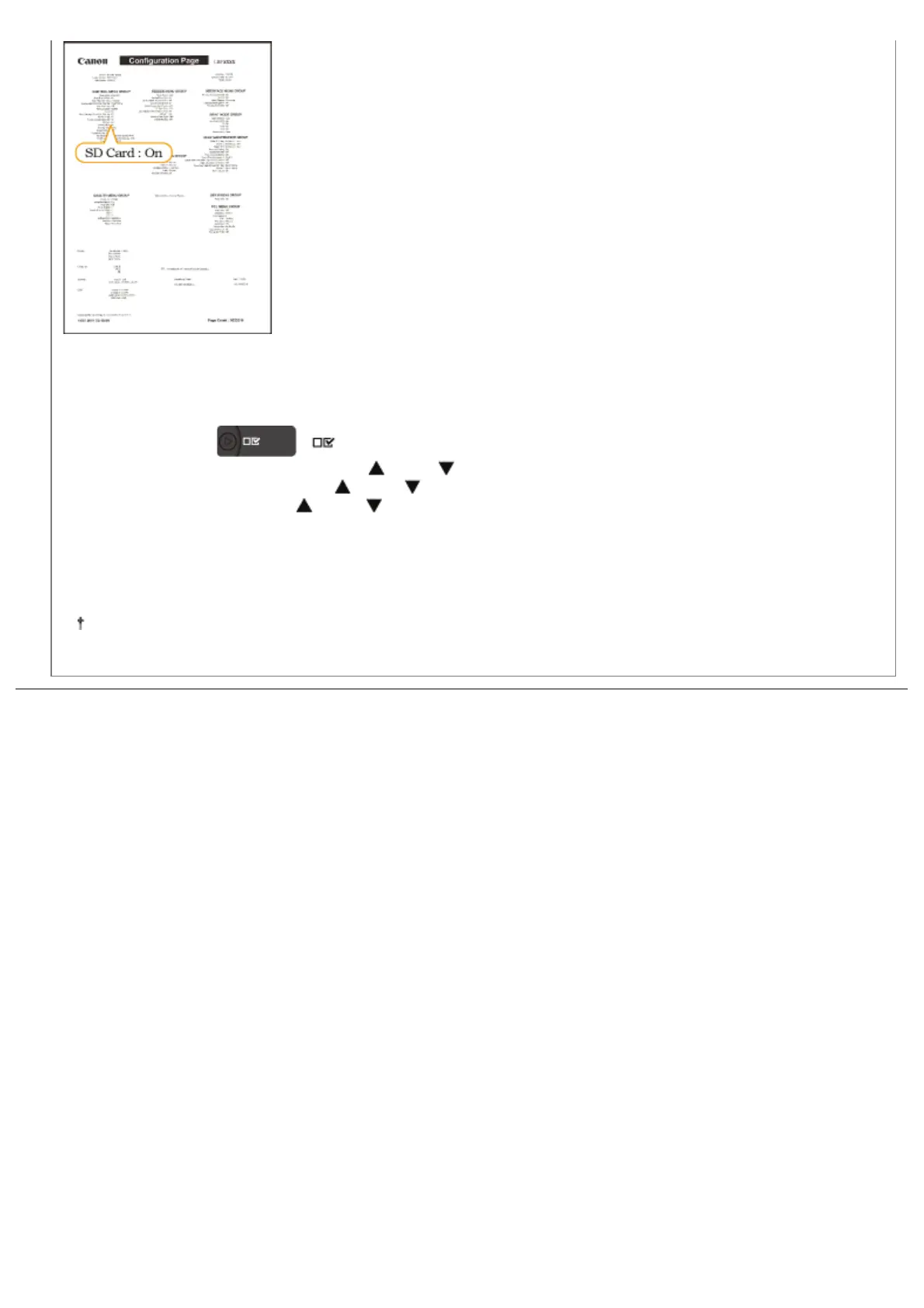
ĺ If [SD Card] is not displayed, see "Removing SD Card," remove the SD card, and then try to install it again.
ĺ If the [SD Card] is [Off], set it to [On] using the following procedure.
(1)
Press [
] ( : Settings).
(2) Select [Control Menu] using [
] and [ ], and then press [OK].
(3) Select [SD Card] using [
] and [ ], and then press [OK].
(4) Select [On] using [
] and [ ], and then press [OK].
(5) Perform a hard reset or restart the printer.
ĺ Check that the SD card is not write-protected. If the card is write-protected, release the protection, and then
insert the card.
The above figure is a sample of Configuration Page. The contents may differ from the Configuration Page printed
by your printer.
㻝㻞㻣㻌㻛㻌㻥㻣㻜



 To Next Page