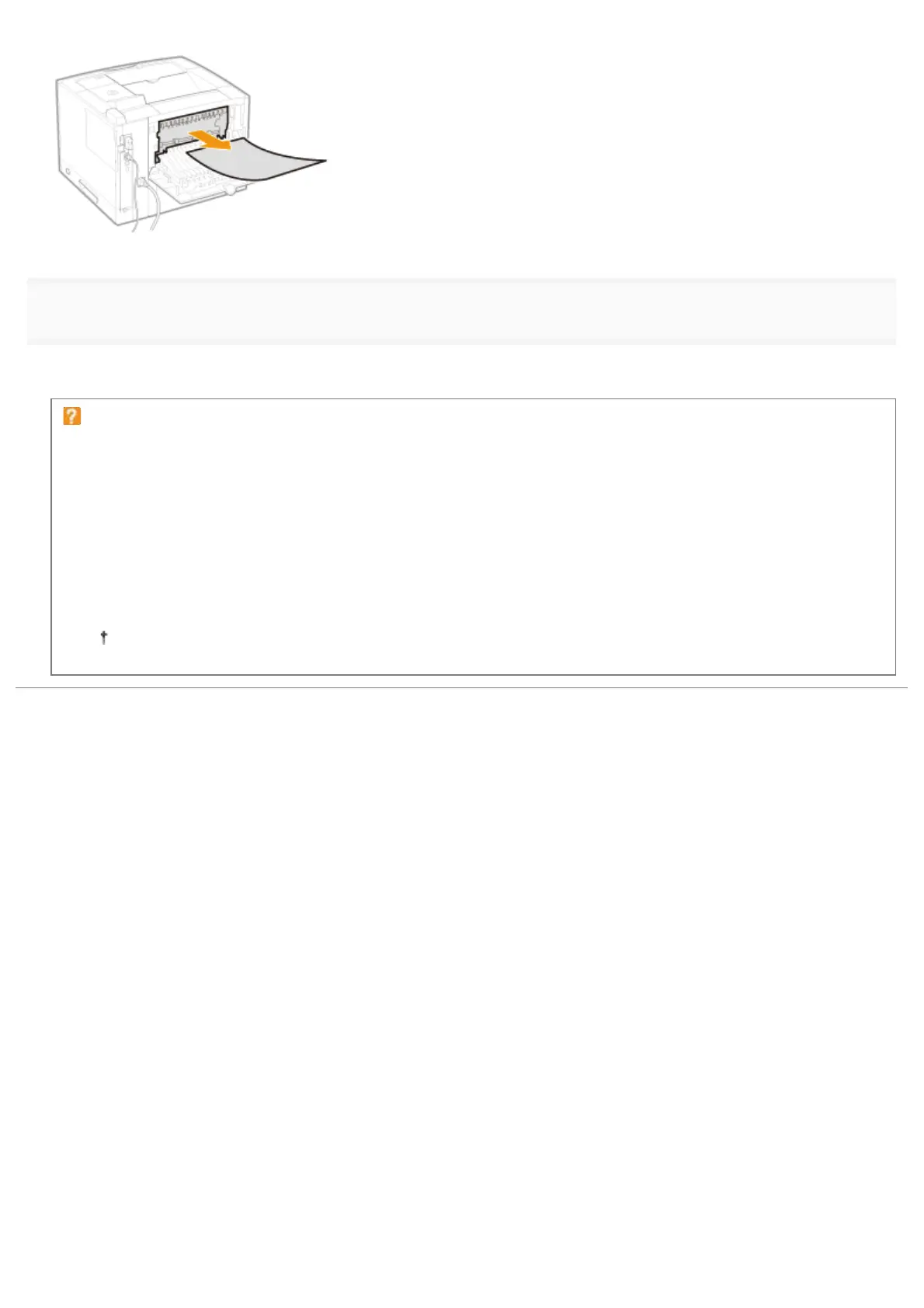
5
Close the sub-output tray.
ĺ The message disappears, and the printer is ready to print.
If a message does not disappear
Paper may be jammed in another area. Check another area also and remove the paper.
(1) "Clearing Paper Jams (Multi-purpose Tray)"
(2) "Clearing Paper Jams (Paper Drawer)"
(3) "Clearing Paper Jams (Duplex Unit)"
(4) "Clearing Paper Jams (Inside the Output Area)"
(5) "Clearing Paper Jams (Inside the Front Cover)"
If the message does not disappear even after removing the paper, check that the front cover is closed firmly.
㻤㻣㻤㻌㻛㻌㻥㻣㻜



 To Next Page