If you turn the printer OFF, all print data remaining in the printer memory will be erased.
Power consumption when the power is OFF
Even if the printer is turned OFF, power is still consumed slightly while the power plug is inserted in the AC power outlet.
To stop the power consumption completely, unplug the power plug from the AC power outlet.
2
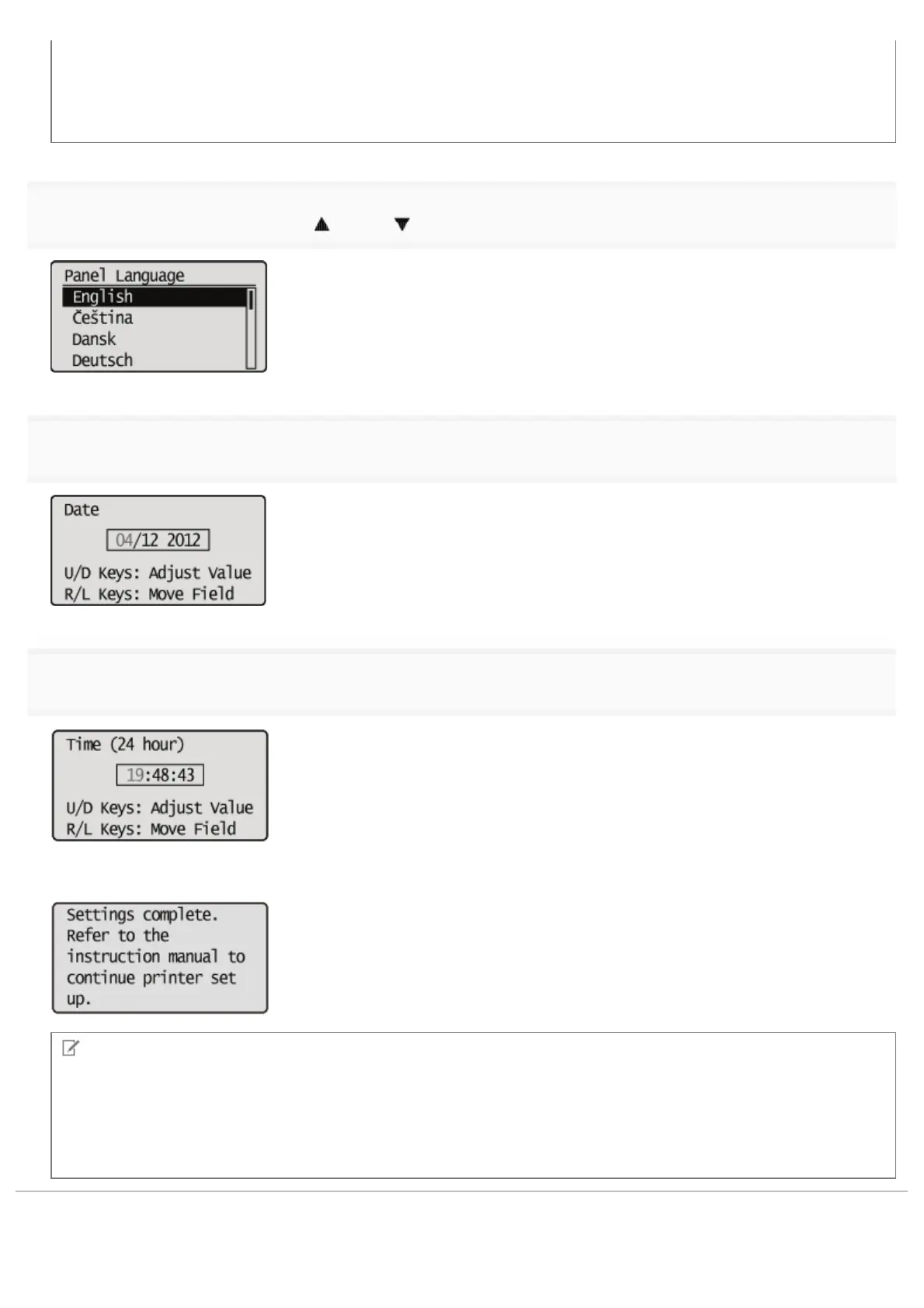
Select a display language using [ ] and [ ], and then press [OK].
3
Specify a date, and then press [OK].
4
Specify time, and then press [OK].
ĺ The following screen appears, and the settings are completed.
NOTE
About the clock in this printer
The clock in the printer should be accurate within ± 60 seconds per month. Adjust the clock periodically.
When setting time zones and daylight savings time
See "[Setup] Menu ([Control Menu] Options)" under "Setting Items" in "Managing the Printer."
㻝㻟㻝㻌㻛㻌㻥㻣㻜



 To Next Page