When Connecting with a LAN Cable
IMPORTANT
If more than one devices are connected to an AppleTalk network
Turn on each device at an interval of ten seconds or longer.
NOTE
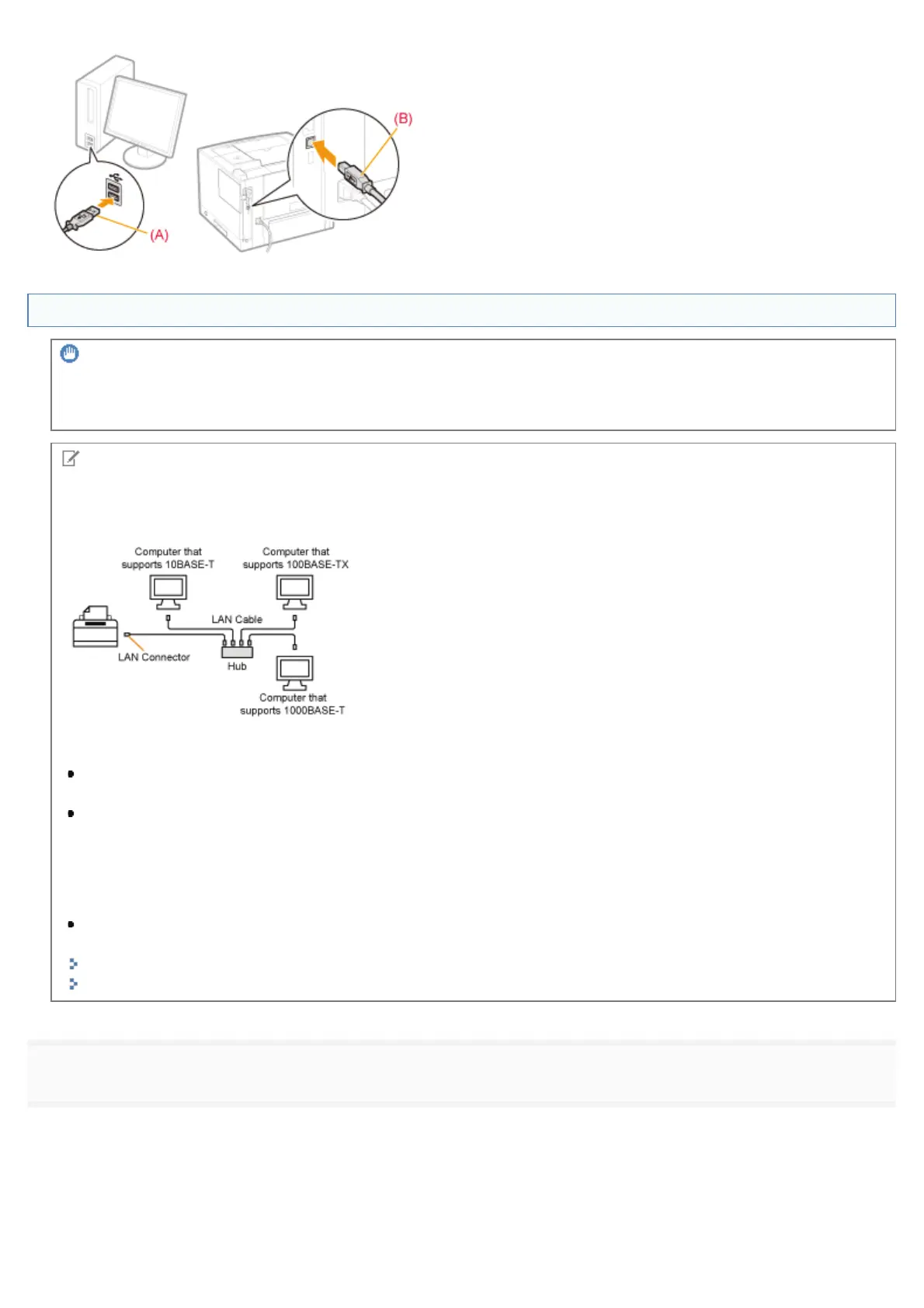
About the network environment
This printer supports 10BASE-T, 100BASE-TX and 1000BASE-T connections.
About the LAN cable
This printer does not come with a LAN cable or a hub. Have cables or a hub ready as needed.
Use a Category 5 or higher twisted pair cable for the LAN.
If you want to connect the printer to a 100BASE-TX or 1000BASE-T Ethernet network, all the devices to be
connected to the LAN (hub, LAN cable, and network board for computer) must support 100BASE-TX or 1000BASE-
T.
For more details, contact your local authorized Canon dealer.
When the printer is connected to a network
Check the MAC address of the print server with Network Status Print, and then configure the network operating
system (UNIX, etc.) and print server.
"Checking the Printer Settings"
"Configuring the Network Settings (Sharing the Printer)"
1
Connect the LAN cable.
㻝㻟㻡㻌㻛㻌㻥㻣㻜


 To Next Page
 Loading...











