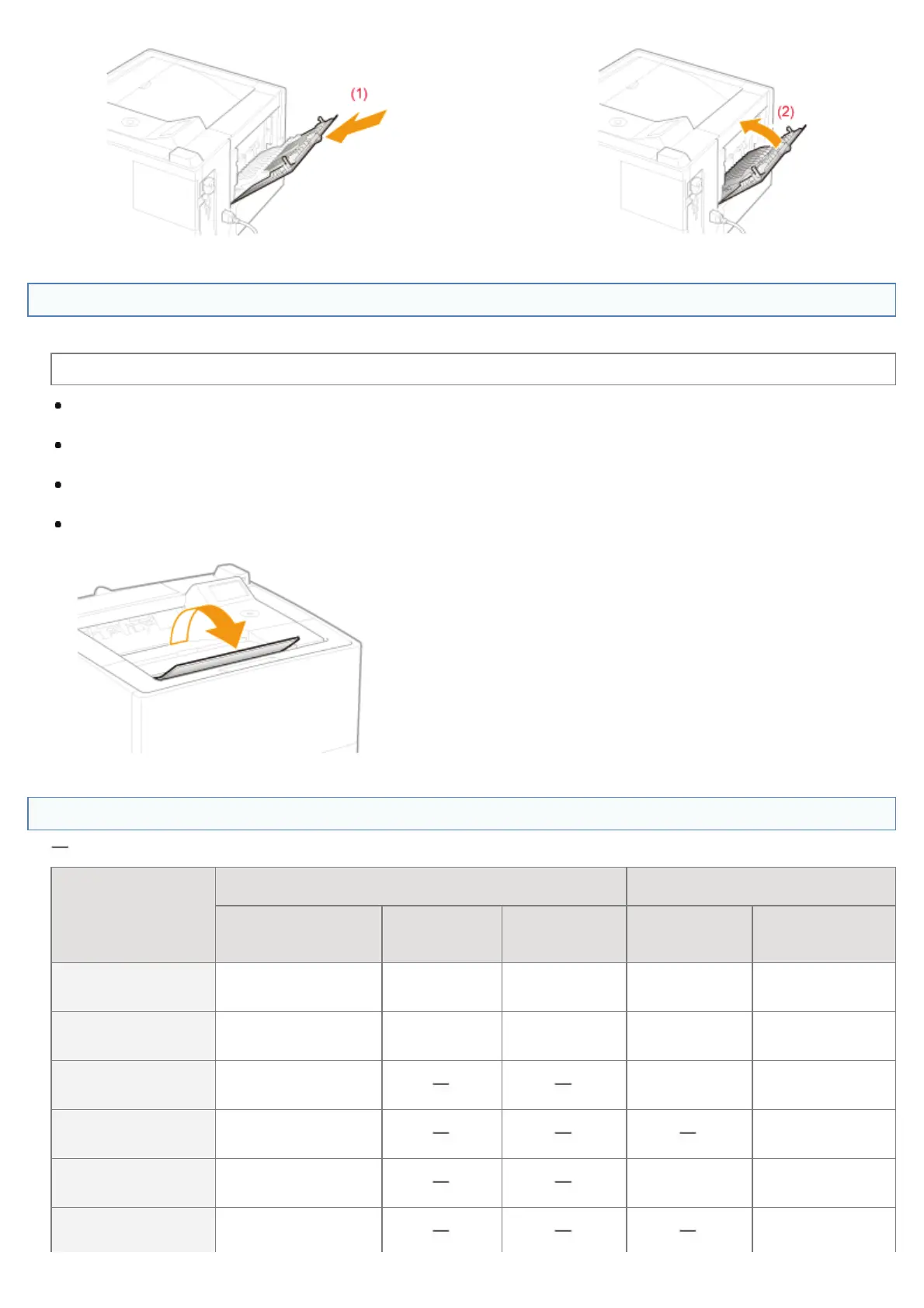
Precautions for Output Trays
Pay attention to the following points when handling the output trays.
See "Important Safety Instructions" also.
When performing 2-sided printing, close the sub-output tray.
(When outputting paper to the sub-output tray, you cannot perform 2-sided printing.)
During 2-sided printing, do not touch the paper until it is output to the output tray completely. The paper is first output
partially after the front side is printed, and then it is fed again to be printed on the back side.
When printing on 16K paper, transparency or envelopes, output them to the sub-output tray. Outputting them to the
output tray may cause paper jams.
When outputting long-size paper, such as Legal paper, to the output tray, open the auxiliary tray to prevent the paper
from hanging out of the output tray.
Paper Capacity of the Paper Sources and Output Trays
: Unavailable
Paper Type
Paper Source
Output Tray
*
Multi-purpose tray Drawer 1
Drawer 2, 3
(optional)
Output tray Sub-output tray
Plain paper (75
g/m²)
Approx. 100 sheets
Approx. 500
sheets
Approx. 500
sheets
Approx. 250
sheets
Approx. 50
sheets
Heavy paper (91
g/m²)
Approx. 80 sheets
Approx. 400
sheets
Approx. 400
sheets
Approx. 100
sheets
Approx. 50
sheets
Heavy paper (128
g/m²)
Approx. 50 sheets
Approx. 40
sheets
Approx. 30
sheets
Transparency Approx. 50 sheets
Approx. 10
sheets
Label Approx. 40 sheets
Approx. 60
sheets
Approx. 40
sheets
Index Card Approx. 35 sheets
Approx. 35
sheets
㻝㻡㻟㻌㻛㻌㻥㻣㻜



 To Next Page