3.
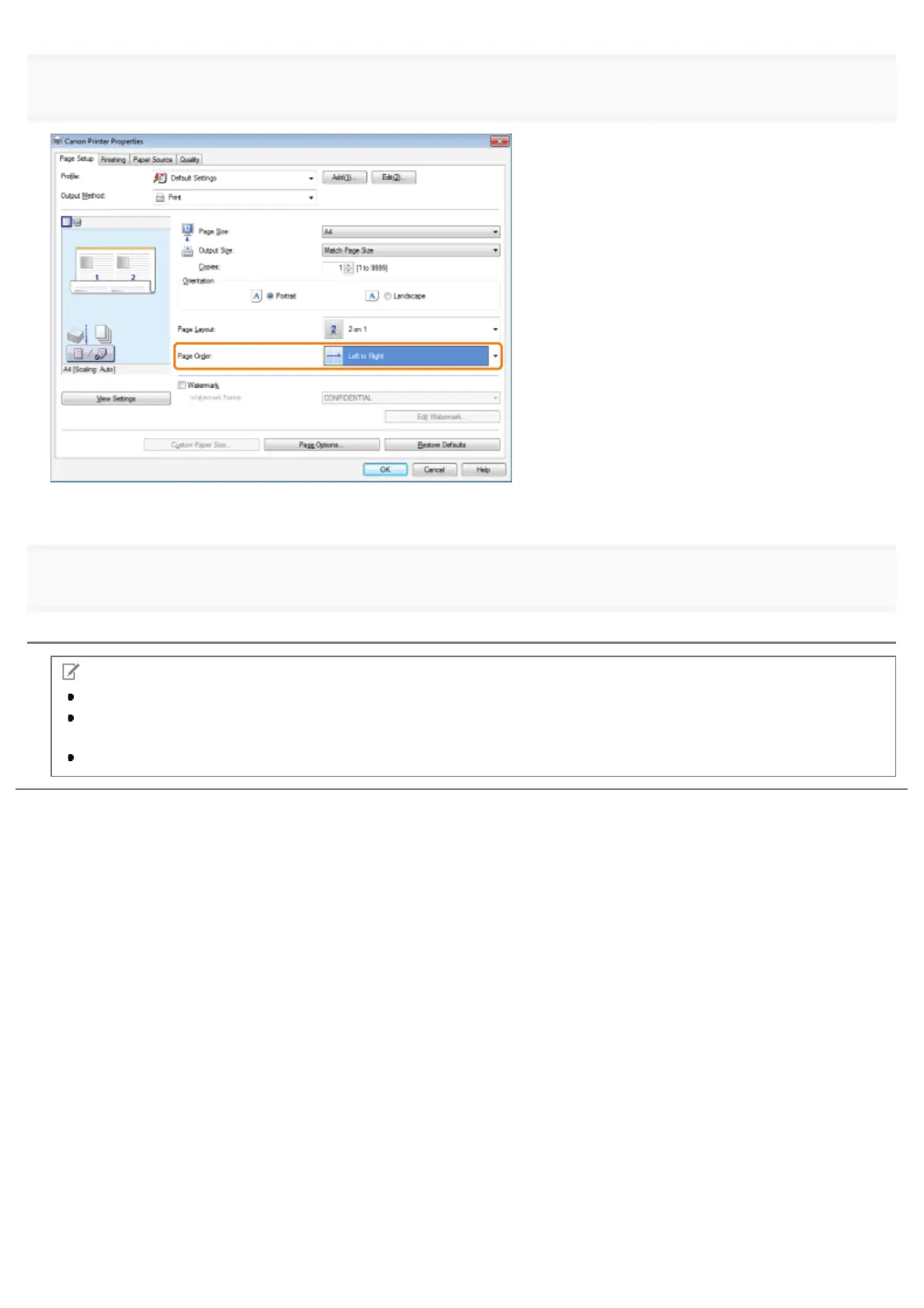
Select the page order from [Page Order].
The output image is displayed in the preview area.
4.
Click [OK].
NOTE
You cannot enlarge and reduce manually when using this function.
Although there may be a function for printing multiple copies depending on the application you are using, do not use
it together with this function. If you do, printing may not be executed correctly.
The display may vary according to the operating system, as well as the type and version of the printer driver.
㻞㻝㻤㻌㻛㻌㻥㻣㻜



 To Next Page