NOTE
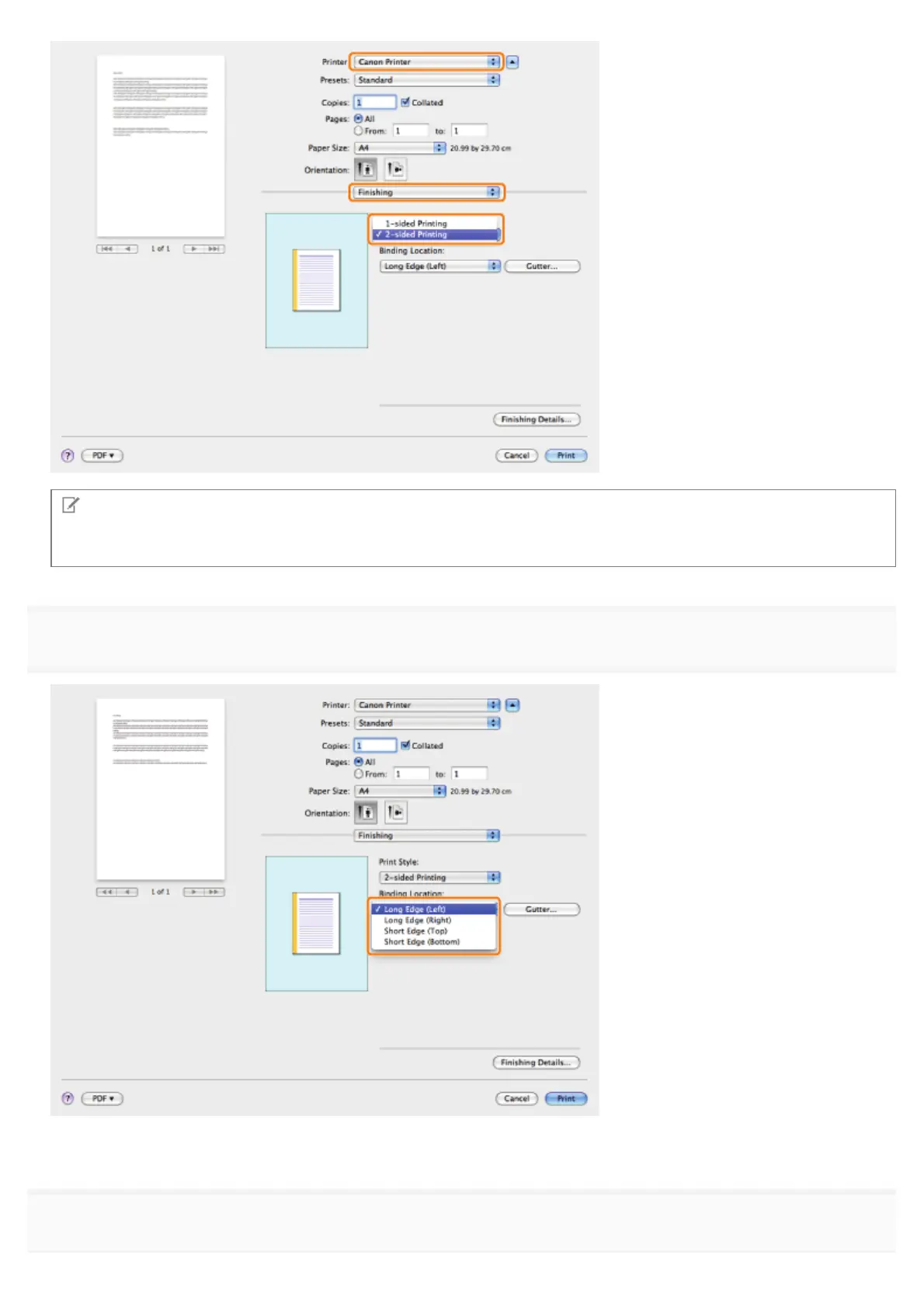
The default setting for [Print Style] is [2-sided printing]. You can save the 1-sided printing setting as a preset. For details,
see "Using [Presets] for Printing."
3.
Select the binding edge from [Binding Location].
The output image is displayed in the preview area.
4.
If you want to set the gutter width, click [Gutter].
㻞㻢㻞㻌㻛㻌㻥㻣㻜



 To Next Page