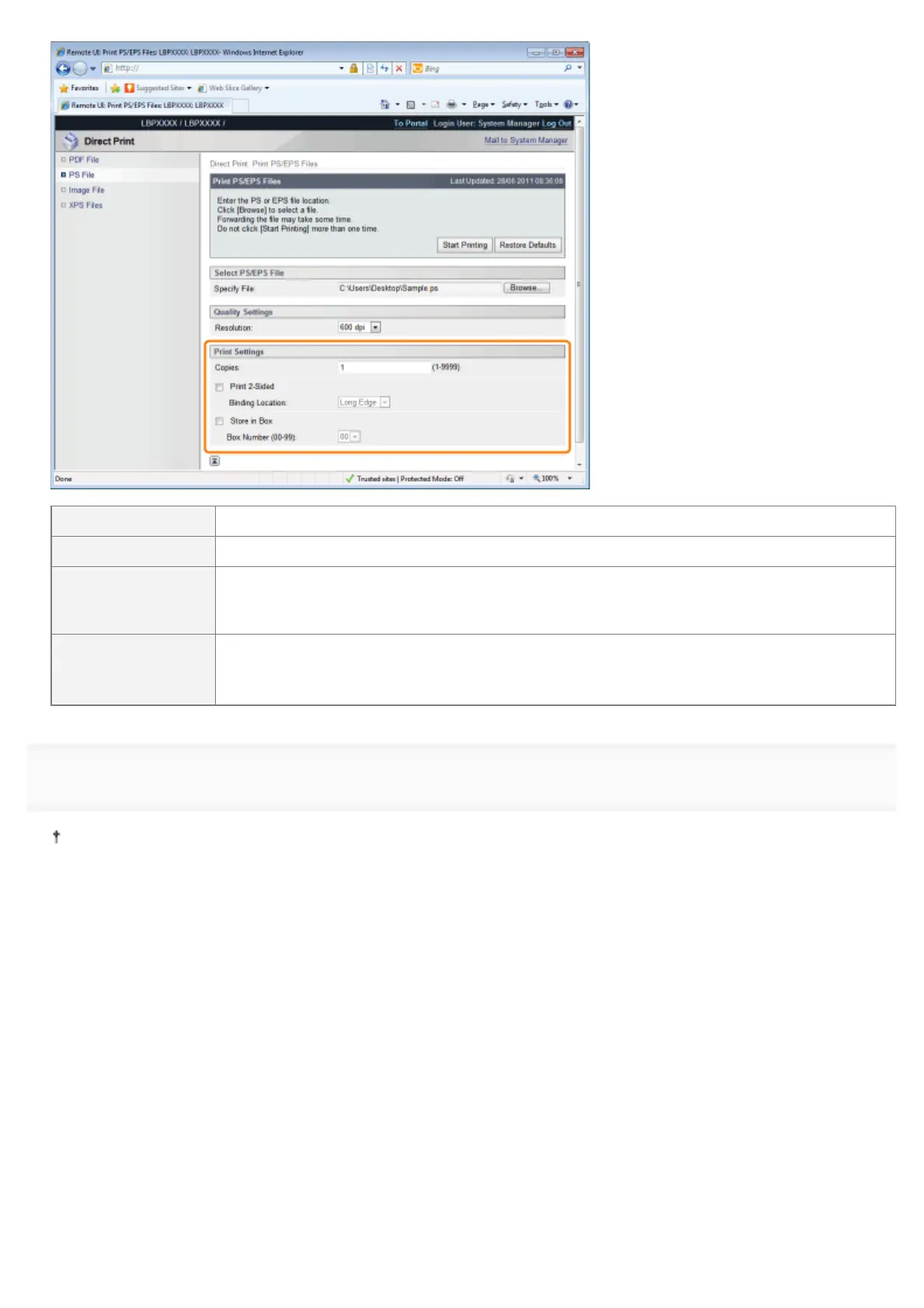
[Copies] Specify the number of copies to be printed.
[Print 2-Sided] Specify 1-sided or 2-sided printing.
[Binding Location]
Set the binding position on the long side of the paper (long-edged binding) or the short side of
the paper (short-edged binding). If binding is set from the printer side, the position of the
"gutter" is automatically adjusted on the front and back sides of the paper.
[Store in Box]
(It is only displayed when an SD card is used.)
When storing it in a box, check the [Store in Box] check box before selecting the box where
you want to store it.
6
Click [Start Printing].
Do not keep clicking [Start Printing] while the file is transferring. Sometimes it takes time to transfer a file, but if you
keep clicking during the transfer, a file failure may occur and it may be impossible to transfer it.
㻞㻤㻜㻌㻛㻌㻥㻣㻜



 To Next Page