4
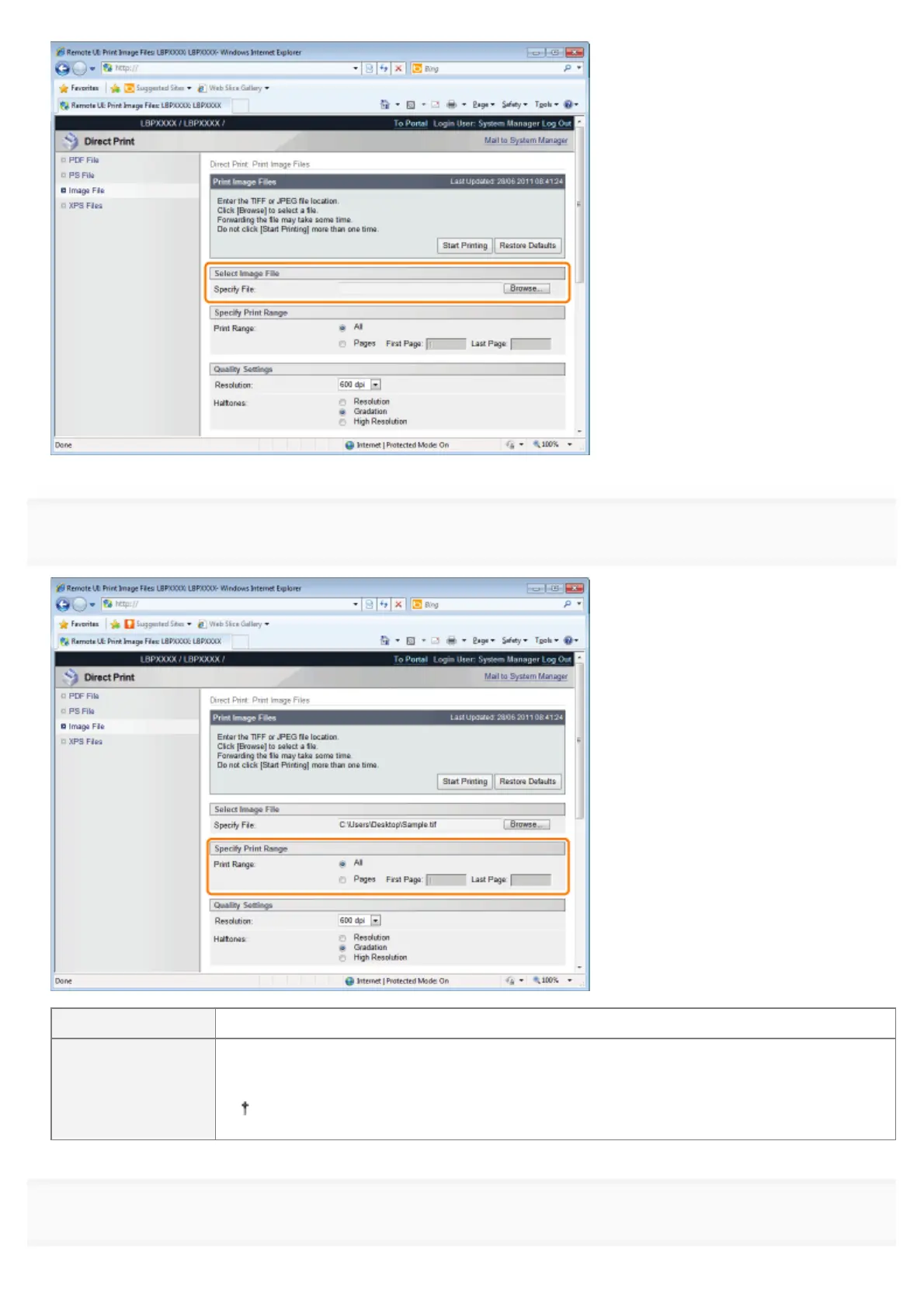
Specify the setting for [Specify Print Range].
[All] Select if you want to print all the pages.
[Pages]
Select [Pages], and then enter the starting page number and ending page number if you want
to specify the print range.
You cannot print JPEG data by specifying a print range.
5
Specify the setting for [Quality Settings].
㻞㻤㻟㻌㻛㻌㻥㻣㻜



 To Next Page