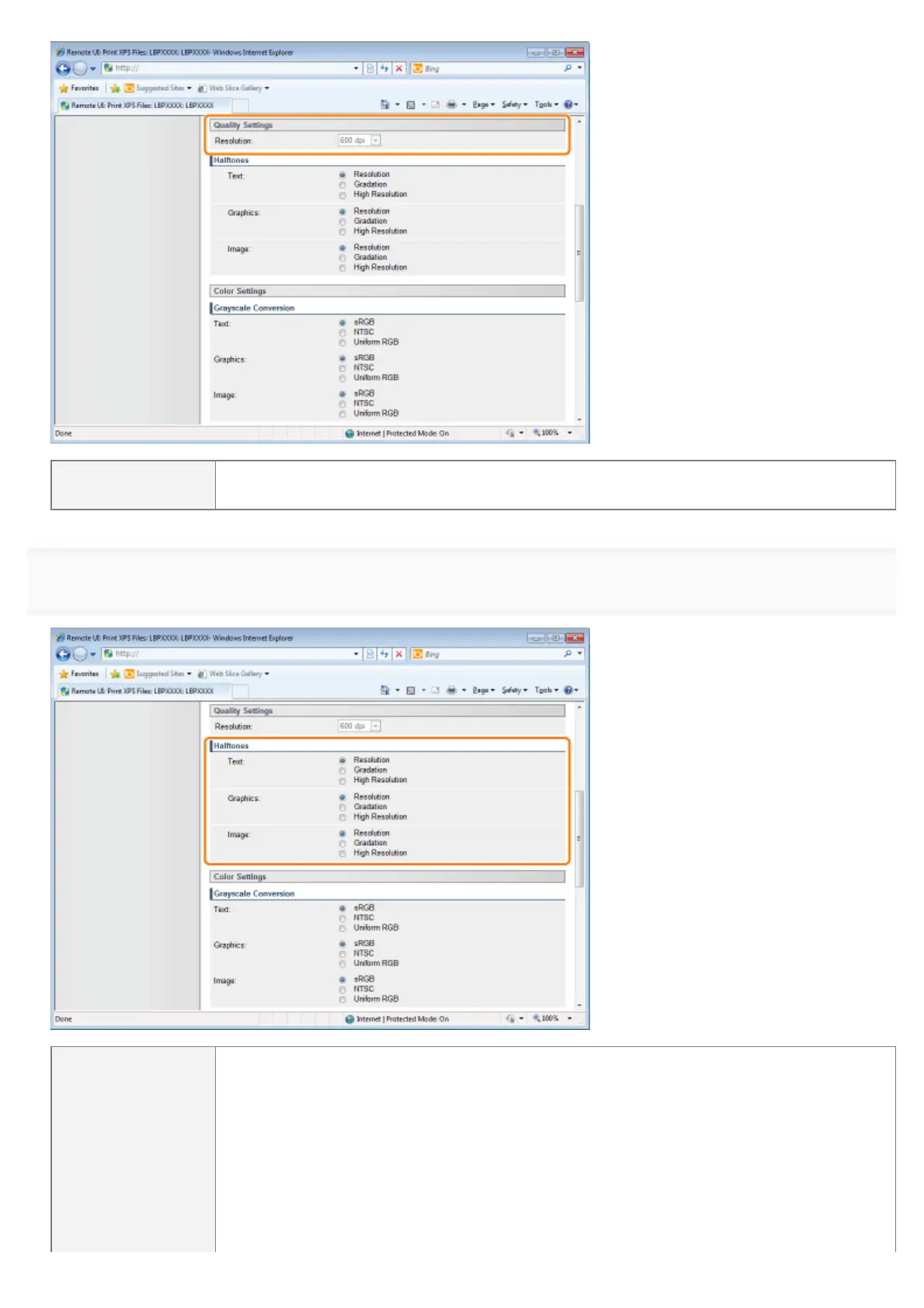
[Resolution]
Specify the resolution for printing the data. It is effective to set [600 dpi] when printing
photographs at standard quality, and to set [1200 dpi] when printing at a higher quality.
6
Specify the settings for [Halftones] as the following, as needed.
[Halftones]
Specify the halftone display method when printing.
You can set it for these data types: [Text], [Graphics] and [Image].
[Resolution] You can perform printing that combines smooth gradation with edge quality. It
is suitable for printing graphics or graphs that use gradation.
[Gradation] You can print with a sharp gradation and well-balanced texture, contrasting
light and shade, which is best suited for printing photo images.
[High
Resolution]
You can print in fine detail so that the edges of text data can be seen clearly.
It is suitable for printing data containing text and fine lines.
㻞㻥㻜㻌㻛㻌㻥㻣㻜



 To Next Page