6
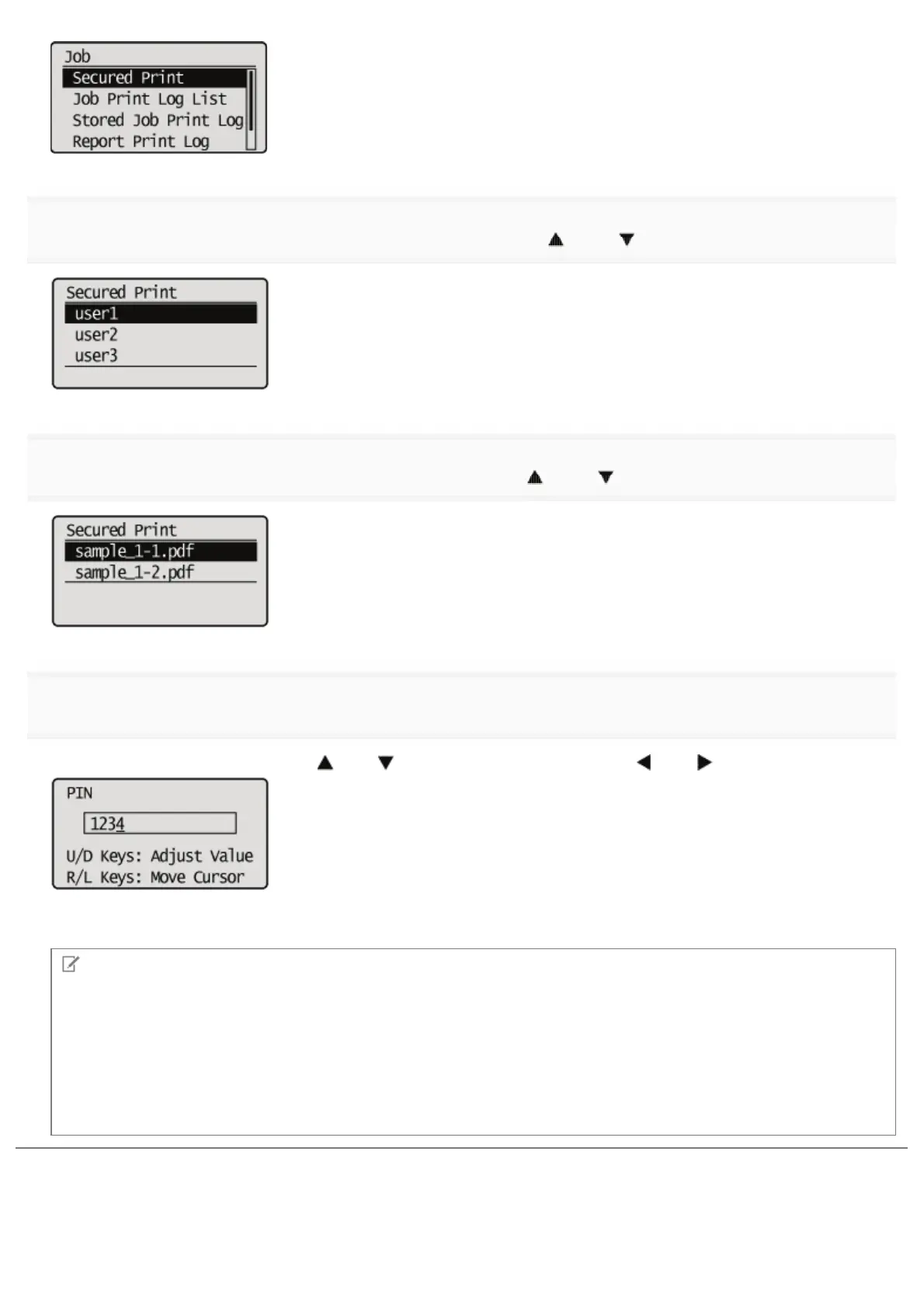
If the user names appear, select the target user name using [ ] and [ ], and then press [OK].
7
If the file names appear, select the target file name using [ ] and [ ], and then press [OK].
8
Enter [PIN], and then press [OK].
Increase or decrease a number using [
] and [ ], and then move the cursor using [ ] and [ ].
ĺ The specified file is printed.
NOTE
Entering a password using the control panel
Only numbers can be entered.
If a password includes alphabetical characters or symbols
Alphabetical characters or symbols can be specified for a password depending on the encrypted secured print driver
version. In this case, print an encrypted secured print job from the Remote UI.
For details on the procedure for operating the Remote UI, see "Remote UI."
㻟㻞㻡㻌㻛㻌㻥㻣㻜



 To Next Page