4
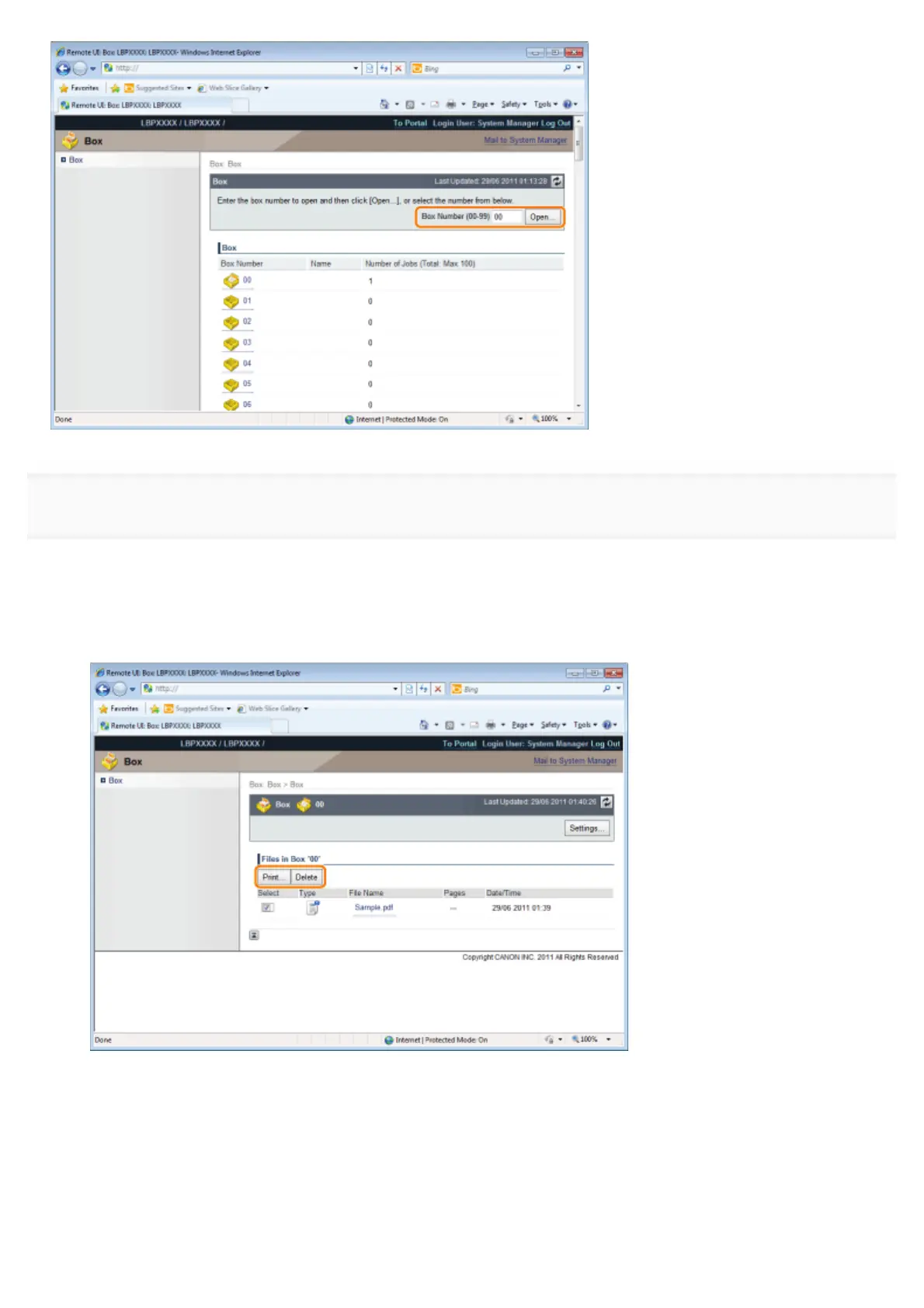
When you want to operate any stored job, perform the following procedure.
(1) Select the [Select] check box by the first job on the list.
(2) Click the operation buttons.
[Print...]: Prints the selected job.
[Delete]: Deletes the selected job.
You can display the page that allows you to change the print copies etc. by clicking [Print...].
(3) Change the settings, and then click [Start Printing].
㻟㻟㻝㻌㻛㻌㻥㻣㻜



 To Next Page