6
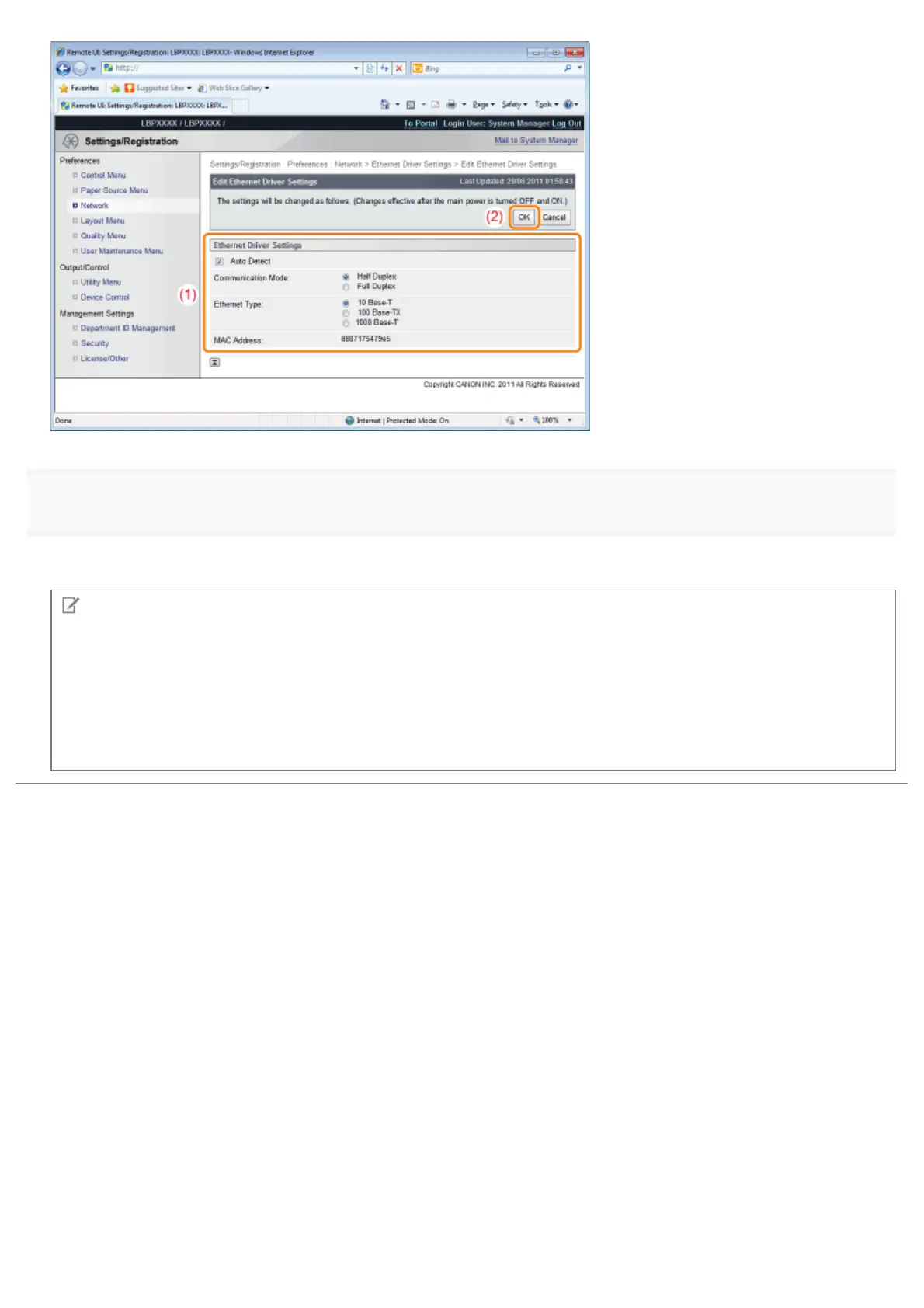
Perform a hard reset or restart the printer.
ĺ After performing a hard reset or restarting the printer, the settings are effective.
NOTE
To perform a hard reset
You can perform a hard reset using the following procedure.
1. Click [Settings/Registration].
2. Select [Device Control] from the [Output/Control] menu.
3. Select [Hard Reset], and then click [Execute].
㻟㻡㻣㻌㻛㻌㻥㻣㻜



 To Next Page