5
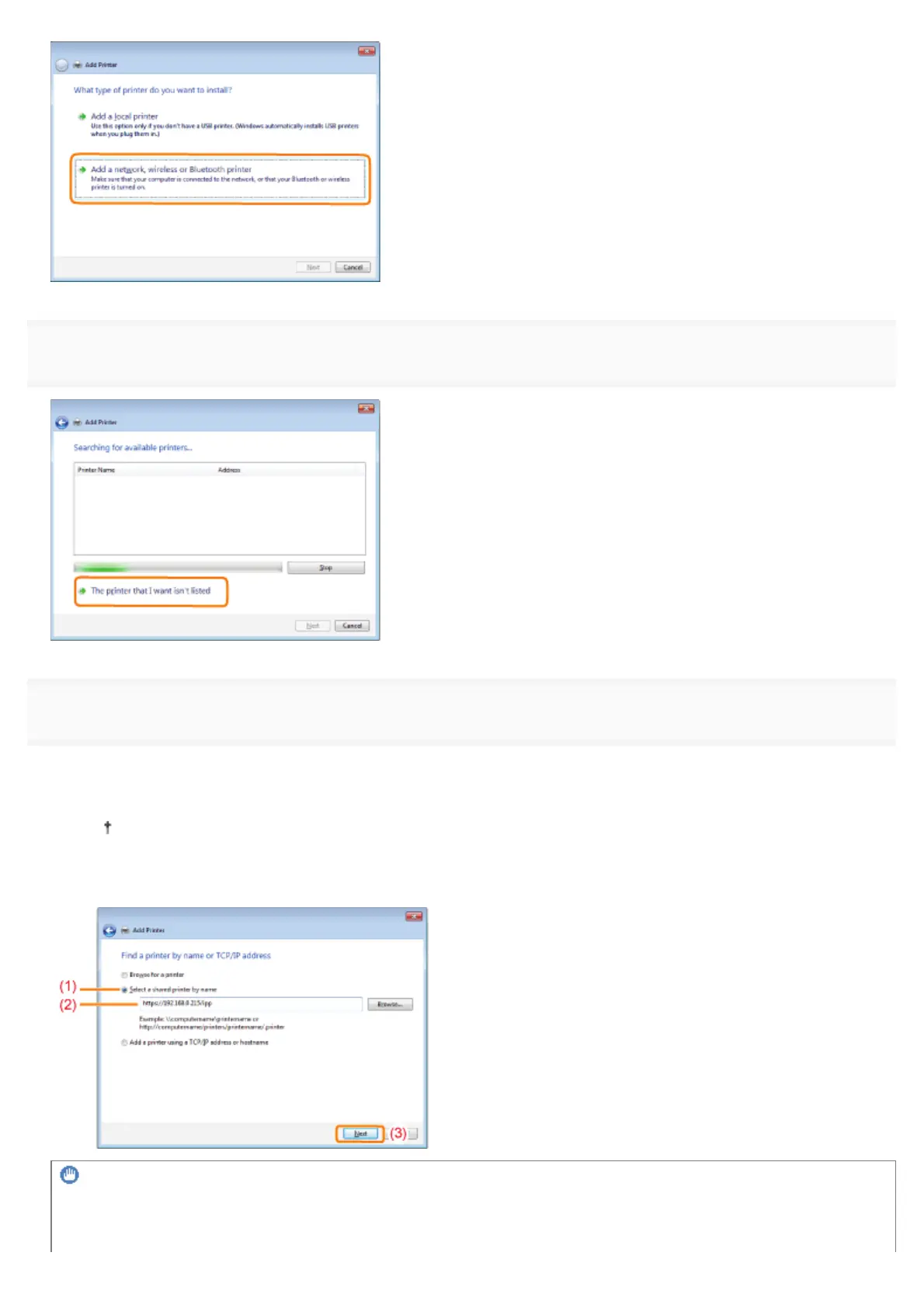
Click [The printer that I want isn't listed].
6
Perform the following procedure.
(1) Select [Select a shared printer by name].
(2) Enter "http://<the IP address or name of the printer>/ipp."
When you want to perform IPPS printing using SSL encrypted communication, enter "https://<the IP address
or name of the printer>/ipp."
(3) Click [Next].
IMPORTANT
About IPPS
IPPS can be used only when the SSL encrypted communication function is enabled.
㻠㻣㻢㻌㻛㻌㻥㻣㻜



 To Next Page