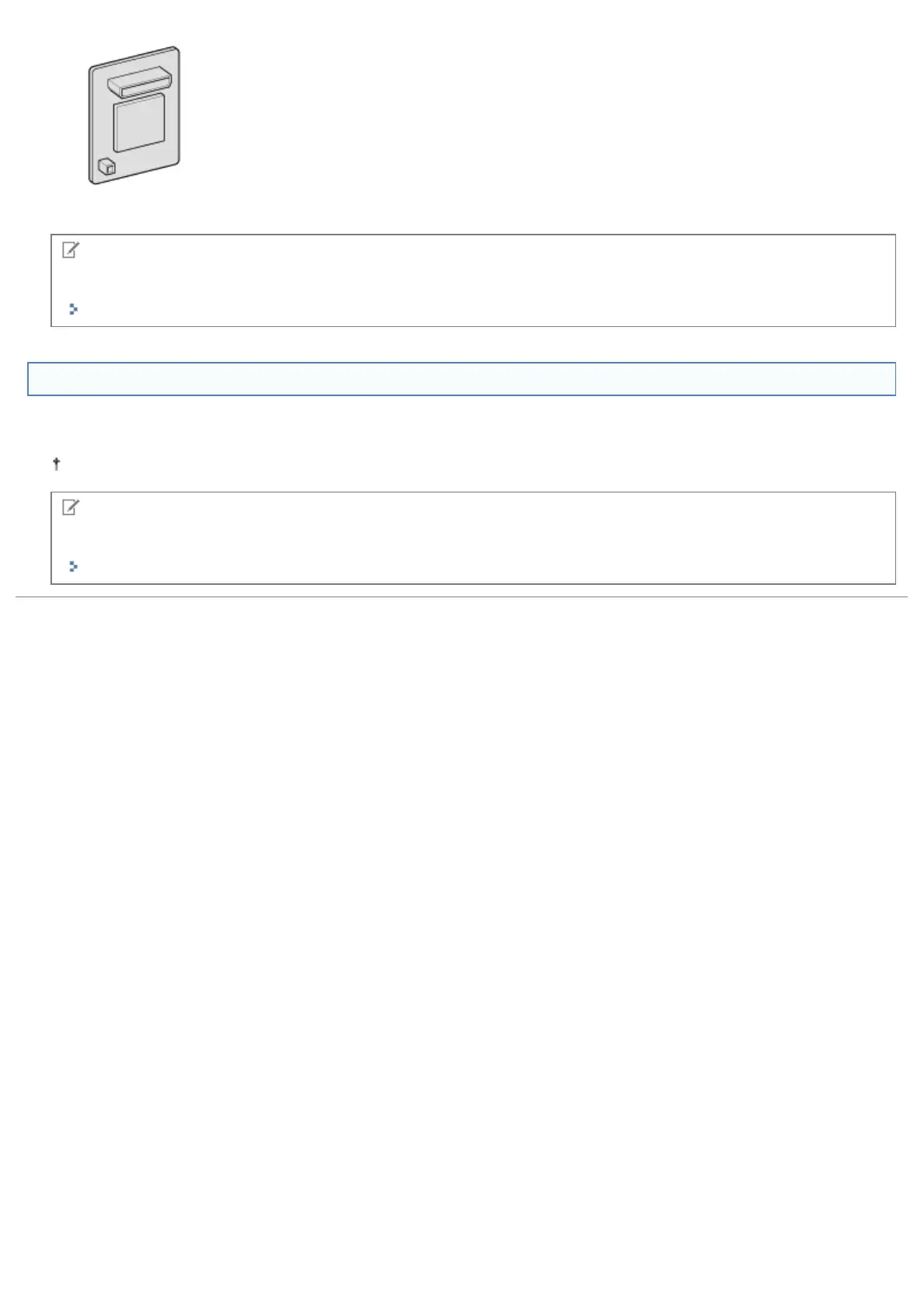
Barcode Printing Kit-F1
NOTE
How to install Barcode Printing Kit-F1
"Installing ROM"
SD Card
You can use an SD card that can be built in the printer to save the received print jobs temporarily. By installing the SD
card, you can use various functions such as print job spooling, encrypted secured print, secured print, and electronic sort.
Before you dispose of this product, prevent personal information from being leaked by physically destroying the product.
NOTE
How to install the SD card
"Installing SD Card"
㻠㻤㻌㻛㻌㻥㻣㻜



 To Next Page