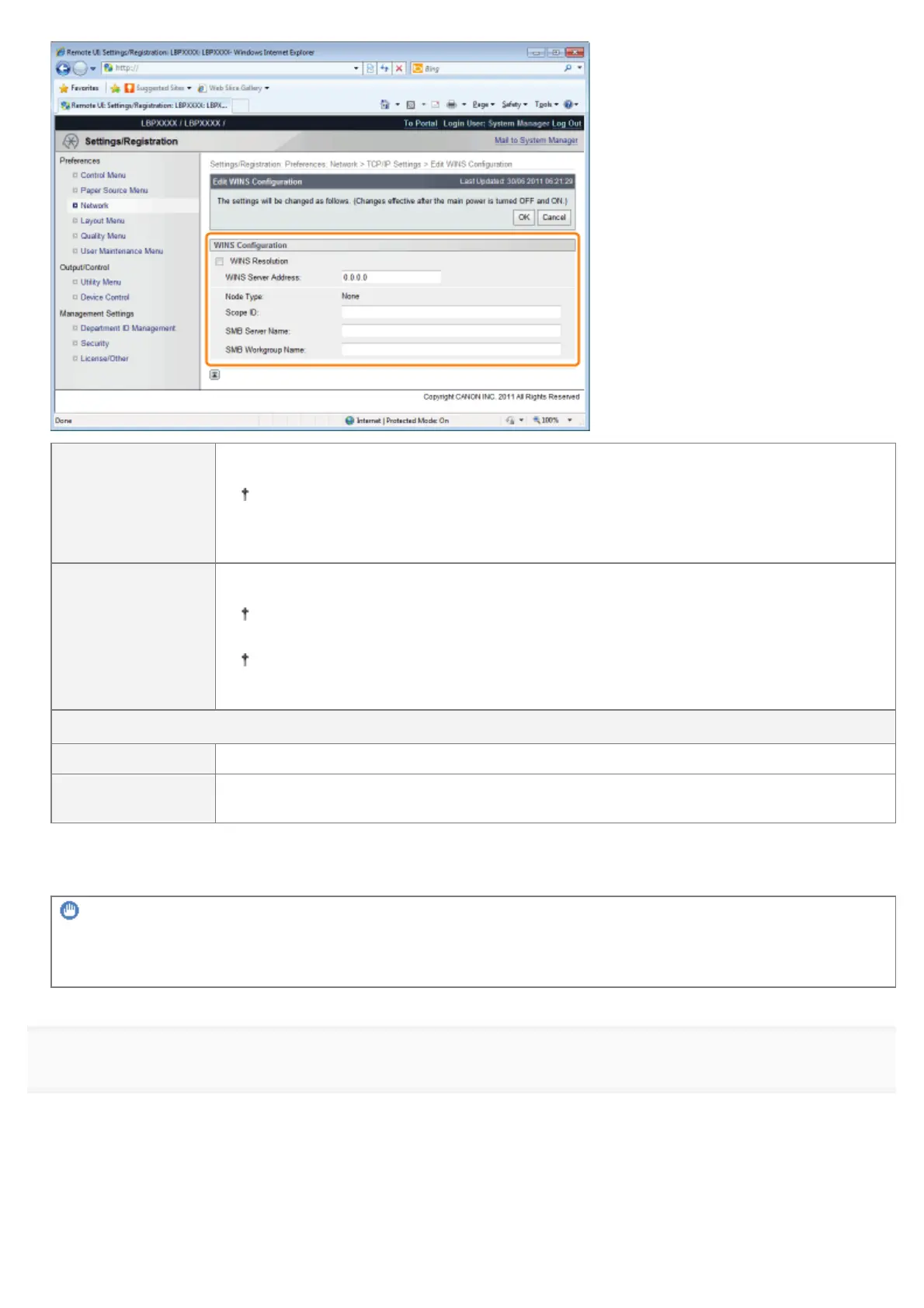
[WINS Server
Address]
Enter the IP address of the WINS server.
When using the IP address settings specified by DHCP, if you obtain the WINS server
IP address from the DHCP server, the IP address obtained from the DHCP server is
overwritten.
[Scope ID]
Enter [Scope ID] as needed. You can enter up to 63 characters.
The scope ID is an identifier to determine the range available for printers and
computers. The scope ID is browsed regardless of the WINS resolution settings.
When a scope ID is not specified for the computer in your network environment, leave
the [Scope ID] field blank.
Set the following items when registering printers on the WINS server.
[SMB Server Name] Enter the WINS server name set in Step 7.
[SMB Workgroup
Name]
Enter the workgroup name set in Step 7.
When not Using WINS Resolution
Clear the [WINS Resolution] check box.
IMPORTANT
If [Scope ID] is specified
The printer cannot communicate with the computers that have a different scope ID.
14
Click [OK].
㻡㻜㻠㻌㻛㻌㻥㻣㻜



 To Next Page