Start: Starts the installed MEAP applications.
Stop: Stops the installed MEAP applications.
IMPORTANT
If [Stop] is selected when installing MEAP applications
You need to start the application before using the MEAP application.
"Starting/Stopping MEAP Applications"
If the agreement screen is displayed, read the agreement. If you abide with the agreement, click [Accept].
6
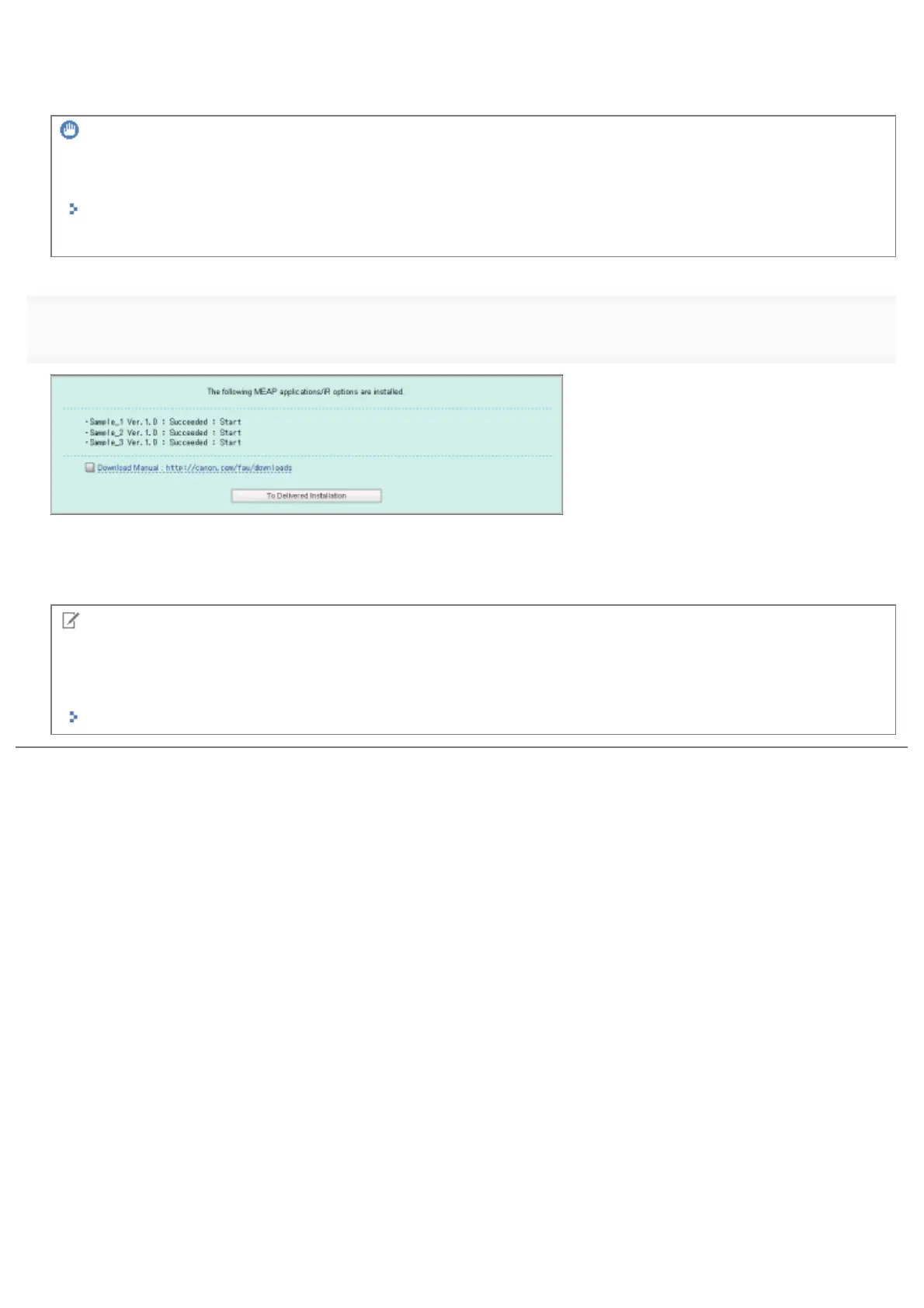
Check the Installation Result page.
When the installation of the system options is completed, the message <Restart the device.> appears. Restart the printer to
enable the function.
To return to the Delivered Installation screen, click [To Delivered Installation].
NOTE
The manual for system options/MEAP applications
You can download the manual for the installed system options/MEAP applications by accessing the URL for the manual
download site displayed on the Installation Result screen.
"Downloading the Manuals and Related Software"
㻢㻟㻠㻌㻛㻌㻥㻣㻜



 To Next Page