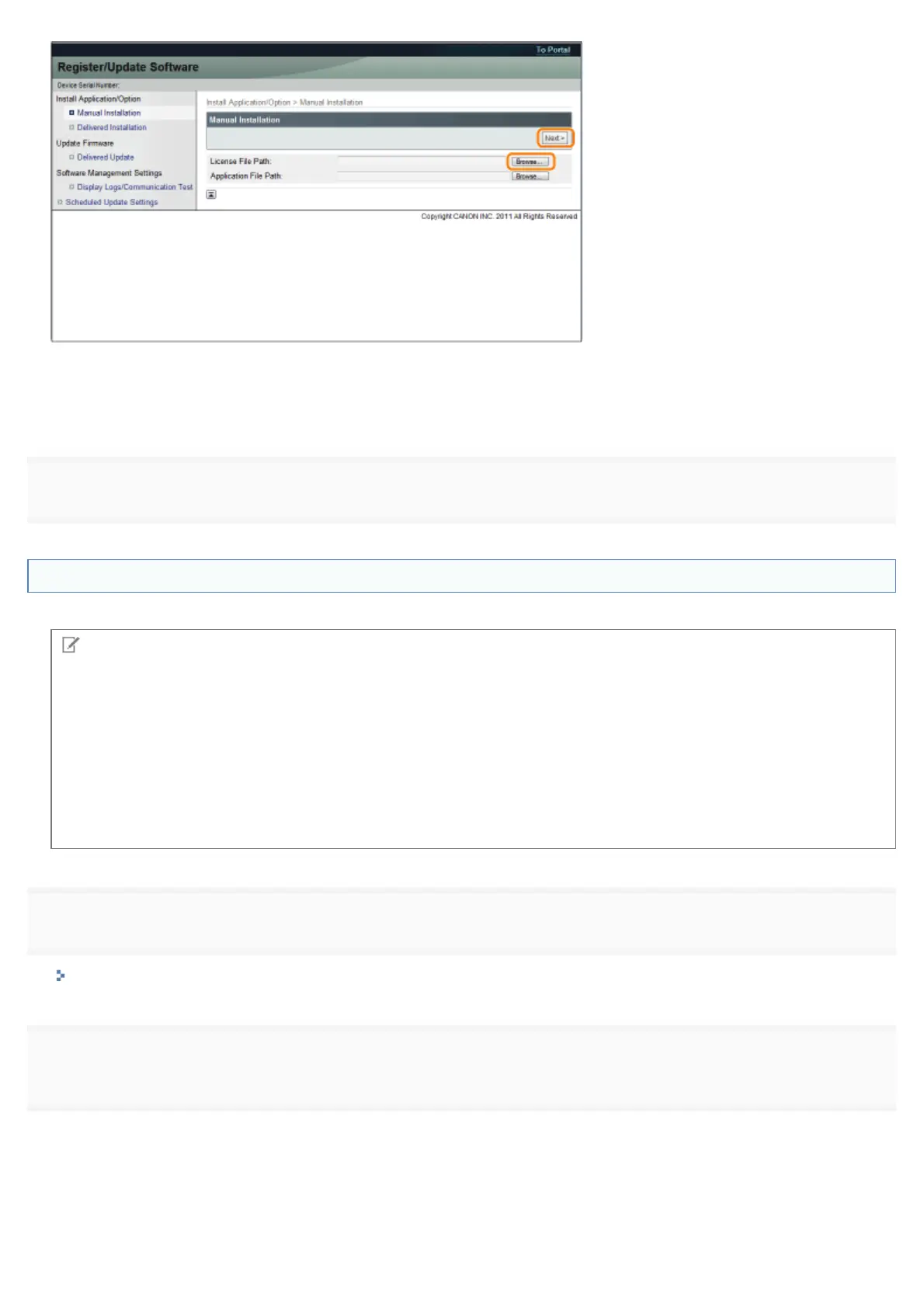
File extensions:
License File: A file with the [lic] extension.
5
Installing the MEAP Applications Using the Remote UI
You can install the MEAP applications to the printer using the Remote UI.
NOTE
The number of MEAP applications that can be installed
You can install up to eight applications.
Memory area that can be used
The maximum amount of memory allocated to install MEAP applications is 32MB.
For details on MEAP applications
There may be other system requirements for installation, depending on the MEAP applications. For instructions on
settings, see the manual provided with the MEAP application.
1
Start the Remote UI, and then log in as Administrator.
"Starting the Remote UI"
2
[Register/Update Software].
㻢㻟㻣㻌㻛㻌㻥㻣㻜



 To Next Page