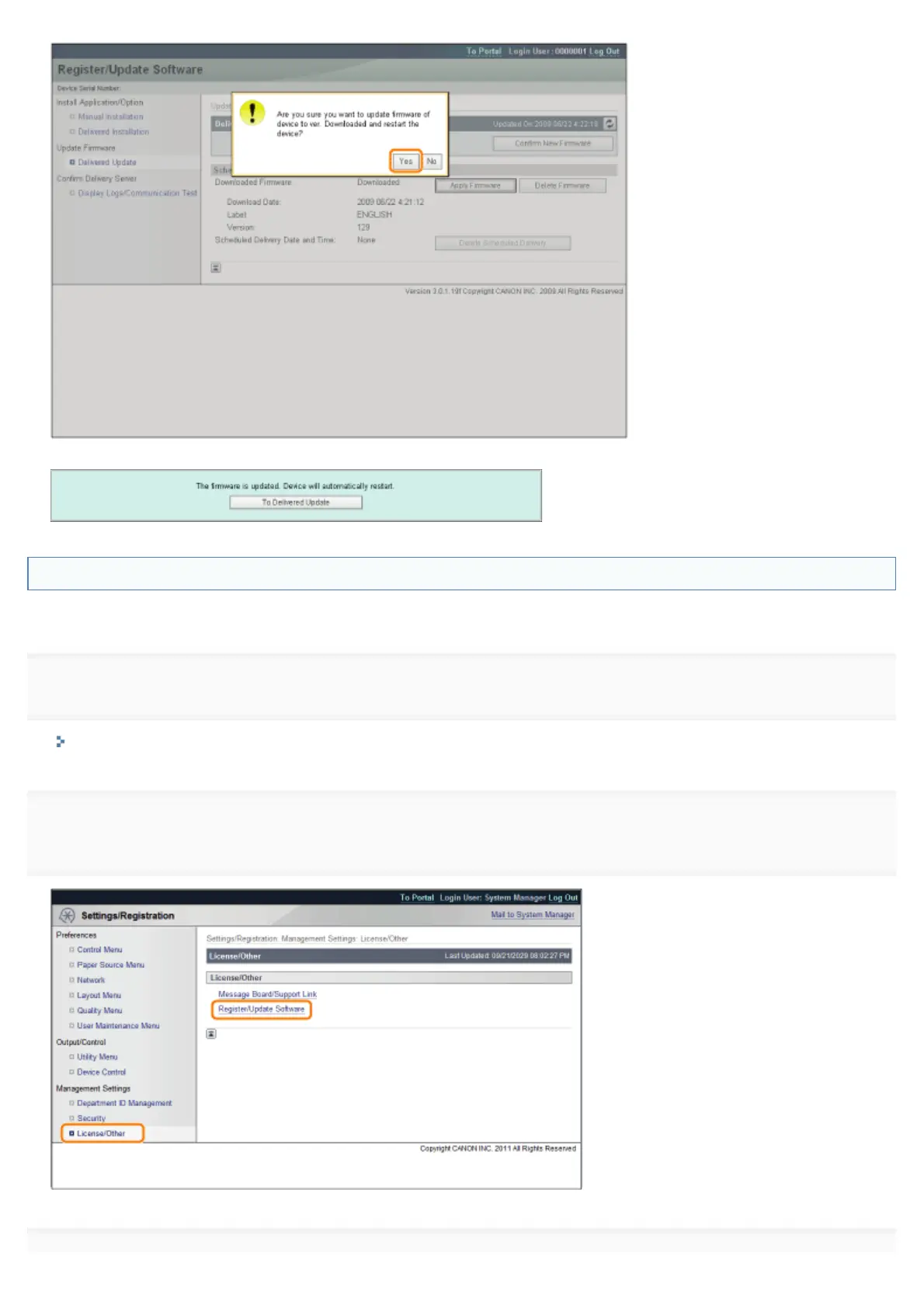
The new firmware is applied to the printer. When the application is completed, the printer automatically restarts.
Deleting the Downloaded Firmware
You can delete the downloaded firmware.
1
Start the Remote UI, and then log in as Administrator.
"Starting the Remote UI"
2
[Register/Update Software].
㻢㻠㻣㻌㻛㻌㻥㻣㻜



 To Next Page