3
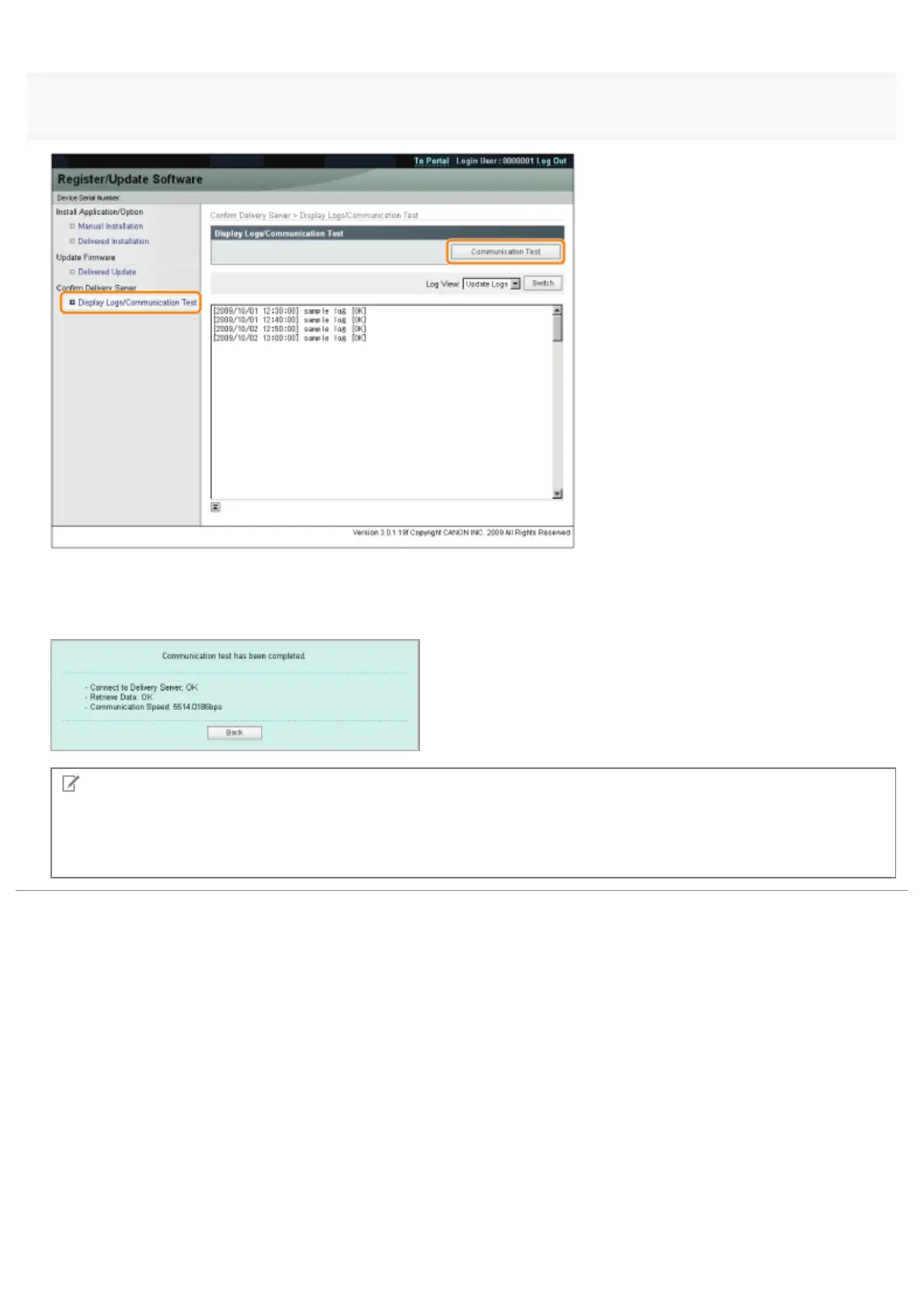
When the confirmation dialog is displayed, click [Yes].
Contents for the test are downloaded from the delivery server.
When the communication test is completed, the communication test result screen is displayed.
NOTE
If [Failed] is displayed on the communication test result
If [Failed] is displayed on the communication test result screen, check that the network cable is connected and that the
network settings are correct. If the problem is not resolved, contact your local authorized Canon dealer.
㻢㻡㻠㻌㻛㻌㻥㻣㻜



 To Next Page