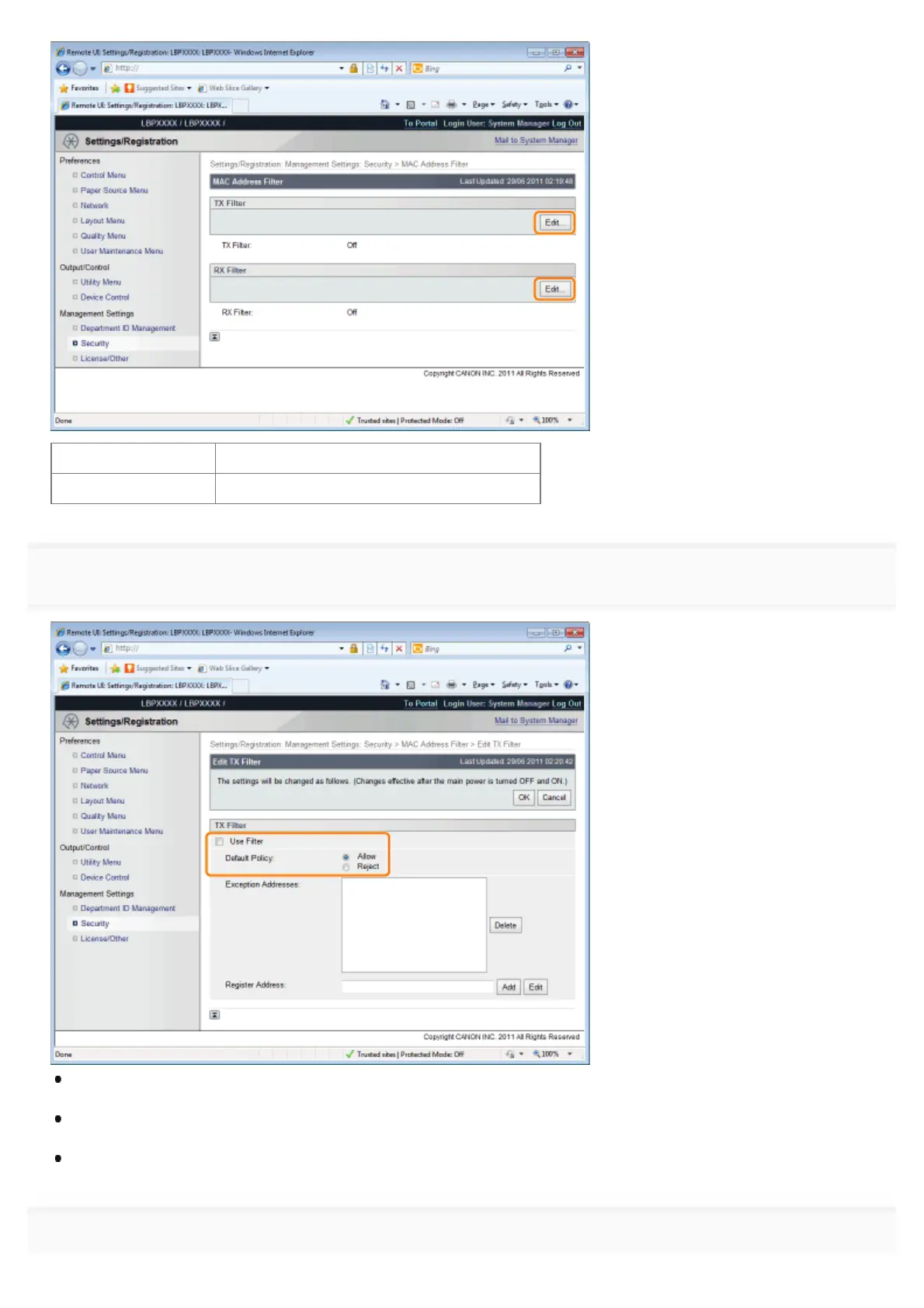
[TX Filter] It limits the sending of data from the printer.
[RX Filter] It limits the sending of data to the printer.
6
Select the [Use Filter] check box, and then select [Default Policy].
If you select [Reject], you will not be able to transmit or print from users (clients) entered in the [Exception Addresses]
field.
If you select [Allow], you will only be able to transmit or print from users (clients) entered in the [Exception Addresses]
field.
If you clear the [Use Filter] check box, you will be able to transmit and print from all users (clients).
7
㻢㻢㻤㻌㻛㻌㻥㻣㻜



 To Next Page