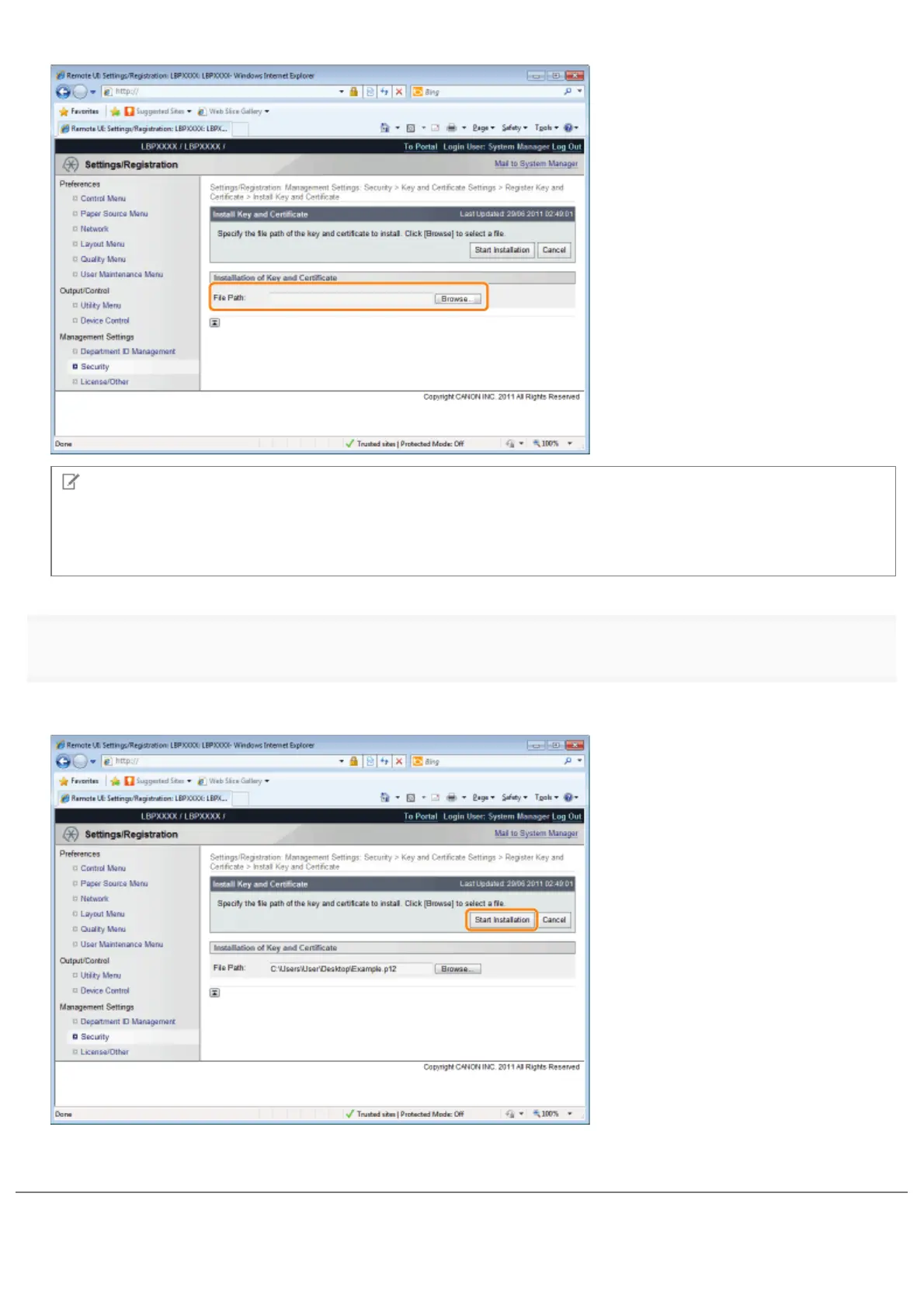
Click [Browse...] to select the key/certificate file or enter the directory for the saved key/certificate file.
NOTE
About the name of the key/certificate file
Except for the extension up to 20 alphanumeric characters can be specified in [File Path] for the file name.
Specify the file name so that its length is 20 characters or less.
4
Click [Start Installation].
ĺ The installation of the key/certificate file starts.
To specify the key pair (the public key and private key) and its certificate in a key/certificate file installed on this printer so
that you can use them in the printer, see "Registering a Key and Its Certificate in the Printer " and register the key pair (the
public key and private key) and its certificate in the printer after installing the key/certificate file.
㻢㻥㻤㻌㻛㻌㻥㻣㻜



 To Next Page