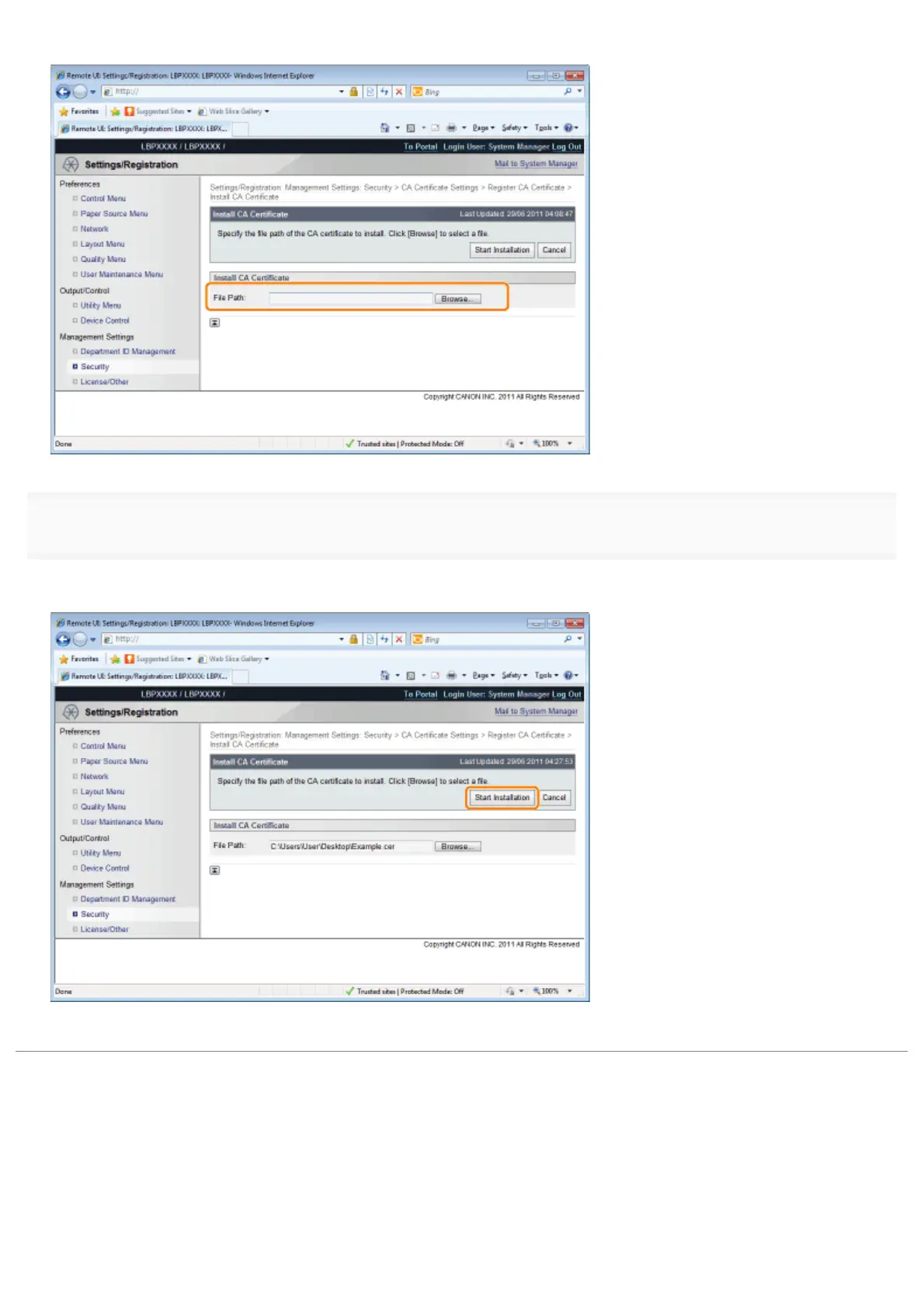
Either select the CA certificate file by clicking [Browse...], or enter the location where CA certificate file is stored.
4
Click [Start Installation].
ĺ The CA file installation starts.
To enable the printer to use the CA certificate installed on the printer, after the CA certificate installation is complete, refer
to "Registering CA Certificates in the Printer" and register the CA certificate in the printer.
㻣㻜㻥㻌㻛㻌㻥㻣㻜



 To Next Page