6
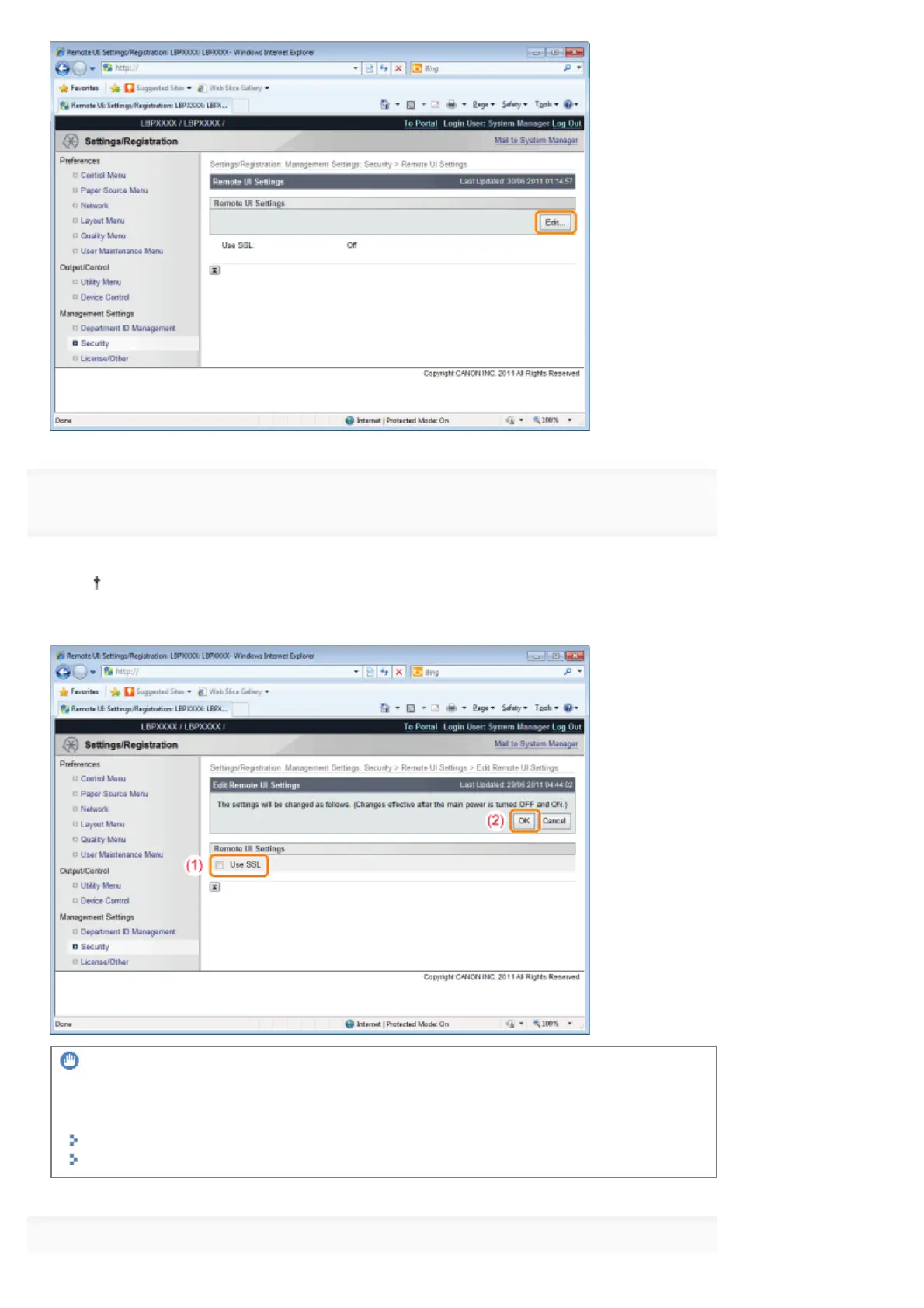
Change the Remote UI settings.
(1) Select the [Use SSL] check box.
If you clear the check box, the remote UI cannot use SSL encrypted communication.
(2) Click [OK].
IMPORTANT
If you cannot set [Use SSL]
When a key is not selected for SSL, [Use SSL] cannot be checked.
Setting Keys and Certificates
Selecting Keys and Certificates
7
㻣㻞㻜㻌㻛㻌㻥㻣㻜



 To Next Page