3
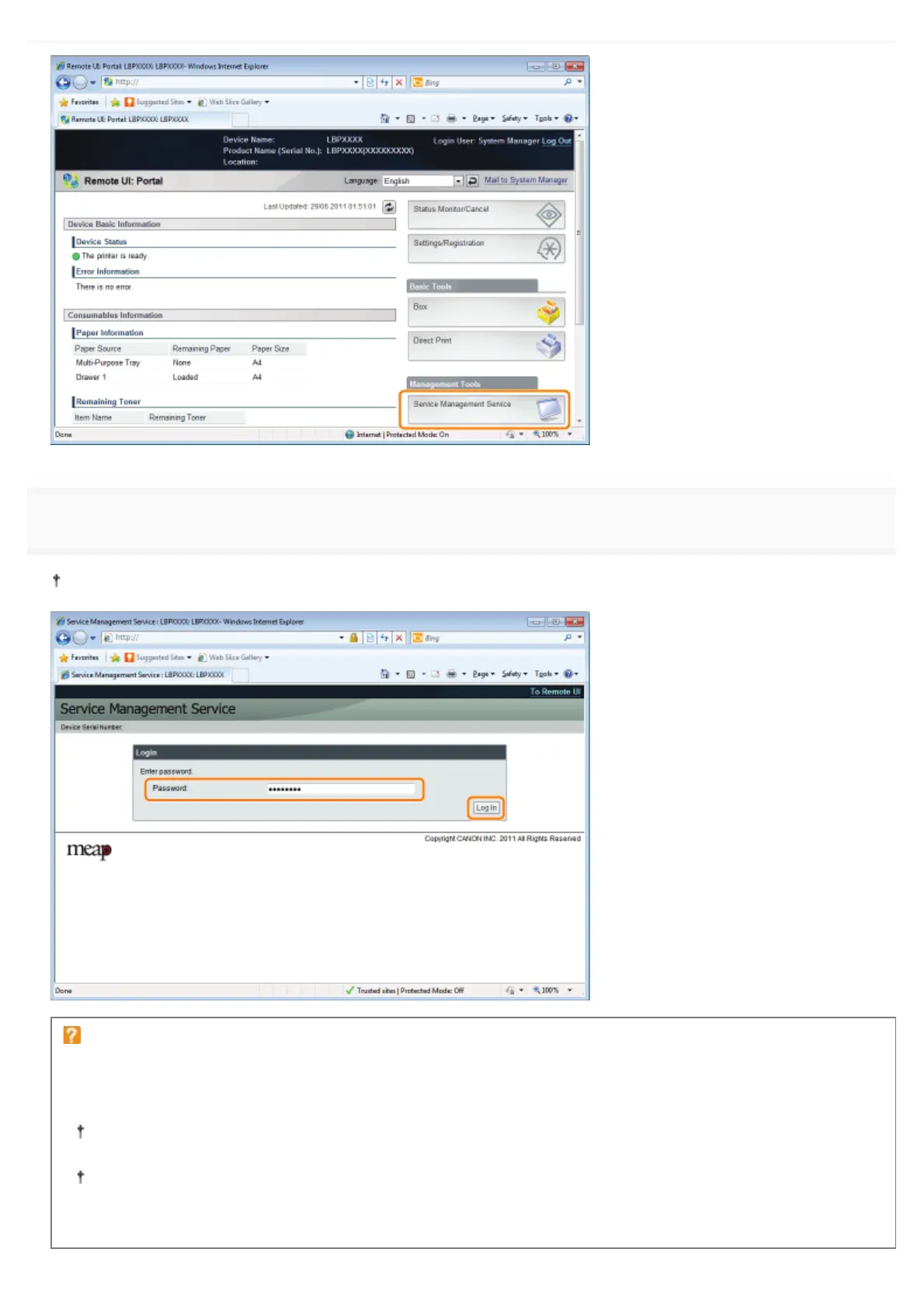
Enter the password, and then click [Login].
The default password is "MeapSmsLogin" (case sensitive).
If you cannot log in
If you cannot log in because the password is not correct, a message is displayed prompting you to re-enter your
password.
Enter the correct password, and then click [Login].
If you do not log in within approximately 5 minutes after the login page is displayed, you will not be able to log in
even if you enter the correct password.
A switch license file is required to initialize passwords. After clicking on [Browse] in [Initialize Password] in the
screen that displays the message prompting password re-entry, select Switch License File, and then click
[Initialize]. Contact your local authorized Canon dealer or sales representatives.
㻣㻡㻝㻌㻛㻌㻥㻣㻜



 To Next Page