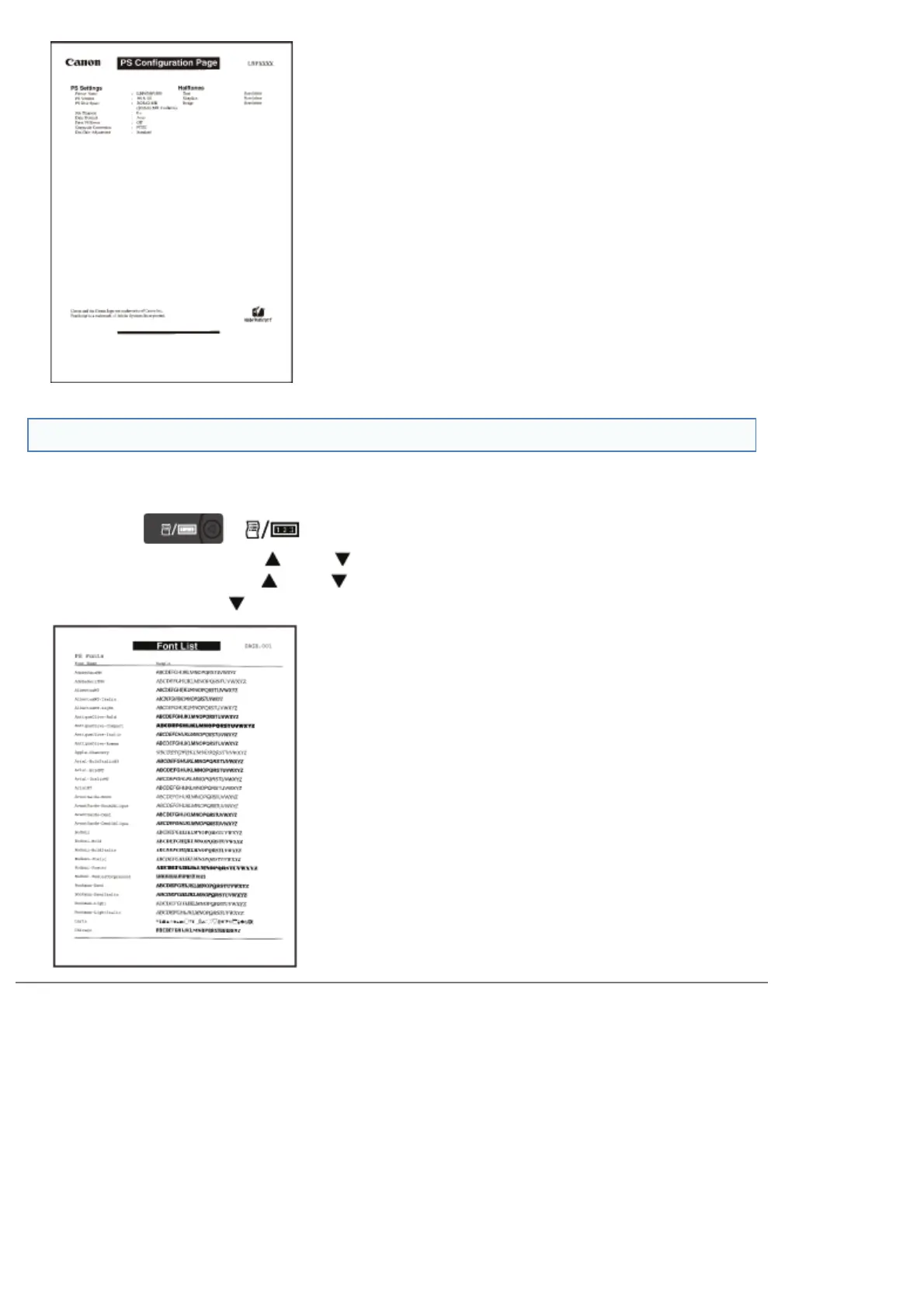
PS Font List
A list of the fonts that can be used in the PS mode is printed.
1. Make sure that the printer is online.
2.
Press [
] ( : Utility) to display the [Utility Menu] menu.
3. Select [PS Utility] using [
] and [ ], and then press [OK].
4. Select [Font List] using [
] and [ ], and then press [OK].
5. Select [Yes] using [
] in the [Execute?] display, and then press [OK] to output the page.
㻥㻢㻟㻌㻛㻌㻥㻣㻜



 To Next Page