A53 Z0 9 0020 L En Technical documentation
5.1
Security level and password
GENSYS 2.0 features password protected access levels to define which menu and parameters can be
accessed. Table below details these levels and what can be accessed.
G59 (options)
This is a special function access (see §13.10 for more details)
No password. Press
[ENTER] key.
This level is not password
protected.
User level, parameters settings &
commissioning.
Used to change PLC level 1
equations and parameters.
PLC programming level 2.
Used to change PLC level 2
equations and parameters.
All menus + advanced
functions
Table 8 – Authorization levels and passwords
Active and lower level passwords can be changed in the system menu (see §17.4.2).
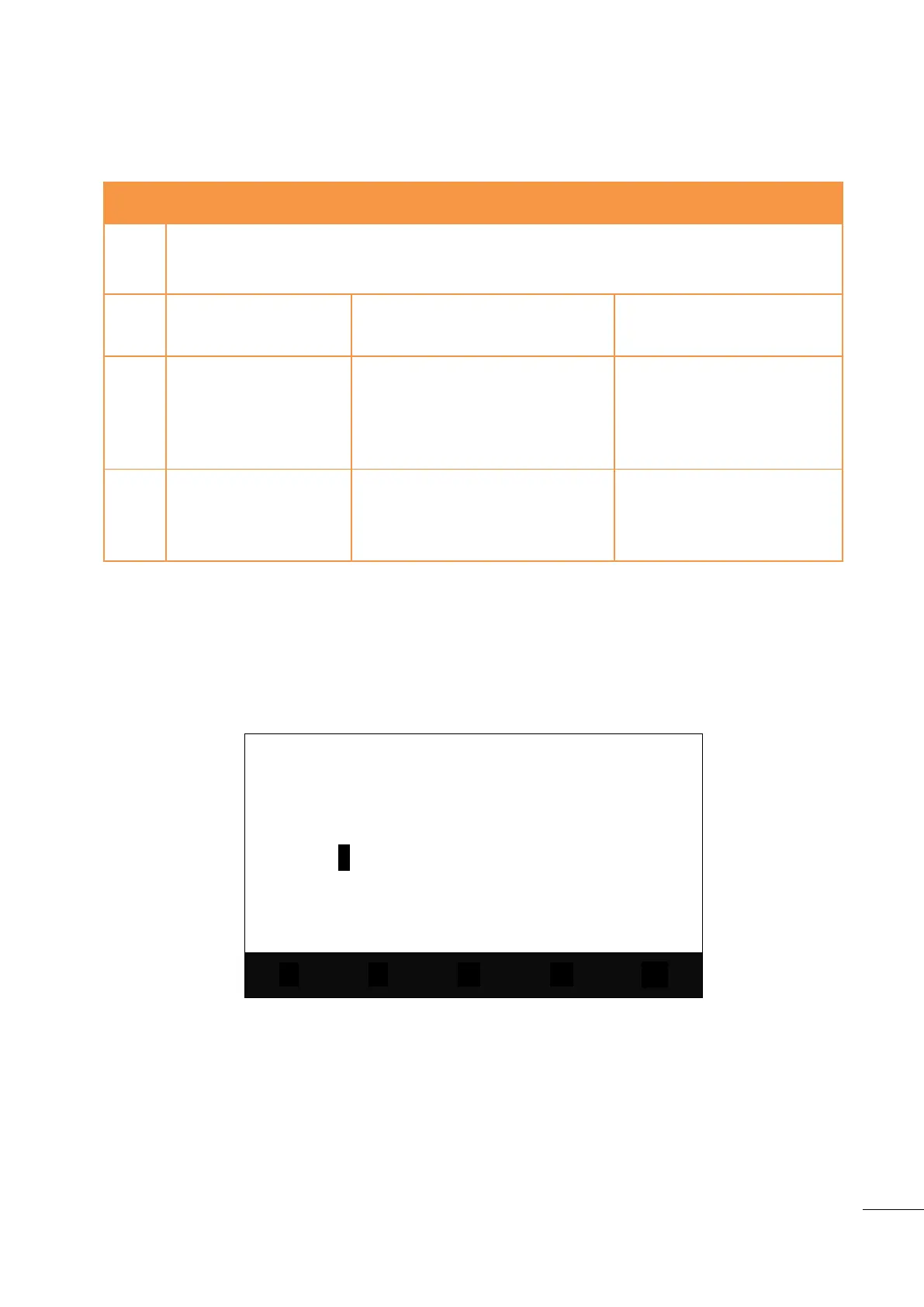
When the password page is shown on the LCD display, the user must first press on the [ENTER] key to
switch to password input mode (as for other parameters).
Password : *
ABCDEFGHIJKLMNOPQRSTUVWXYZ
abcdefghijklmnopqrstuvwxyz
0123456789
Figure 6 – Password input mode display
Three lines of characters (upper and lower case letters, ‘0’ to ‘9’ characters) will appear along with 5 icons
above the contextual keys. The first four contextual keys allow the user to move the cursor up, down, left
or right onto the desired character. Key “OK” will validate the selected character and write it in the
password line (a * appears for each character entered). [ENTER] key validates the password. If it is correct,
the main menu will appear on the LCD display. Otherwise, the password page will be displayed again.
You can now enter: [ESC] [ENTER] and type in the level 1 password as described above so as to access the
top level menu which contains three entries:

 To Next Page
 Loading...