117
Device integration
Alexa Service
The Alexa skills are currently only available in German and require Alexa to be
connected to the German Amazon.de store.
If you Alexa is connected to e.g. the American, British, France, etc. Amazon store, you
cannot use these skills.
If you have Alexa connected to the German Amazon.de store and are able to use the
German Alexa skills (commands + answers only in German), please contact us if you
require an English manual.
In the German manual of the alarm panel, you can also find the complete description on
how to connect Amazon Alexa with your alarm panel.
Fritz!Box
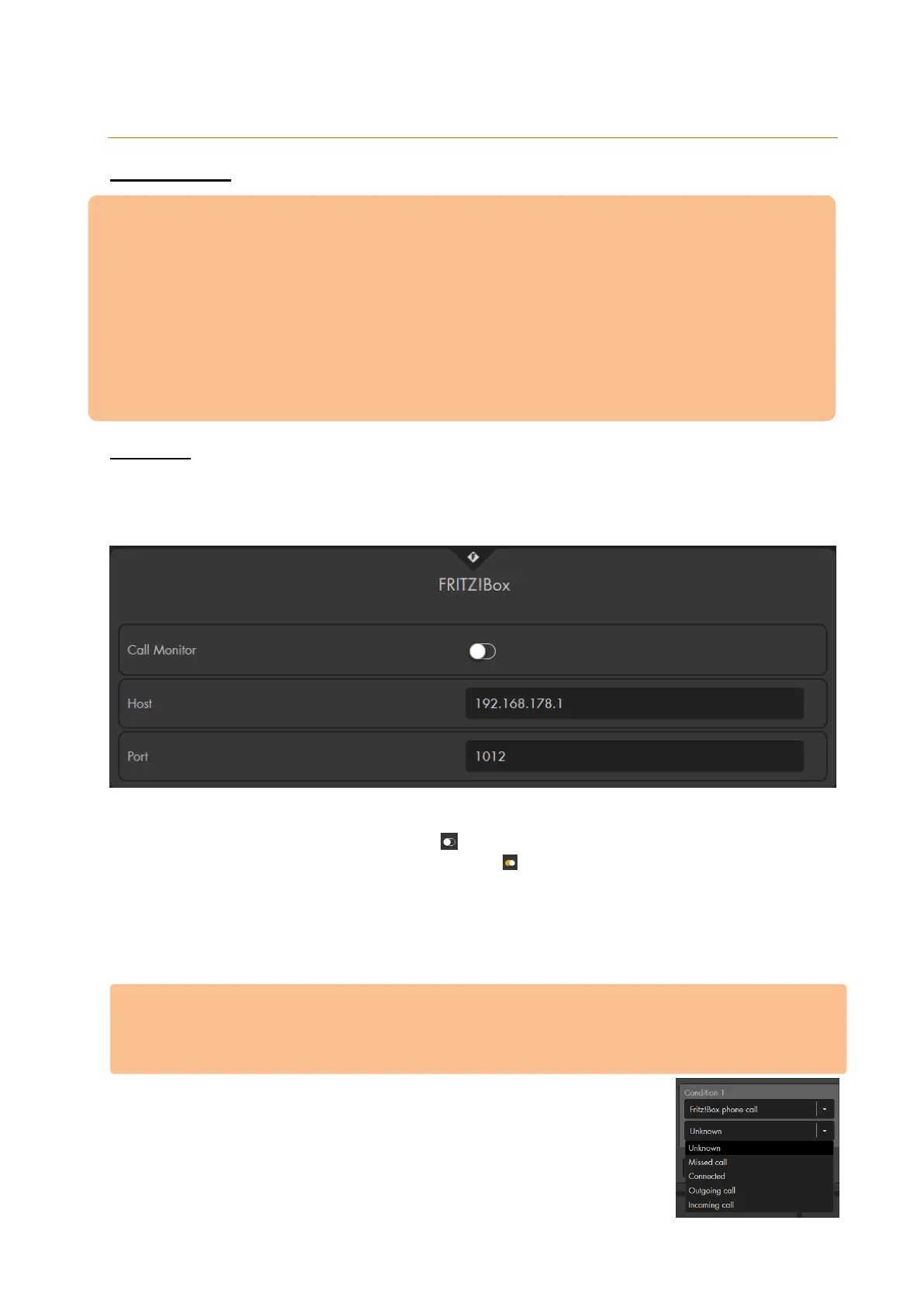
You can connect the alarm panel to the telephone function of a Fritz!Box, e.g. to perform
an action (home automation) in case of a telephone call or to display the “caller list” in the
GRID.
Call monitor
This option is disabled by default . In order to connect the alarm panel to your
Fritz!Box, you need to enable this option .
Host
Enter the IP address of the Fritz!Box in your network, e.g. 192.168.123.1.
Port
Enter the communication port of your Fritz!Box telephone system. The default port
is 1012.
Please note:
In order to activate the call monitor via port 1012, you need to do the following:
o Enter the combination #96*5 in a phone that is connected to the Fritz!Box.
o The telephone sounds a confirmation signal.
Afterwards, it is possible to use Fritz!Box phone call as a condition
for home automation rules (“Smarthome” “Automation”
“Rules”). For more information, see chapter home automation.



 To Next Page