128
Factory reset
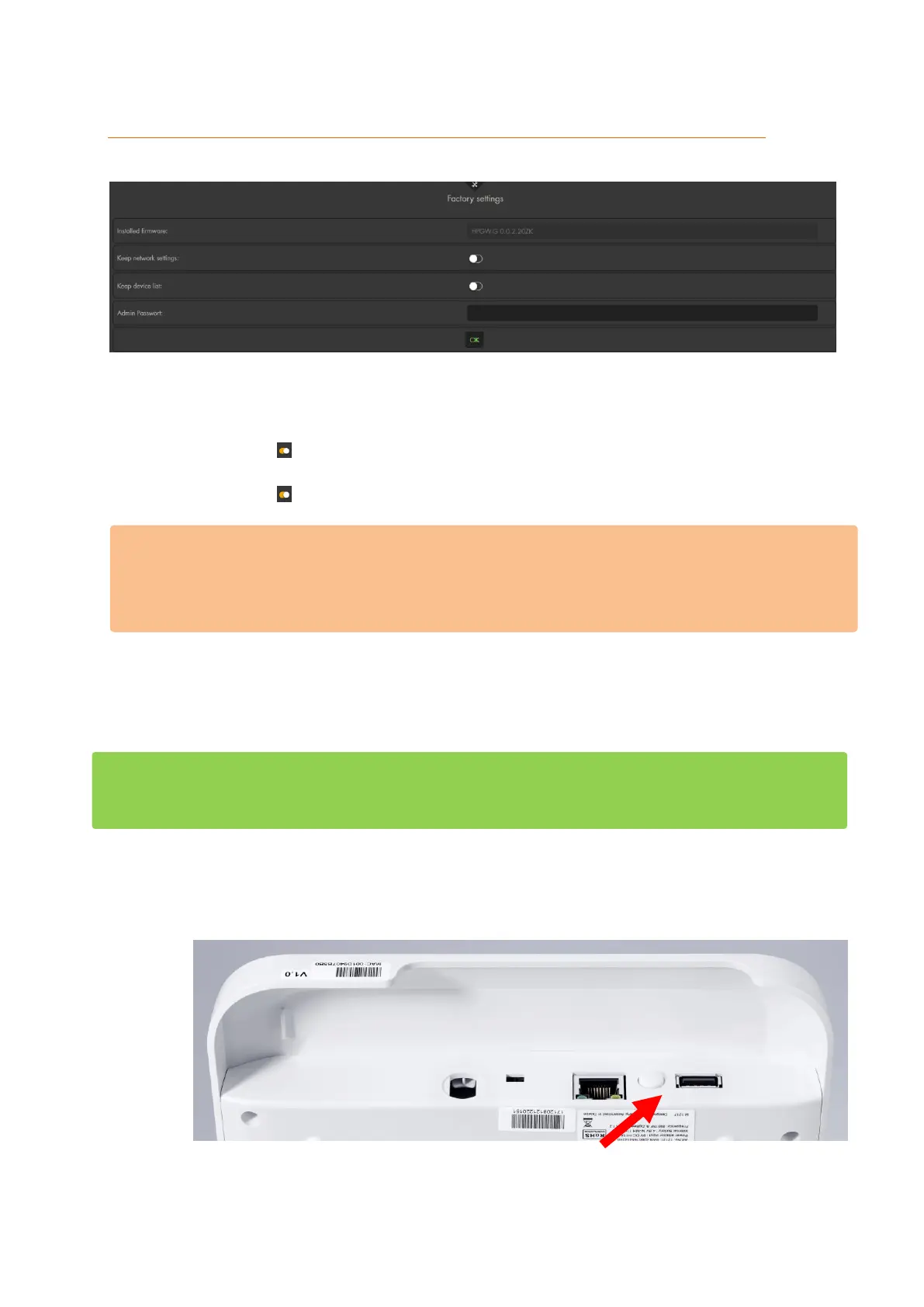
Use this menu to reset all the alarm panel’s settings to default (software reset).
Installed firmware:
Shows you the currently installed firmware
Keep network setting:
If you enable this option, the network settings are not reset.
Keep device list:
If you enable this option, the device list is not deleted.
Please note:
For technical reasons, it is impossible to save the configuration of ZigBee devices.
They need to be reintegrated after a reset. For a detailed list of types of sensors
(RF or ZigBee), please refer to the chapter “Overview of sensor compatibility”.
Admin password:
A factory reset is only possible if you have the admin password.
OK:
Begins the reset process.
In order to perform a hardware reset, including the deletion of all connected sensors, is
executed as follows:
Disconnect the power supply (unplug mains adapter and switch battery switch to
OFF)
Press and hold the reset / learn button of the alarm panel
o XT1 Plus



 To Next Page