122
Logs
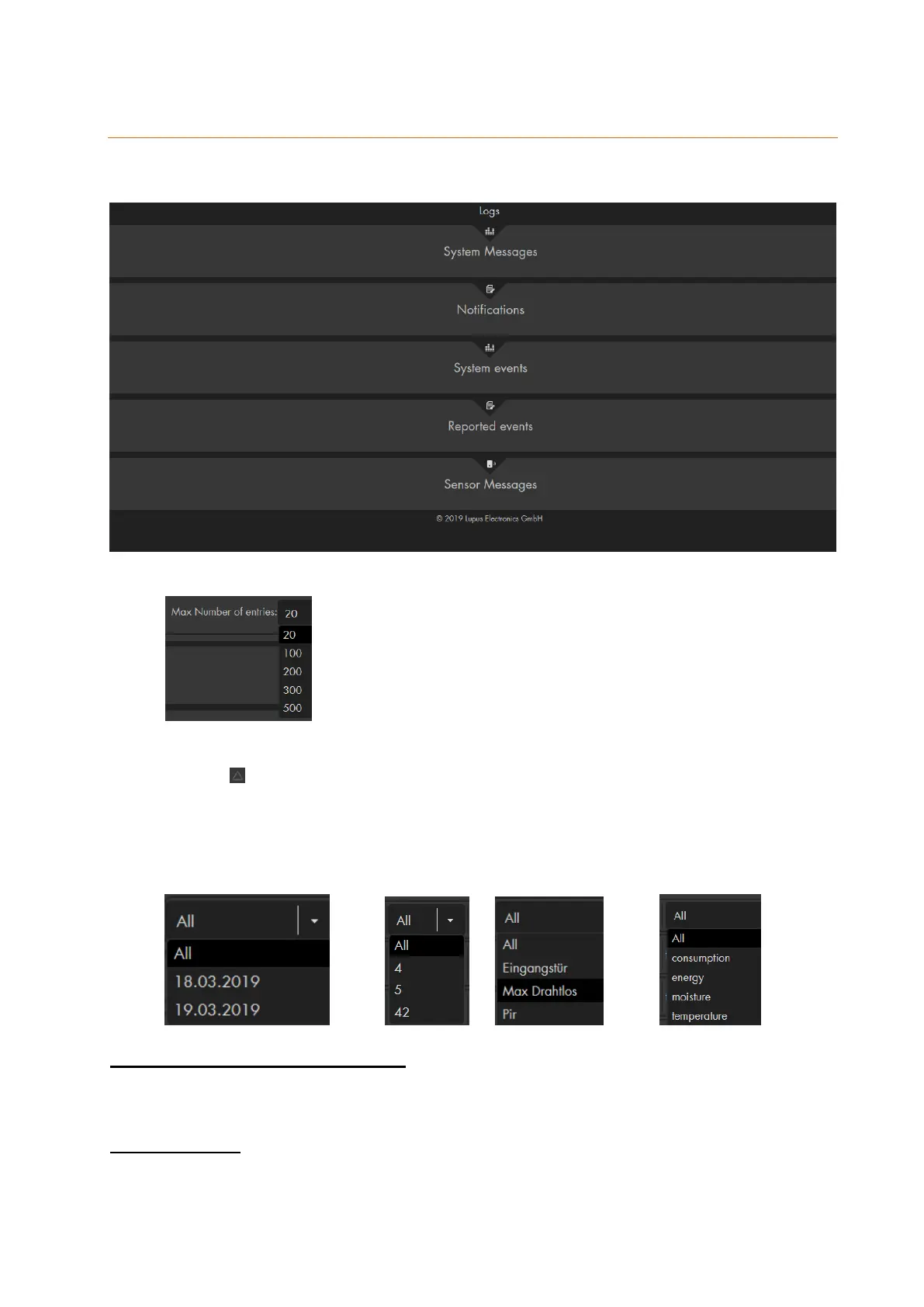
The logs menu you find the various logs of your alarm panel sorted in the categories:
System messages, notifications, system events, reported events, and sensor messages.
Below each log table, you can select how many entries you want to display.
The information in the logs is displayed in a table that is by default sorted
chronologically (date / time). You can change the order by the using the sort
symbol at the top of each column.
The drop-down menus below the columns allows you to only certain entries in
the log. By default, “all” entries are displayed. This can be used to, e.g. display all
entries of a certain sensor.
Examples:
Date Zone Name Information
System messages & notifications
These menus display information about the alarm panel (e.g. mode change, reports,
alarms, etc.), about sensors (e.g. tampering, battery, doorbell, power failure, added,
deleted, etc.)
System events
This menu displays which IP address accessed the alarm panel, if the access was
successful or unsuccessful, and to which address mails, SMS, push, contact ID was
sent.



 To Next Page