132
Access via the LUPUS app (for Android + iOS)
Download the free Android or iOS app from Google Play Store or the App Store
(iPhone/iPad). Most of the settings can be done with the app. However, network settings
cannot be changed.
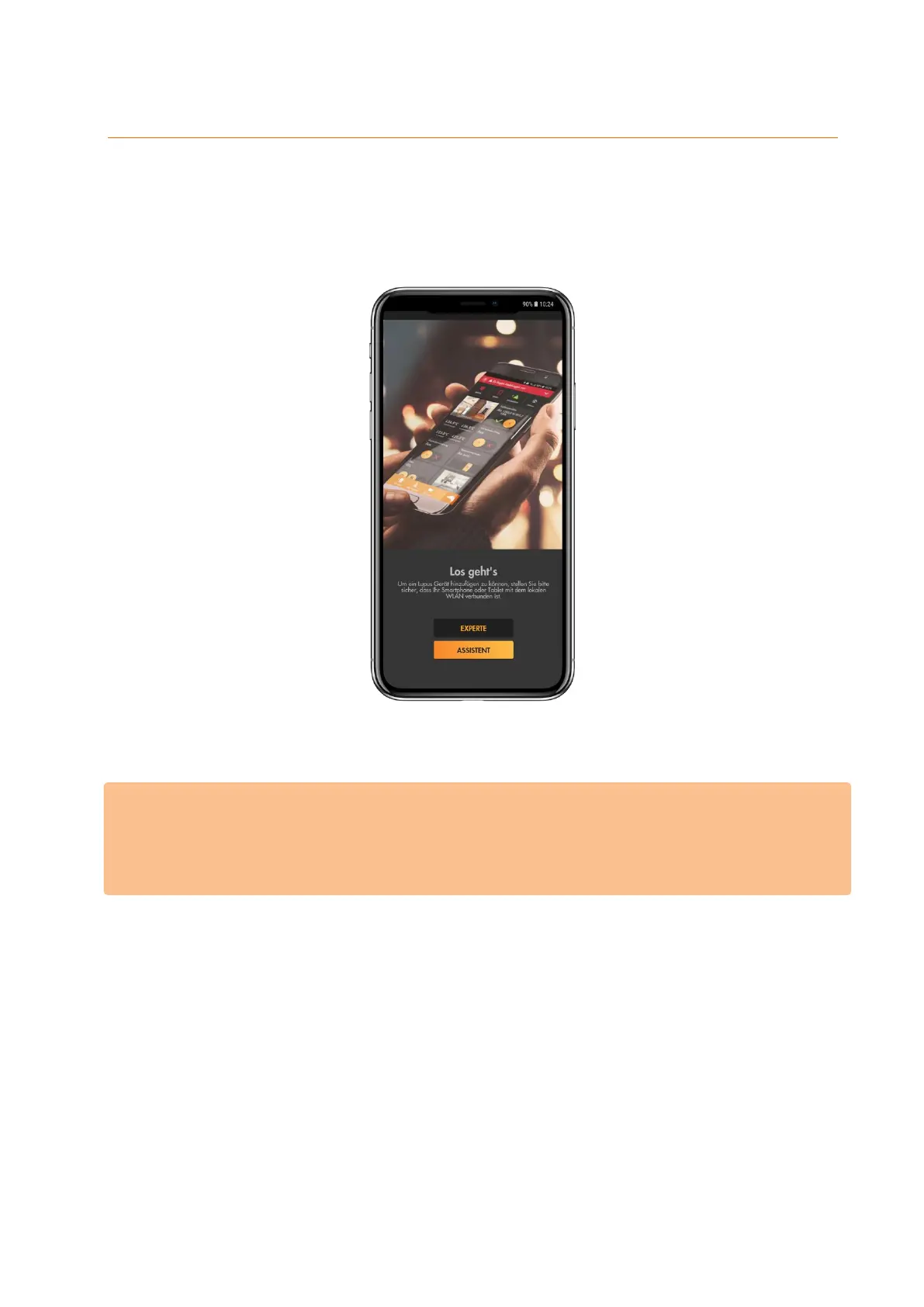
The following screen is shown when you first start the app:
You can select between the methods “assistant” and “expert”. If you do not know the local
IP address of the alarm panel, we advise you to use the assistant.
Please note:
You can use the app to access your alarm panel via your LAN (local area network), as
well as, via the internet. In order to have access via the internet, it is necessary to set-up
your router accordingly. For more information, see chapter “remote access via the
internet”.



 To Next Page