189
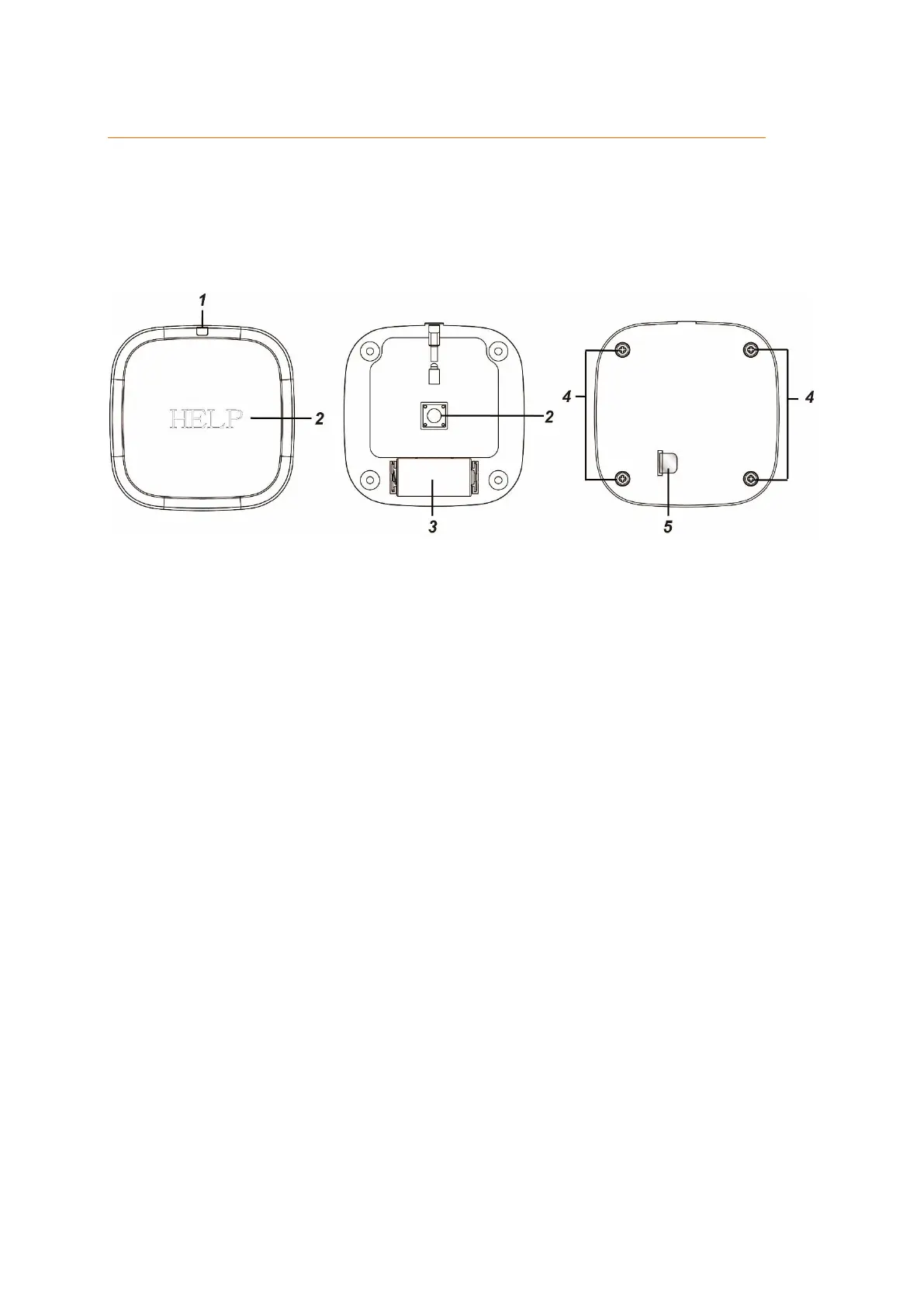
Emergency button
Product description:
The emergency button is used to trigger an emergency alarm in order to notify others and
request help.
9. LED indicator
The LED lights up briefly when a signal is transmitted.
10. Learn- / emergency button
When you press the emergency button, an emergency alarm of the alarm
panel is triggered irrespective of the mode of the alarm panel (disarm / arm
/ home).
If you hold the emergency button for at least eight seconds, the emergency
alarm is stopped.
11. Battery compartment
The emergency button uses a 3V CR123A lithium battery. When the battery
runs low, the alarm panel notifies you.
12. Screws
13. Battery breaker



 To Next Page