188
Set-up of the electric meter
In the menu “Sensors” “List” , you can change the name, area, and zone of the
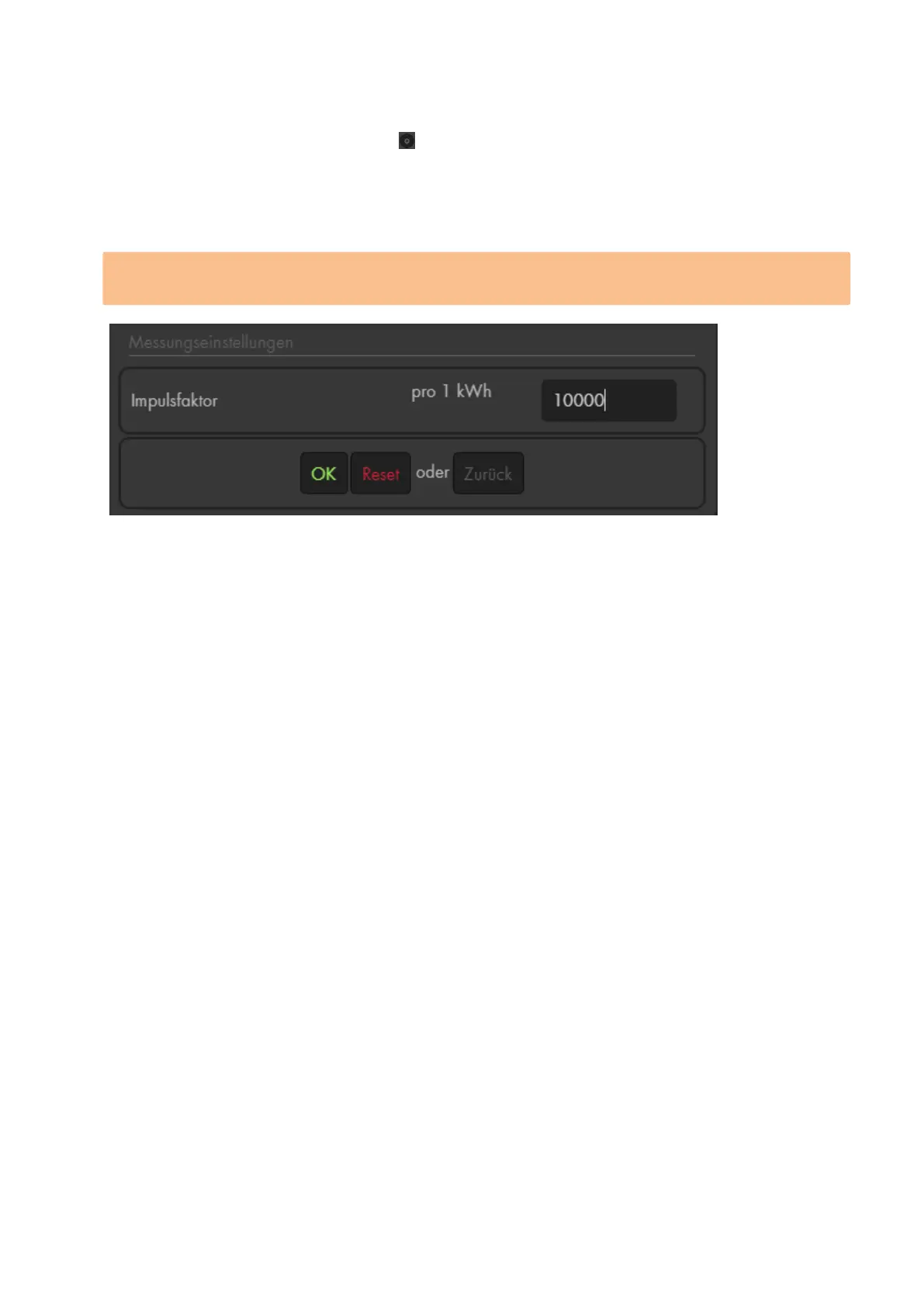
electric meter. Furthermore, you can set the impulse factor in order to match the
measurement correctly. In the example image above, you can see that our main electric
meter offers a value with 10000 imp/kWh. If this value is not printed directly on your main
electric meter, please refer to the manual of your main electric meter.
By default, we use 1000 imp/kWh. If you want to change this setting, you need to do it
during the first 3 minutes after the batteries have been inserted.
Please note:
The watt consumption is displayed in the menu “Sensors” “List” in the column
status.
There are three triggers for a measurement:
o Press the learn button briefly.
o Automatically every 5 minutes
o If the power consumption exceeds 0.1kW/h within these 5 minutes.
The electric meter is not compatible with the wireless repeater and it is not possible
to save the electric meter in the backup file.



 To Next Page