186
for more than 10 seconds, the electric meter is reset and a new connection
request is send out to the alarm panel.
6. IR sensor
Connect the cable of the IR sensor with the IR sensor input (4).
Connecting the electric meter and putting it into operation
1. The electric meter can only be connected to the alarm panel within the first
three minutes after the batteries have been inserted!
2. Open the menu “Sensors” “Add” and press on “start”.
3. Press and hold the learn button (5) of the electric meter for ten seconds. A
connection request is send to the alarm panel and the LED will flash twice.
4. As soon as the alarm panel has received the connection request, the electric
meter is displayed in the sensor list. Press to confirm the connection of the
electric meter and the alarm panel.
Range test:
1. Open the menu “Sensors” “Range” and press on “start”.
2. Press the learn button of the electric meter.
3. The electric meter, as well as, the signal strength are now displayed.
Please note:
The signal strength is also displayed in the menu “Sensors” “List” and
continuously updated.
We advice you to use a ZigBee repeater if the signal strength is below 4, since
it is normal that the signal strength may fluctuate for 2-3 points, thus, a signal
loss is possible.
Installation of the electric meter
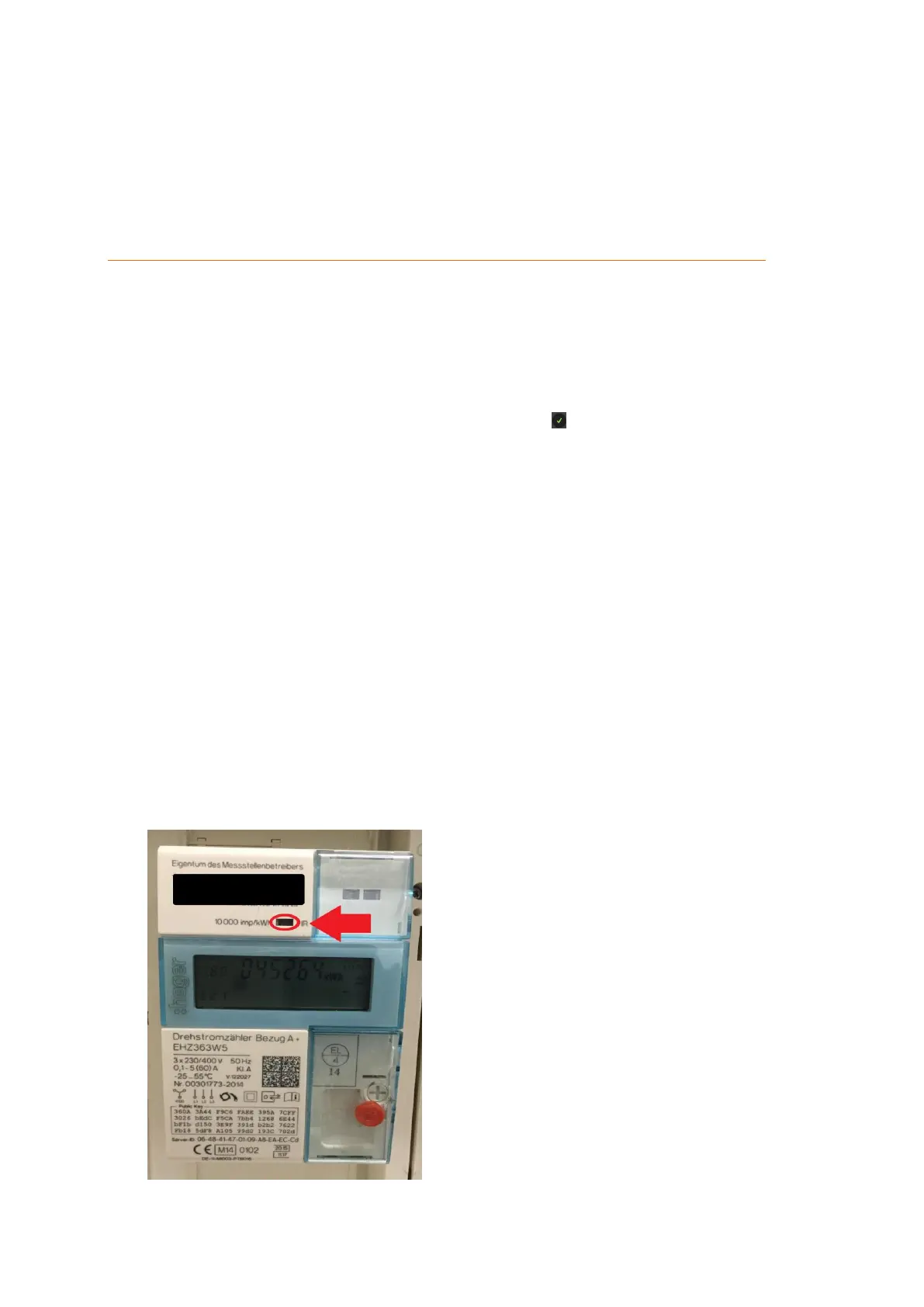
Look for the IR interface of your main electric meter. Example:
1. Use double-sided tape to glue the washer over the IR interface (LED port) of your



 To Next Page