27
Access to the web interface of the LUPUSEC-XT alarm panel
The alarm panel is controlled via a browser-based user interface, which is structured like
a website. On this website, you can control all system functions of the alarm panel, add
and edit sensors, arm or disarm the alarm panel, check for open windows or doors, and
view pictures from your LUPUSNET HD network cameras and recorders (if installed and
connected).
To open the main menu of the alarm panel, proceed as follows:
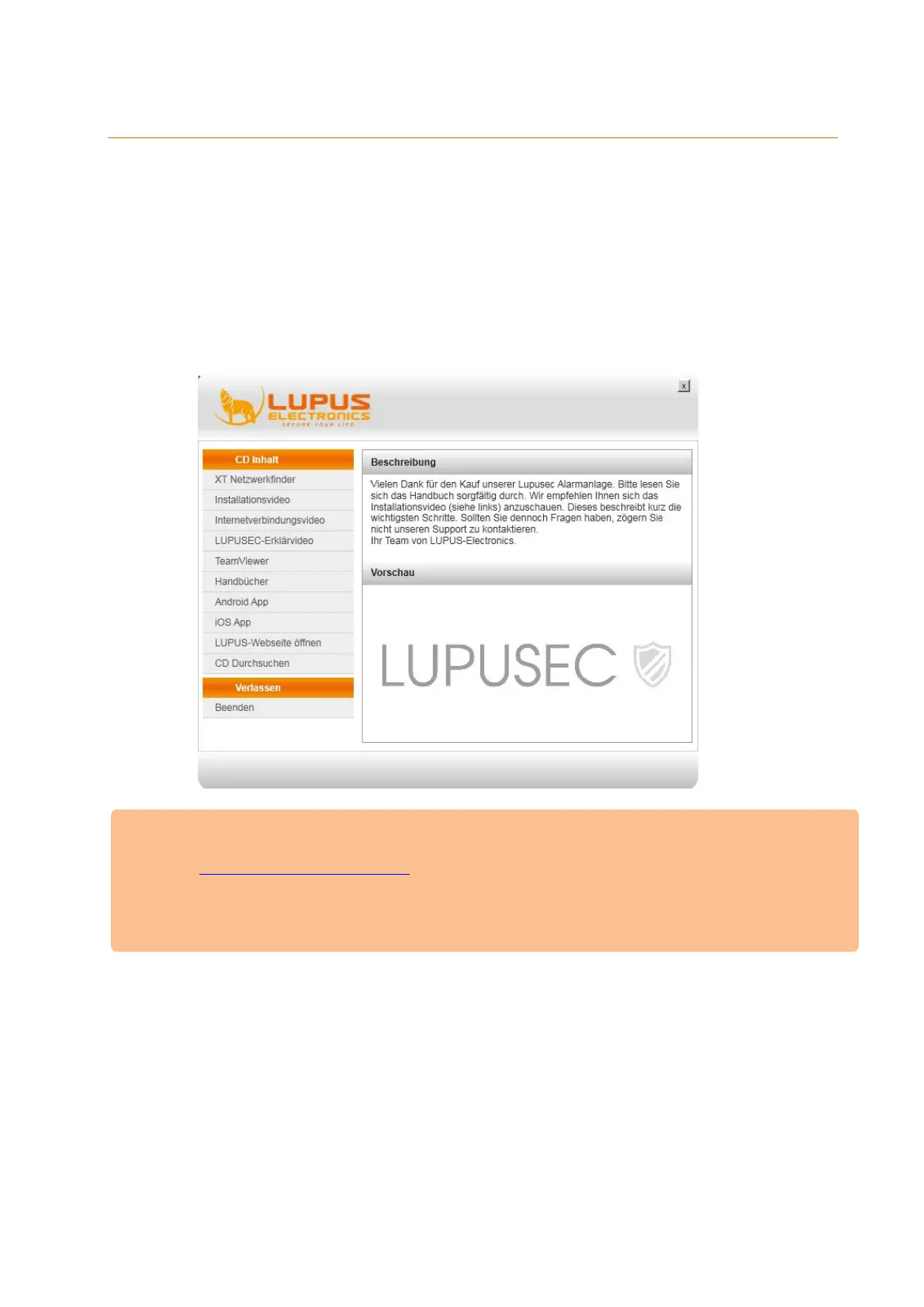
1. Insert the CD and start the network / IP Finder. If you already know the IP
address of the alarm panel, you can directly access it via your browser.
Please Note
The IP Finder for MacOS can be downloaded from our homepage
(www.lupus-electronics.de).
It is also possible to access the alarm panel via your Android or iOS
smartphone. More information for the mobile access can be found in the
chapter “access via the LUPUSEC App”.
2. Click on “Search” in the bottom of the page to scan your network for your
alarm panel.



 To Next Page