123
Reported events
This menu displays messages of the alarm panel including the corresponding contact ID
codes (see chapter “Contact ID syntax”).
Sensor messages
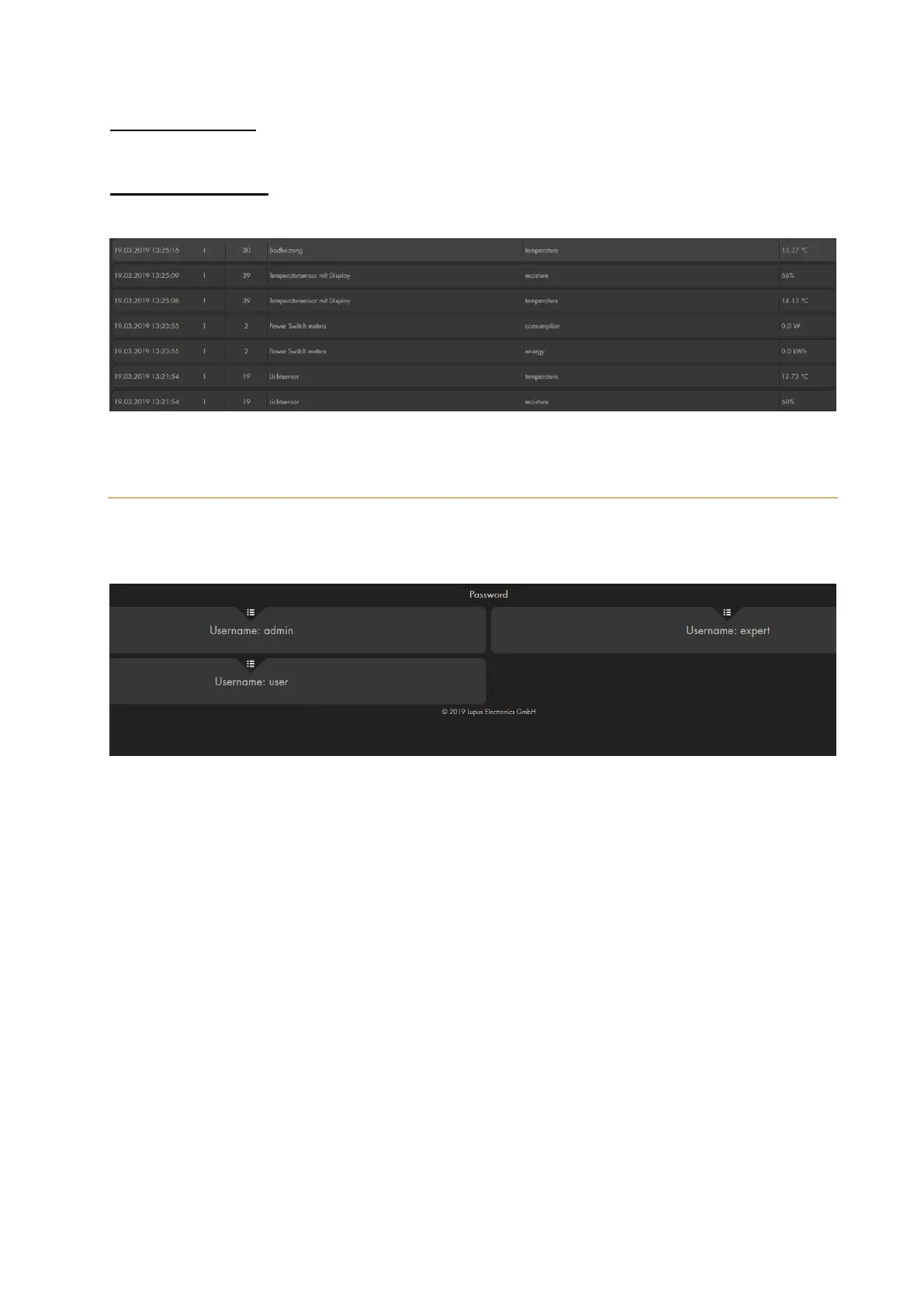
This menu displays all sensor messages concerning temperature, humidity, and power
consumption.
Password
In this menu, you can change the login information of the three accounts of the alarm
panel.
Each account has its own login information:
User name: admin, password: admin1234
The administrator can configure all settings of the alarm panel. Only the
administrator can change network settings and system settings (firmware, backup,
default settings). When you access the alarm panel for the first time you have to
change the password.
User name: expert, password: expert1234
“Expert” users have all the required rights to operate the alarm panel. You can
change the important system settings (add/edit sensors, arm/disarm). The expert
can change neither network nor system settings.
User name: user, Password: user1234
The “user” is only allowed to see the current status, but cannot change the settings
of the alarm panel (not even arm/disarm).



 To Next Page