42
Configure overview page
The new Grid overview page facilitates the individual representation of information of your
smart home alarm panel. There is a specific app for each function and each sensor that
can be adjusted dynamically in size and, thus, its extent of information.
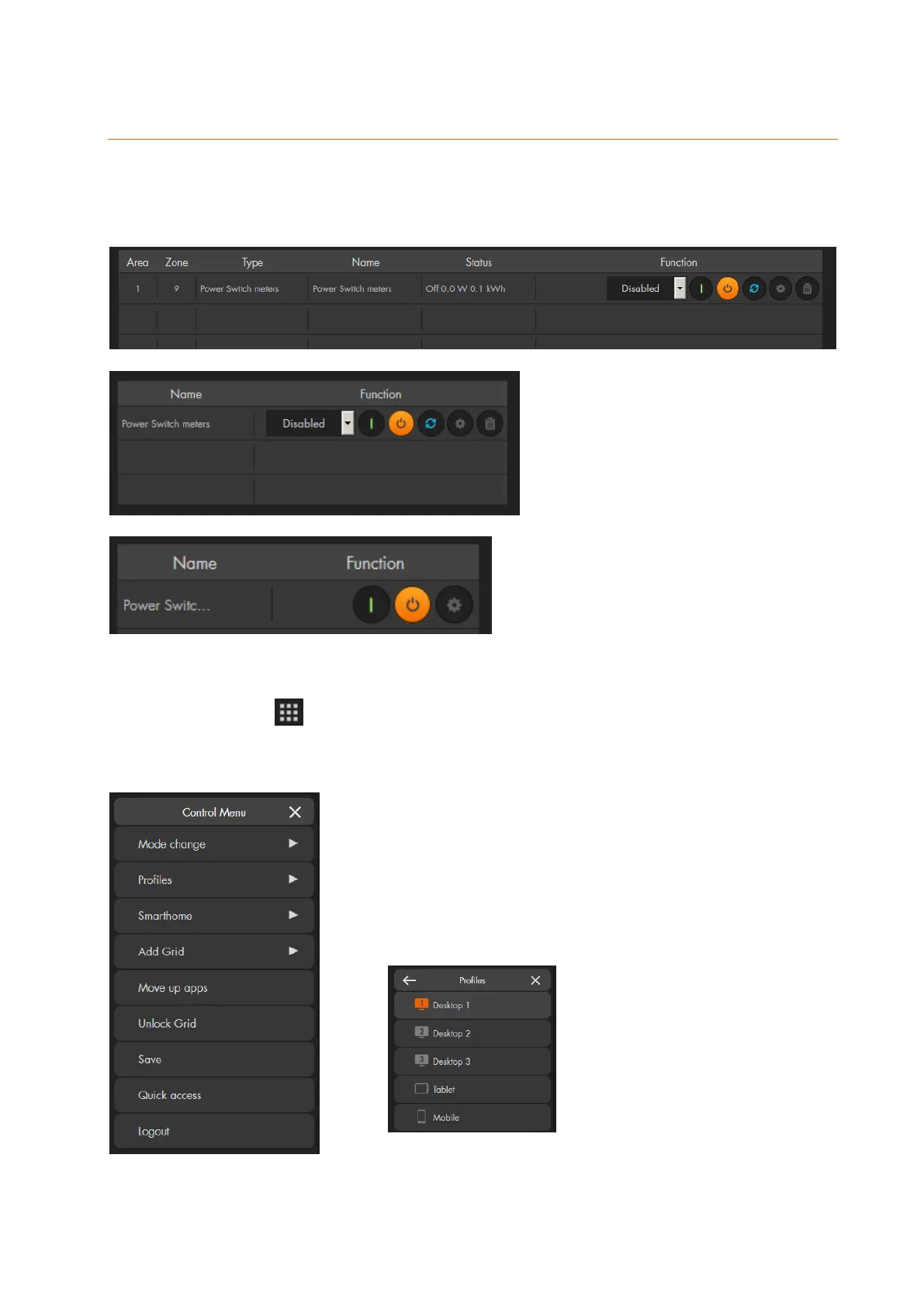
Large
Medium
Small
Click on the symbol on the top right to open the overview settings. The chapter „User
interface of the alarm panel“ above, described already the functions of the “mode
change”, “Smarthome”, “Quick access”, and “Log out” options.
Profiles:
Use “Profiles” to open and configure various different
GRID layouts. The currently active profile is highlighted in
orange. Altogether five grid pages are provided that
cannot be renamed:



 To Next Page