87
Scenarios
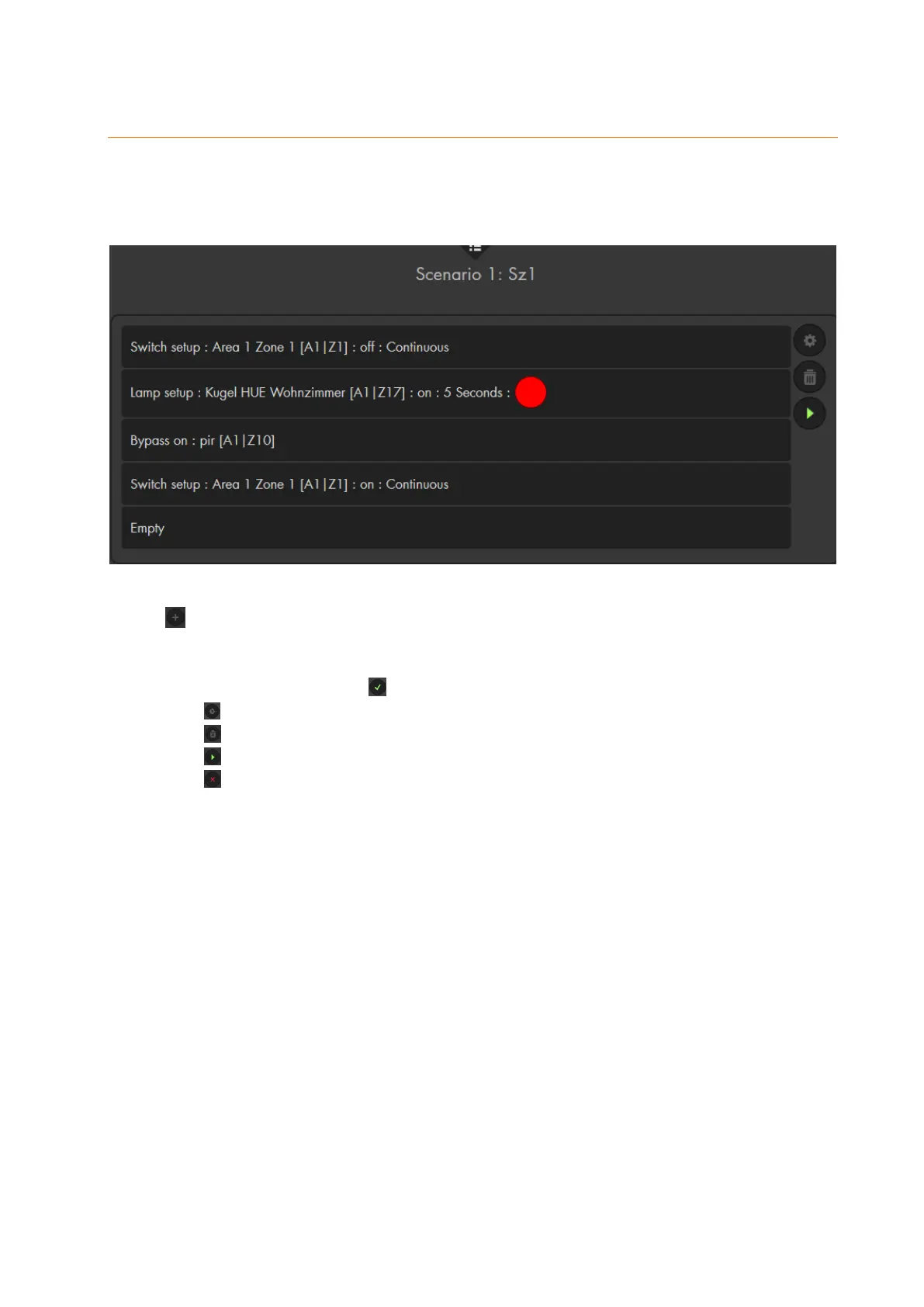
Up to 16 scenarios with up to five automation rules each can be set up. A scenario is a
combination of the individual commands. When you perform a scenario, all rules of this
scenario are performed at once.
allows you to create a new scenario.
You can assign a name for each scenario for reasons of clarity.
Use the drop-down menu to select up to five actions for your scenario.
Save your scenario with .
Use to edit your scenario.
Use to delete your scenario.
Use to manually trigger your scenario.
Use to discard your last (not saved) changes.
Please note:
A scenario can be triggered by nearly all sensors and, of course, the scenario
switch (see chapter “edit sensors”).
In the menu “Smarthome” “Automation” “Rules”, your can select a
scenario as an action.
In the home screen (GRID) of the alarm panel, you can place a scenario app
to trigger your scenario.



 To Next Page