114
SIM card
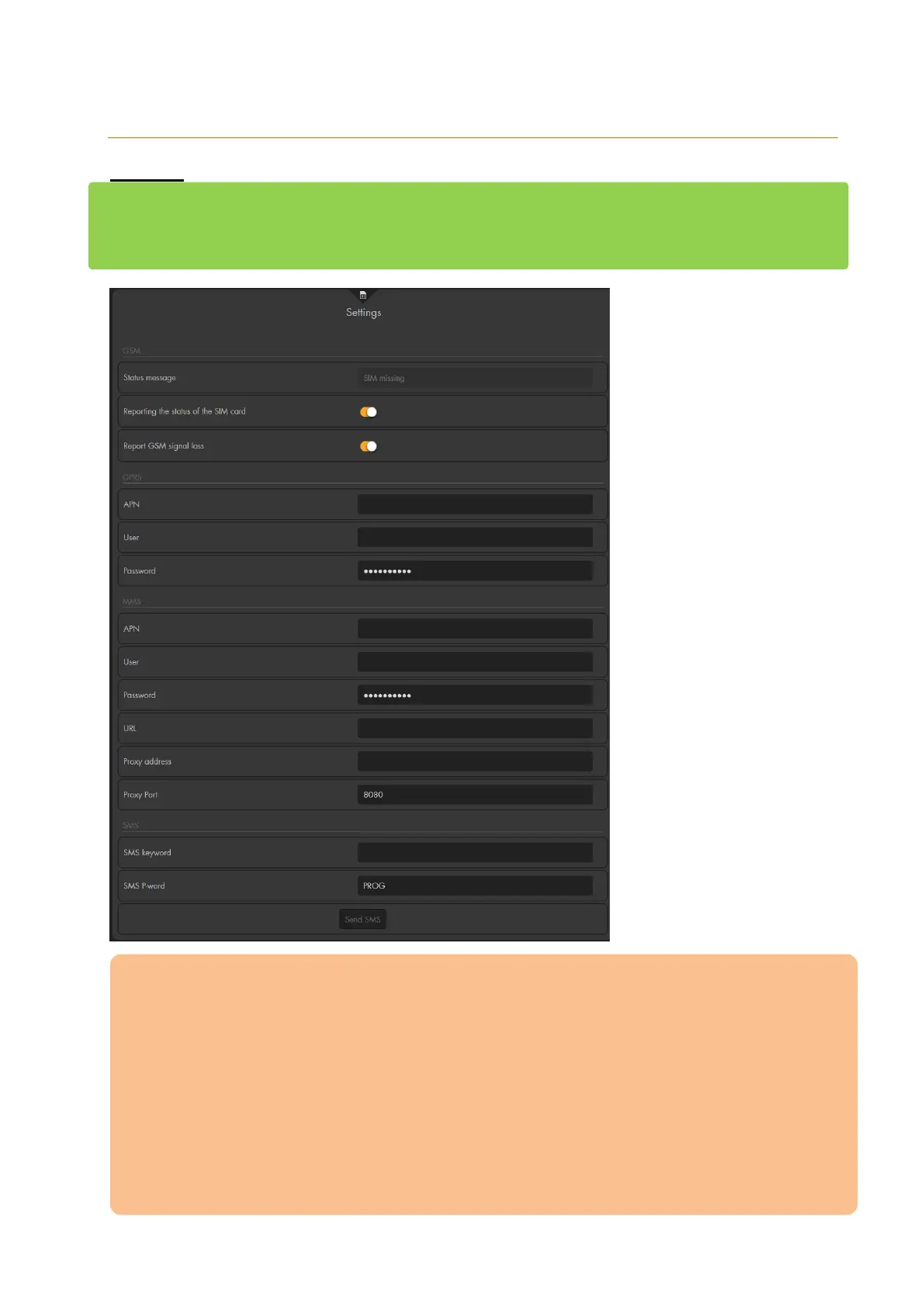
Settings (“SMS via GSM”)
The alarm panel can notify you in case of an alarm or about status changes (see chapter
“Report”) via a SMS or a phone call. This menu is about the configuration of the GSM
module to use “SMS via GSM” or “phone call”. The XT1 Plus does not feature a GSM
module, hence, this menu does not exist for the XT1 Plus.
Please note:
Before you insert a mini SIM card into the SIM card slot at the back of the alarm
panel, you need to disable the PIN code query with a mobile phone.
Put a SIM card with the golden chip facing downward and the cut-off corner first
into the SIM slot of the alarm panel.
Only insert the SIM card when the alarm panel is completely switched off (mains
adapter removed + battery switched off). Inserting the SIM card while the alarm
panel is active will not result in any damages. However, it can result in issues
concerning the sending and receiving (SMS Keyword) of SMS.
Then, configure the receiver and events (when to send text alerts) via “Alarm
system” “Report”.



 To Next Page