315
Connecting the vibration sensor and putting it into operation
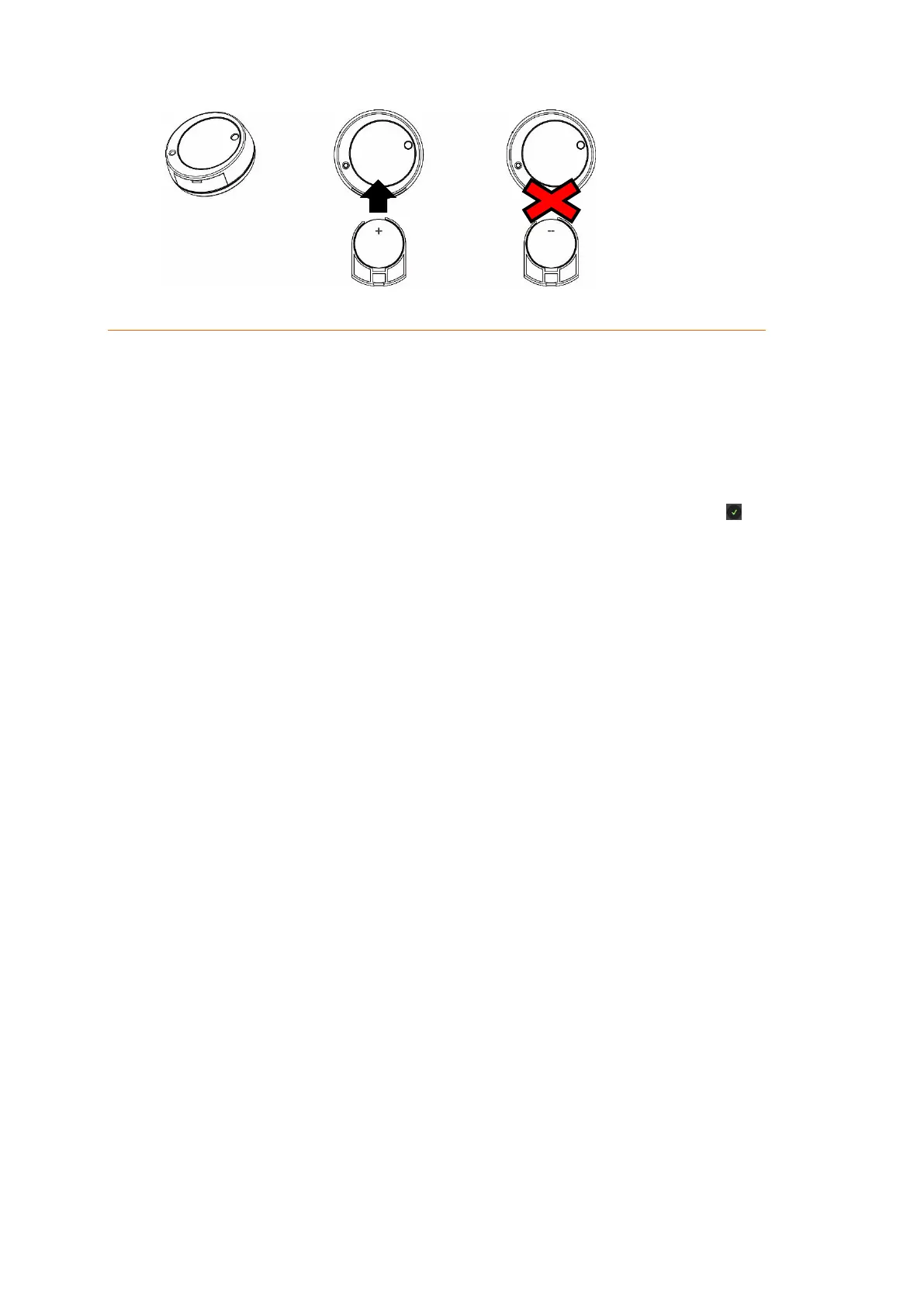
1. Remove the battery breaker.
2. Open the main menu of the alarm panel.
3. Open the menu “Sensors” “Add”.
4. Press “Start”.
5. Press the learn button (1) of the vibration sensor for a couple of seconds. The red
LED (2) will flash.
6. The alarm panel will confirm the successful addition with a brief signal tone and
display the Shock sensor in the menu “Sensors” “Add”. Click on next to the
sensor to finish the connection process.
Range test:
1. Open the alarm panel menu “Sensors” “Range” and press “Start”.
2. Press the learn button.
3. The sensor and the signal strength should be indicated. The higher the indicated
number the better the reception (1-9).
Please note:
If the signal strength at the place of installation is below 4, we advice to use a
repeater, since it is normal that the signal strength may fluctuate for 2-3 points,
thus, a signal loss is possible.
Installation:
Before you install the sensor, check if the surface you want to install it on is clean
and even.
If you want to secure a door or a window by means of the Shock sensor, you
should use the provided adhesive tape to install the sensor on the window or
door (the moveable part).
Make sure that you can still access the battery compartment after you have
installed the sensor.



 To Next Page