125
Firmware
In this menu, you can update the firmware and sensor firmware of the alarm panel, as
well as, save a backup file / load a backup file to the alarm panel, and export a system
log file.
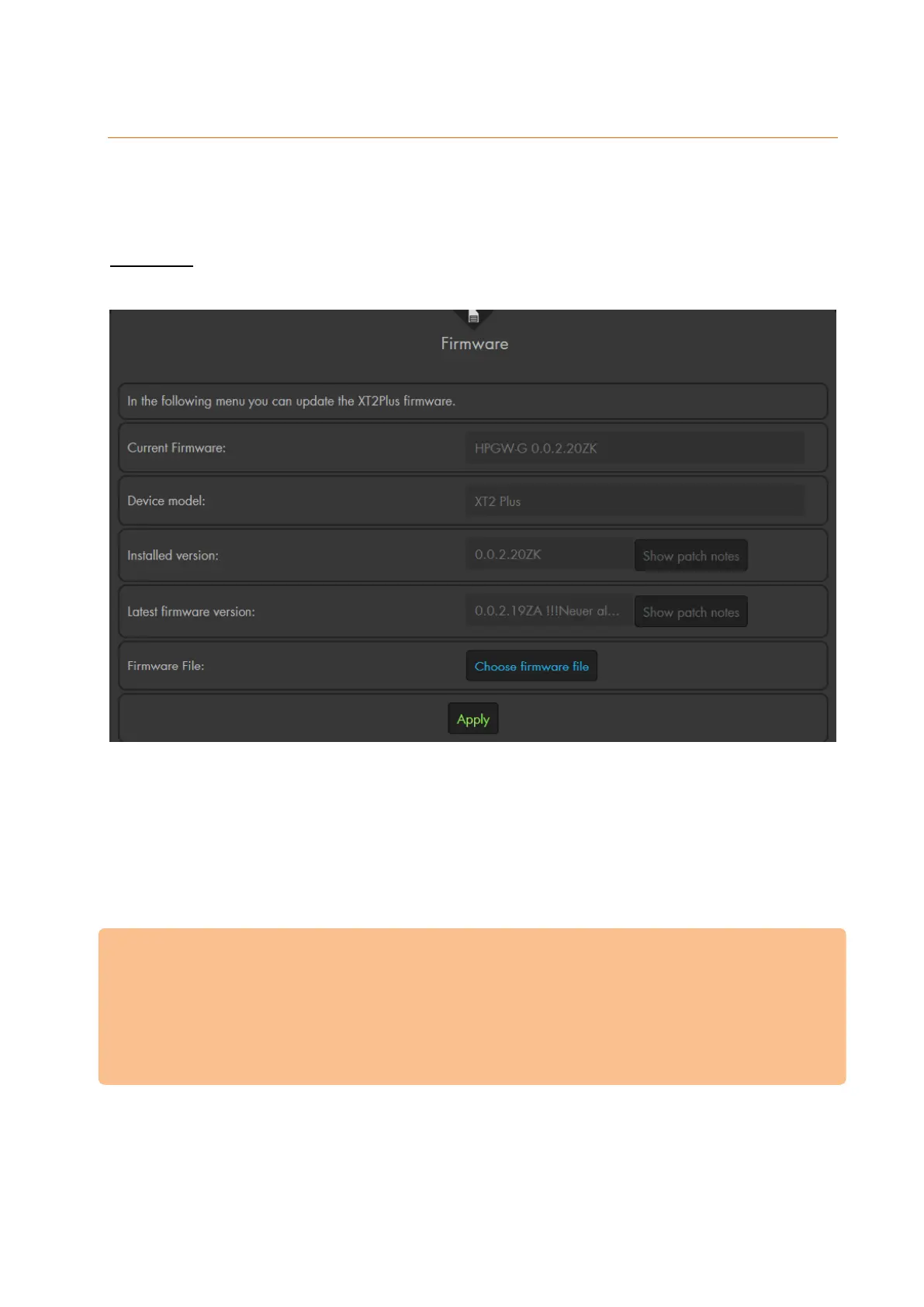
Firmware
You can see immediately, which firmware is installed (installed version) and if a newer
version is available (latest firmware version).
If a newer firmware version than the one currently installed is available, you can directly
click in the web interface on „update now“ to install the latest firmware automatically.
Alternatively, you can download the latest firmware as a .zip file from the download
section on our website.
After downloading and extracting the firmware file (e.g. with WinZip, WinRAR, or 7-Zip),
press “choose firmware file” in the alarm panel’s web interface and select the firmware
file for your alarm panel.
Important:
During the update, the network connection and power supply may not be
interrupted.
Observe the text “Caution! Read installation notes first!“ supplied with the
firmware .zip file.
Firmware updates are always at your own risk.



 To Next Page