126
Configuration
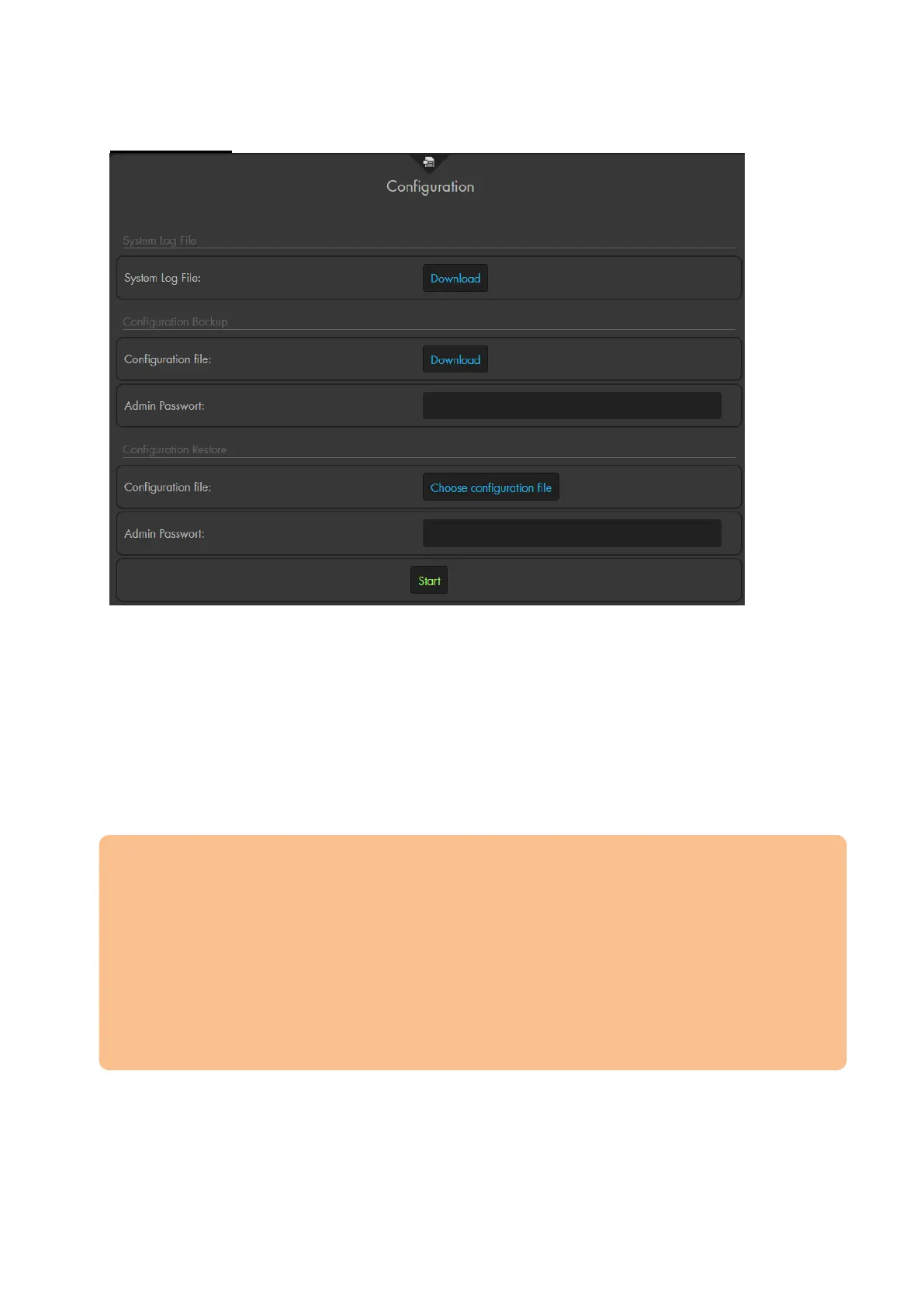
System log file
Click on download to save a .tar file that includes all logs of the alarm panel.
Configuration backup
If you enter the admin password and click on download, you can save a .bin file
that includes all settings of the alarm panel (sensors + configurations)
Configuration restore
To restore a configuration file, select the file via “choose configuration file”, enter
the admin password, and, then, press “Start”. The settings are applied after a
restart.
Please note:
We recommend saving a configuration file of the alarm panel after having
integrated all sensors.
For technical reasons, it is impossible to save the configuration of ZigBee devices.
They need to be reintegrated after a reset. For a detailed list of types of sensors
(RF or ZigBee), please refer to the chapter “Overview of sensor compatibility”.
Sirens are included in the backup file. Nevertheless, we highly advise you to add
them manually.
The backup file includes the username and password. Hence, a backup file cannot
be used if you have forgotten username and/or password.



 To Next Page