141
Usage of the alarm panel app
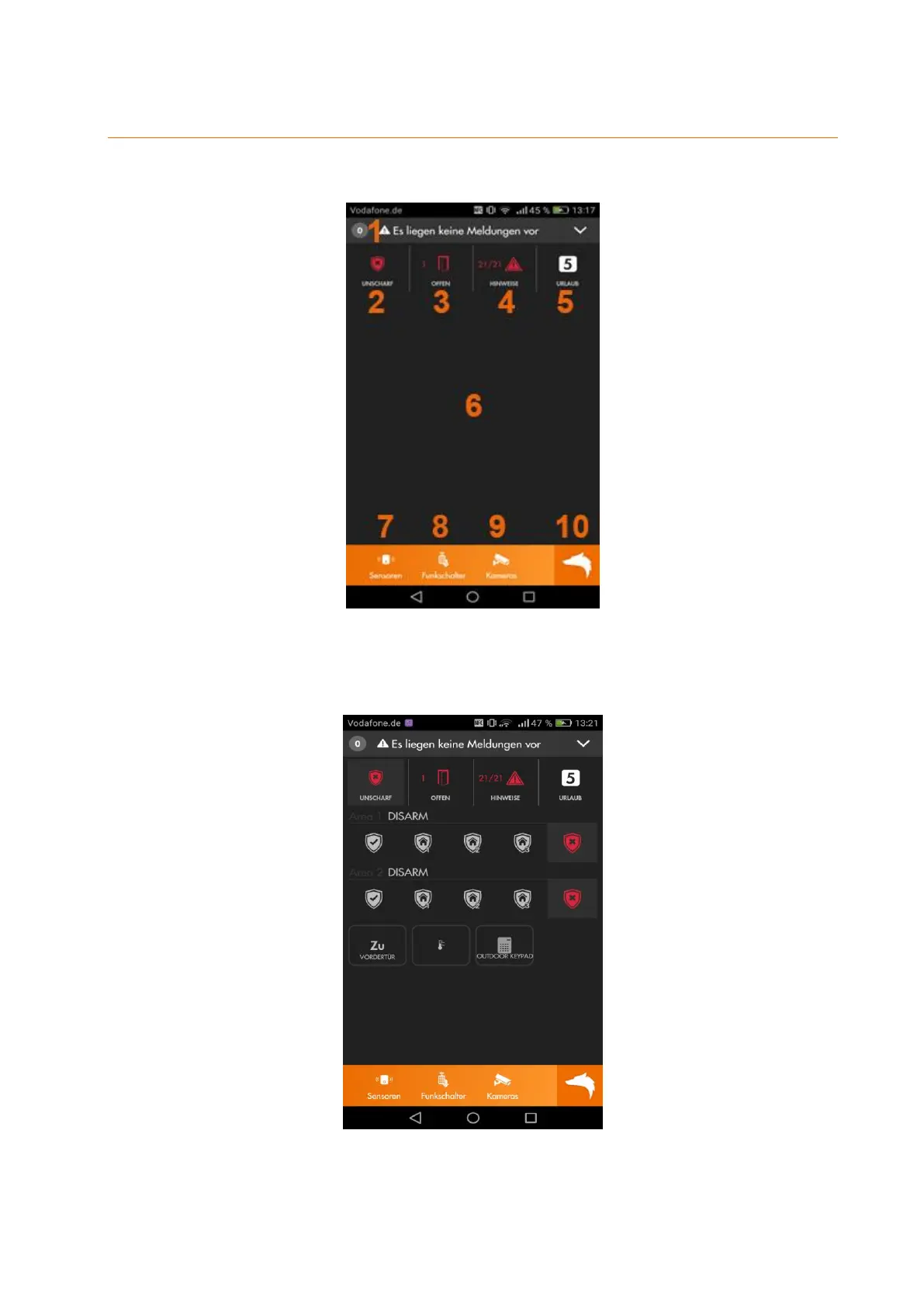
The default interface features the following 10 items.
1. Shows you yet unread system messages of the alarm panel. If you have already
read the messages, you find them in the menu “Main menu” “Logs”
2. Allows you to change the mode of the alarm panel (arm, disarm, home).
3. Shows you if door contacts are currently open.
4. Shows if there are currently any errors (low battery, no connection, open
tampering contact, etc.). The checkmark symbol allows you to confirm an error.
5. Shows you the current home automation profile and allows you to switch



 To Next Page