142
between different home automation profiles (if you have already created one or
more profiles via “Smarthome” “Automation”).
6. The dashboard. You can add sensors, switches, cameras, etc. to the dashboard.
After they have been added, you can change their size and move them around
on the dashboard.
7. Opens the sensor list.
8. Opens the wireless switch list.
9. Shows you the live stream of your connected cameras.
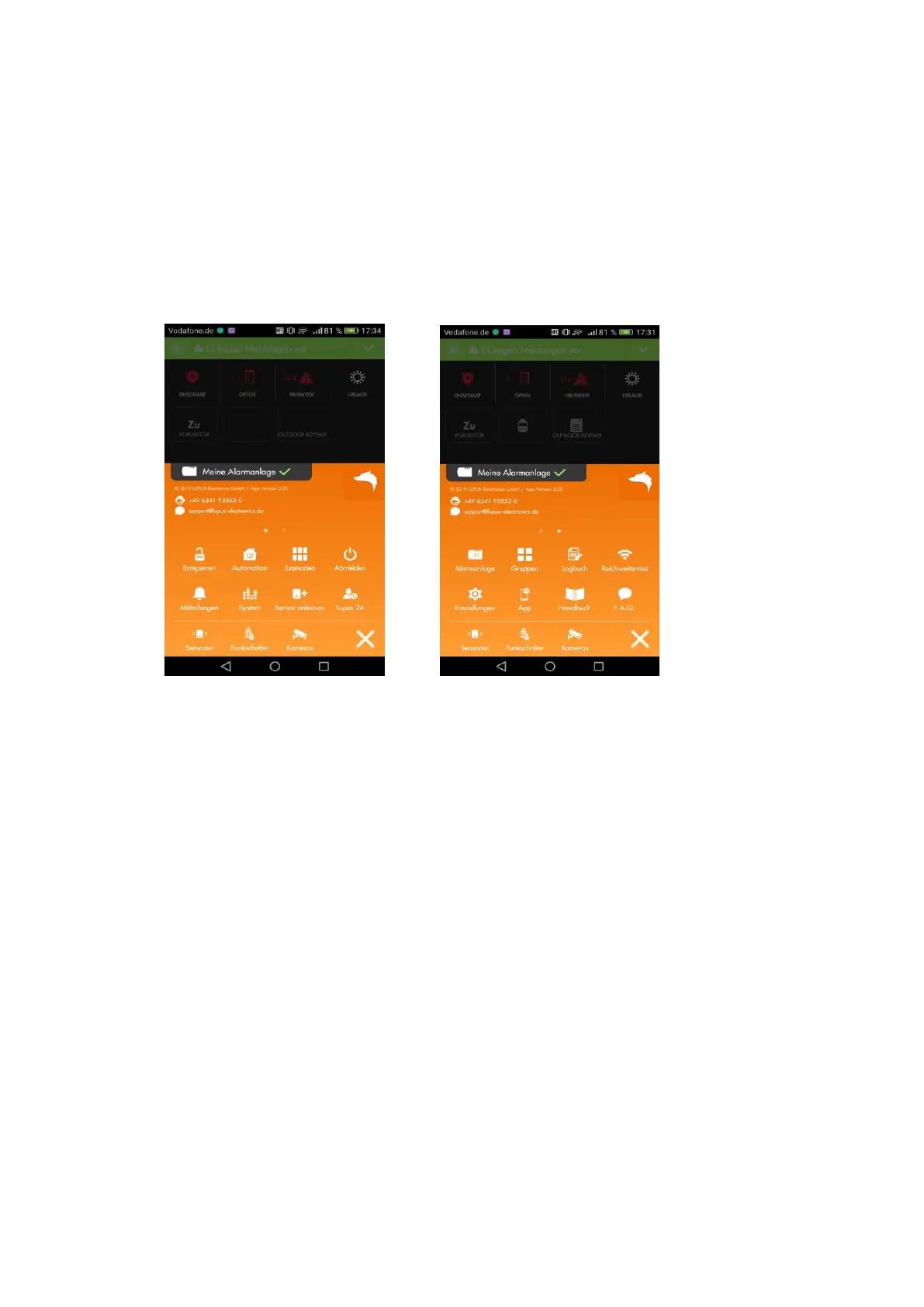
10. Opens the main menu of the app.
By swiping left/right, you can change the pages in the main menu.



 To Next Page